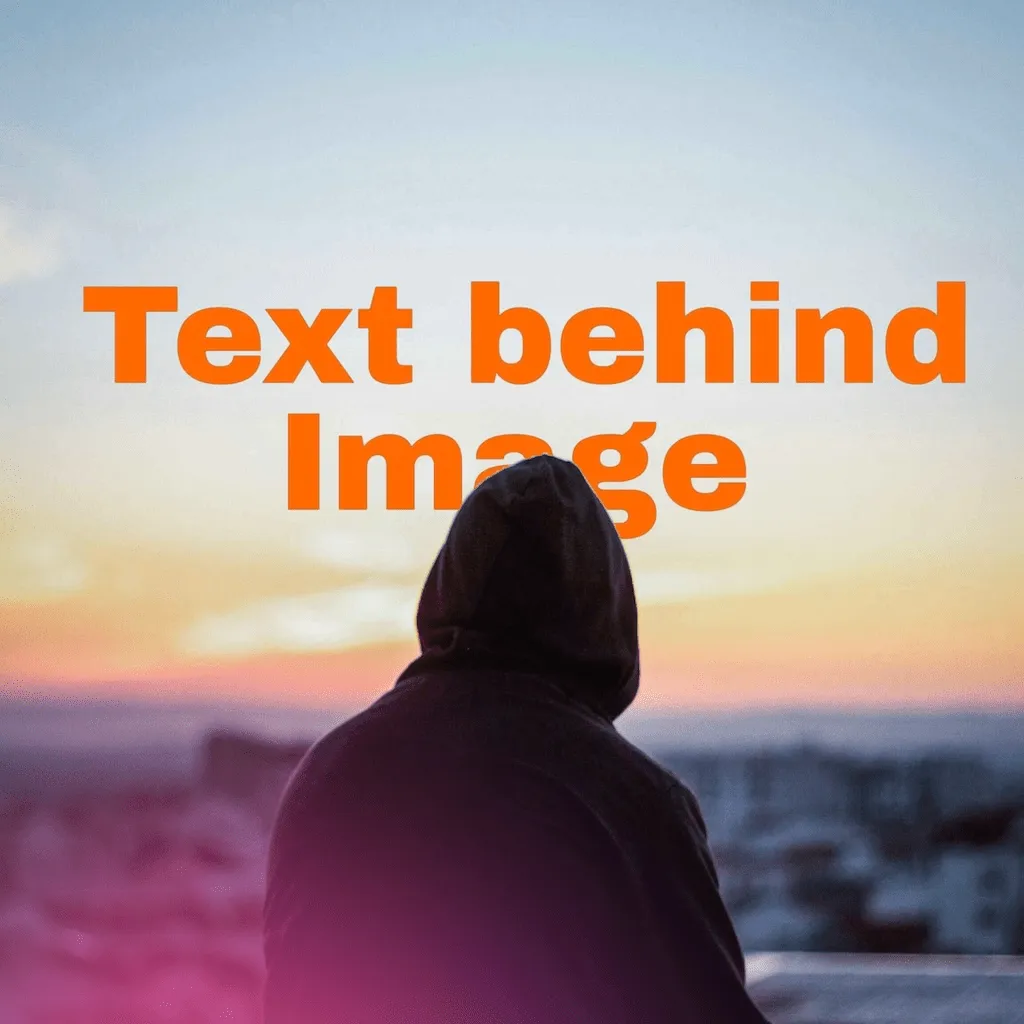
That magazine-cover look — a title tucked behind the person — used to take masking skills in Photoshop. LayeredText's AI finds your photo's subject on-device and slips the text behind it: drag, style, save. No upload, no account, no masking.
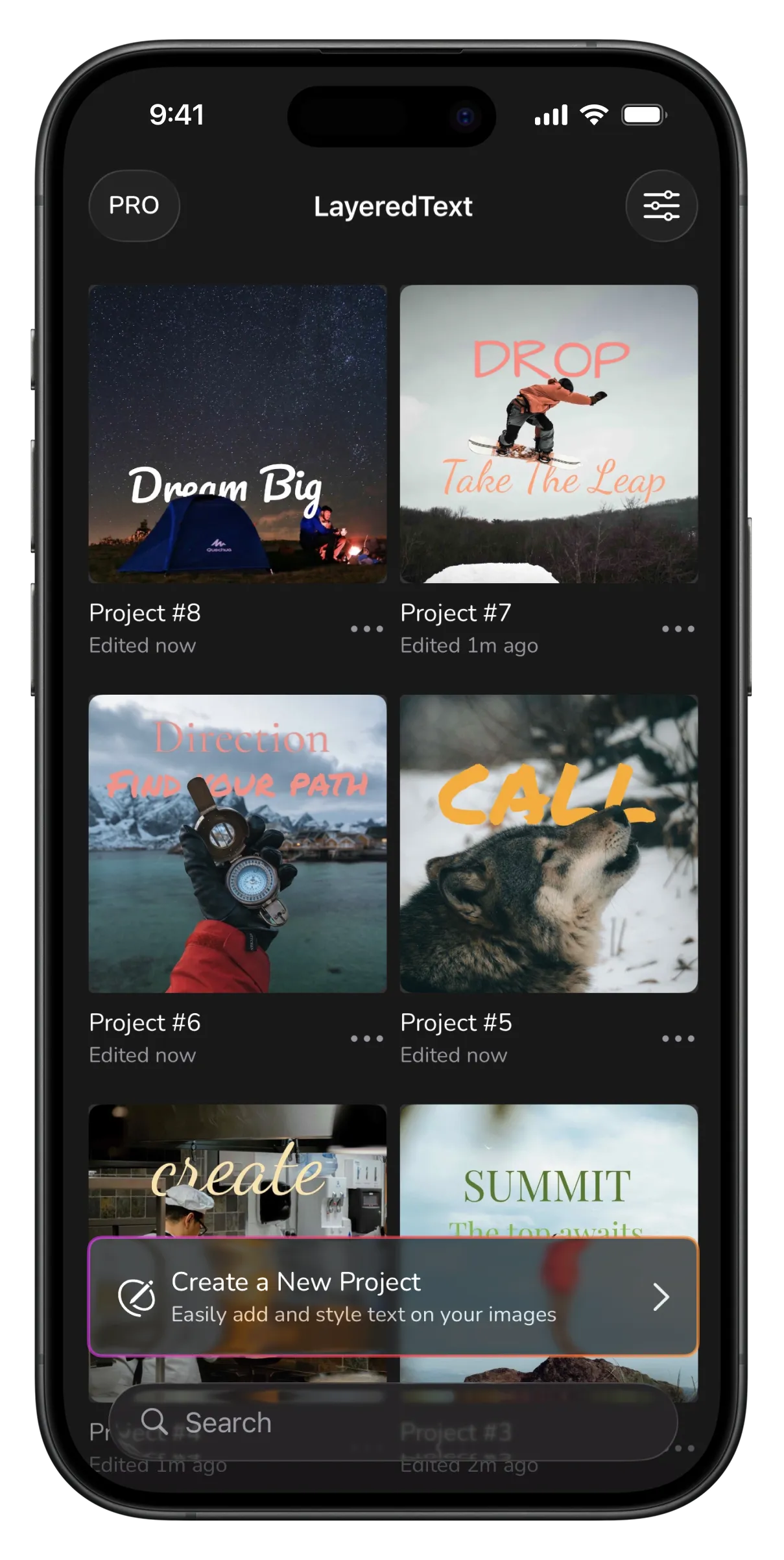
Subject in front, words behind: the depth trick that makes covers.
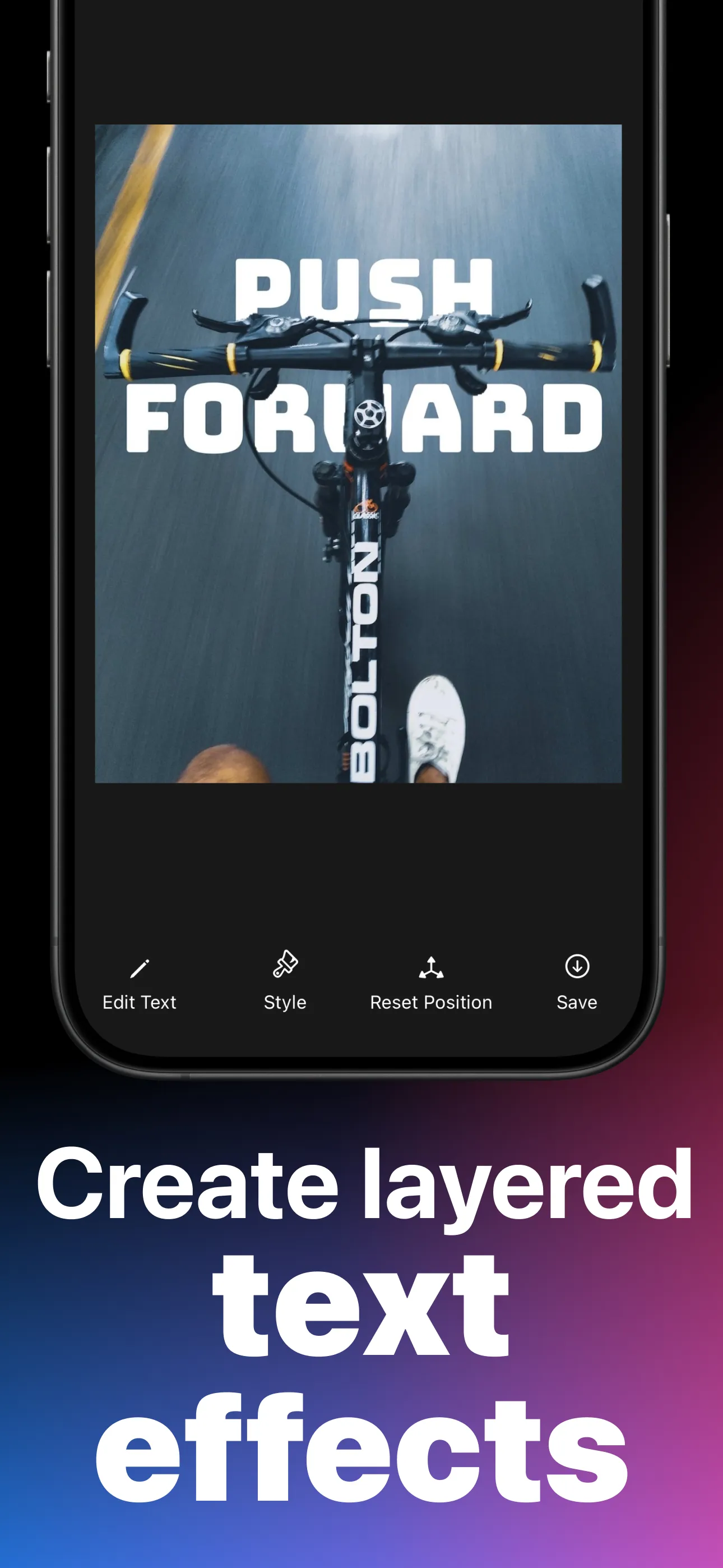
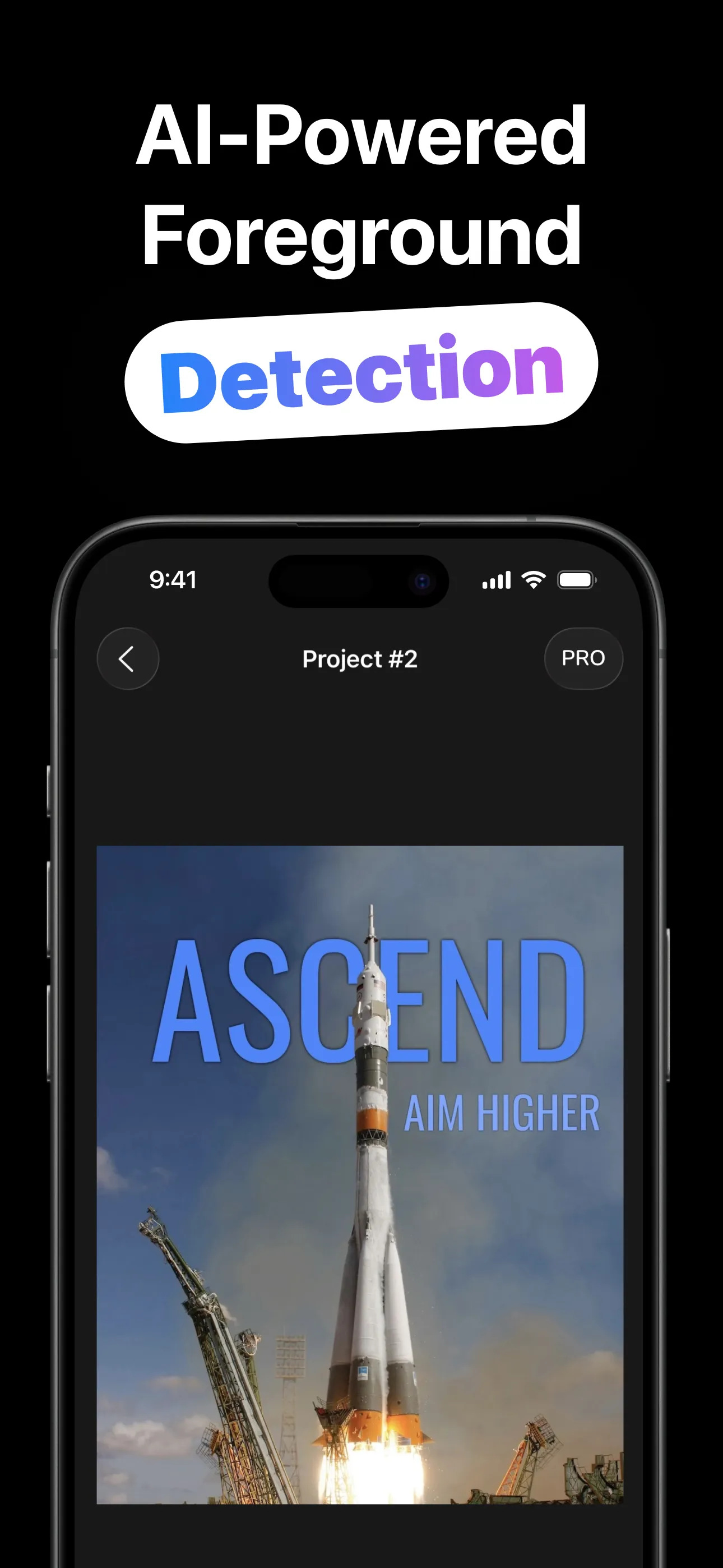
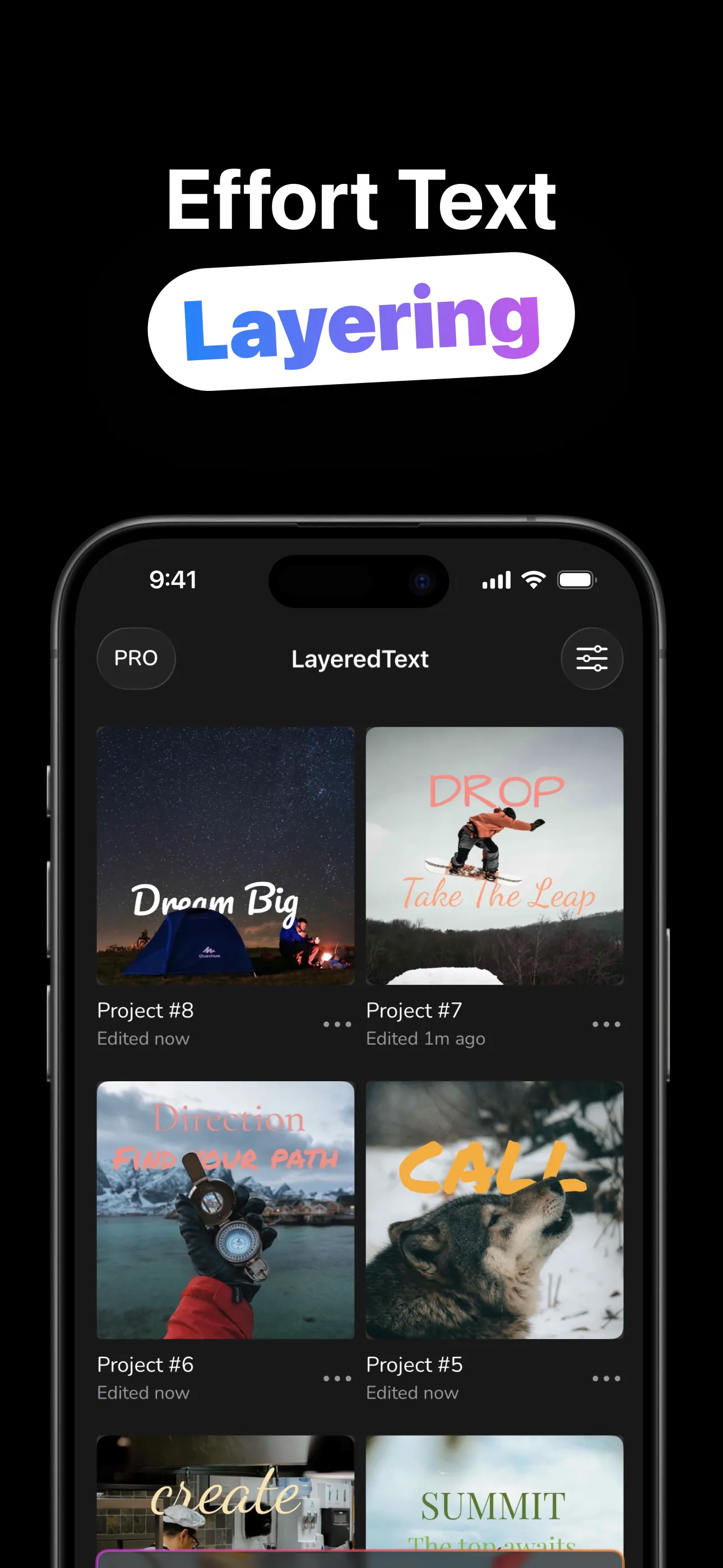
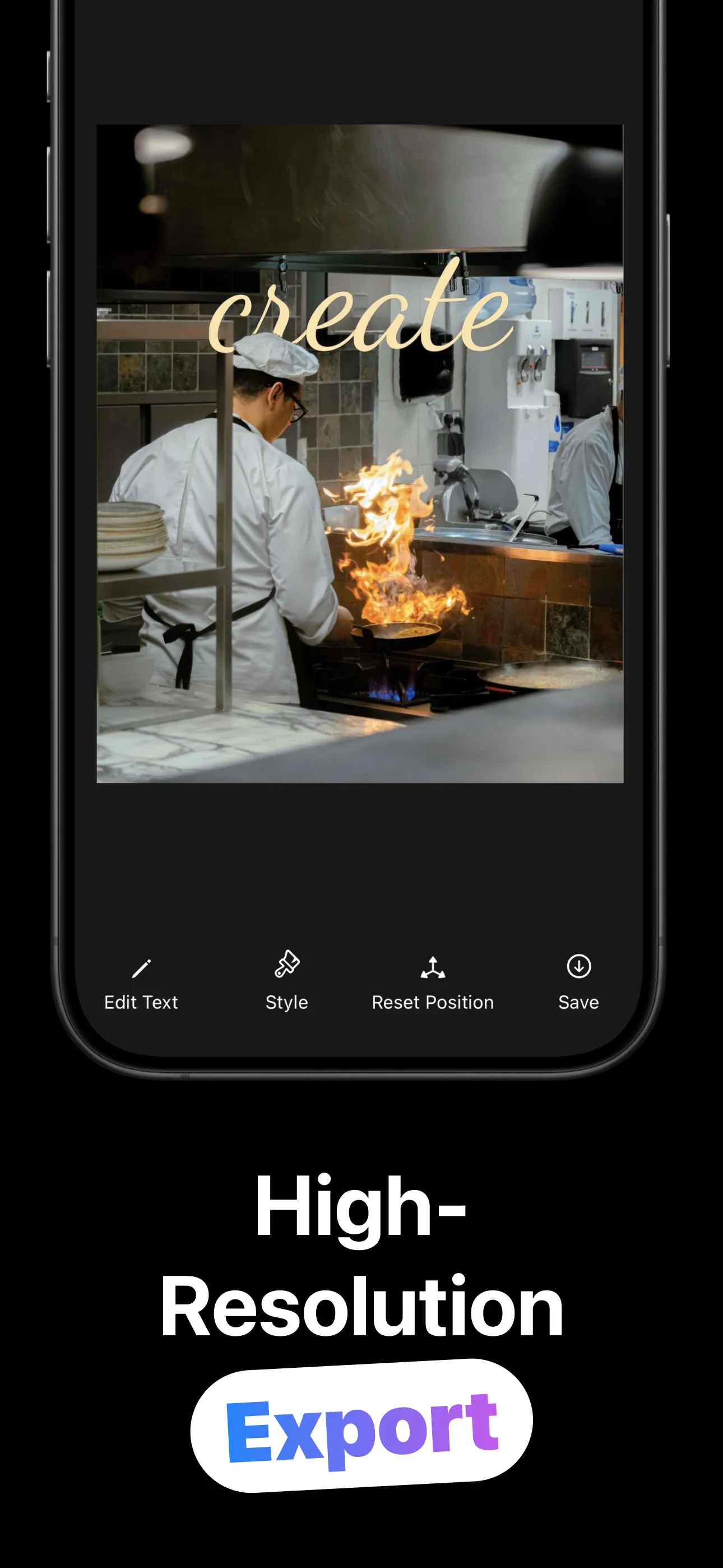
Four steps, no masking, no layers panel homework.
Camera, photo library, or Files. Anything with a clear subject works: a person, a pet, a rocket mid-launch.
On-device detection separates subject from background in a moment. Nothing is uploaded anywhere.
Add text layers, drag/pinch/rotate them into place, and style with 75 fonts or a one-tap preset, and the words slide behind the subject automatically.
Export to Photos when it's right. The project stays in your gallery with layers intact, editable any time.
Everything the effect needs — and nothing leaves your phone.
Apple's Vision framework finds the foreground right on your iPhone: private, fast, and working even with no connection.
Text sits between background and subject. The overlap is what sells the effect, and it happens automatically as you drag.
Anton to Pacifico, Orbitron to Playfair, plus weight, size, color, opacity, case, alignment and shadow per layer.
Neon, Vintage, Art Deco, Grunge, Handwritten, Midnight: a full look in one tap, then tweak from there.
Stack a headline, a subtitle, an accent word. Each layer is positioned, rotated and styled independently.
Designs save with their layers. Reopen from the gallery, reword the headline, restyle, and export again.
Recipes for wallpapers, covers and posters, and the taste to pull them off.
The whole effect in five minutes: photo choice, placement, and the overlap that sells it.
Read the guide → WallpapersWords behind the subject, tuned for the lock screen: the recipe and the sizing.
Read the guide → CreatorsWhy the depth trick stops thumbs, and how to build covers that stay readable tiny.
Read the guide → StyleDisplay vs script vs mono, which preset fits which photo, and pairing rules that work.
Read the guide → TechniqueHeadline + subtitle + accent: multi-layer compositions with opacity and rotation.
Read the guide → PrivacyThe AI runs on your iPhone — what on-device detection means and why it matters.
Read the guide →Quick answers about the text-behind-image effect.
Import the photo (the AI detects the subject automatically), then add text and drag it into place; it renders behind the person. Learn more →
No. Detection runs on-device with Apple's Vision framework. Nothing leaves your iPhone. Learn more →
75 fonts, weight, size, color, opacity, case, alignment and shadows per layer, or 39 one-tap presets. Learn more →
Yes. Projects save with layers intact and reopen from the gallery.
A distinct subject against a distinguishable background: people, pets, objects, buildings. Learn more →
Free to download and try. An optional LayeredText Pro upgrade is available in-app.
Import a shot, type a word, watch it slide behind the subject — free to try.
Download on the App Store