PixelPic's AI converts your photos into retro pixel art in seconds. Pick a pixel size from Fine to Chunky, choose from 12 palettes (8-Bit Classic to PICO-8), and regenerate until it's exactly your style.
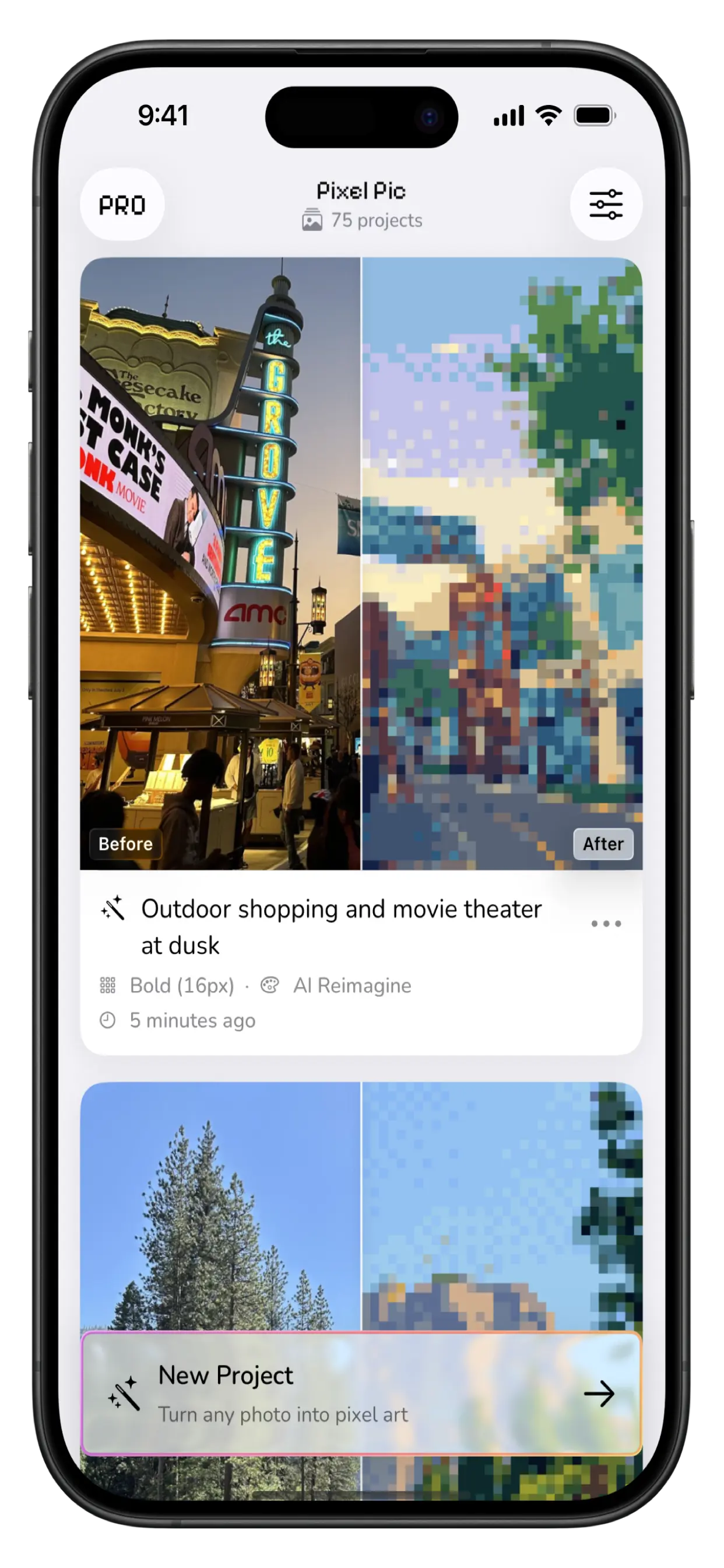
One tap in — retro art out. Every project keeps its versions.
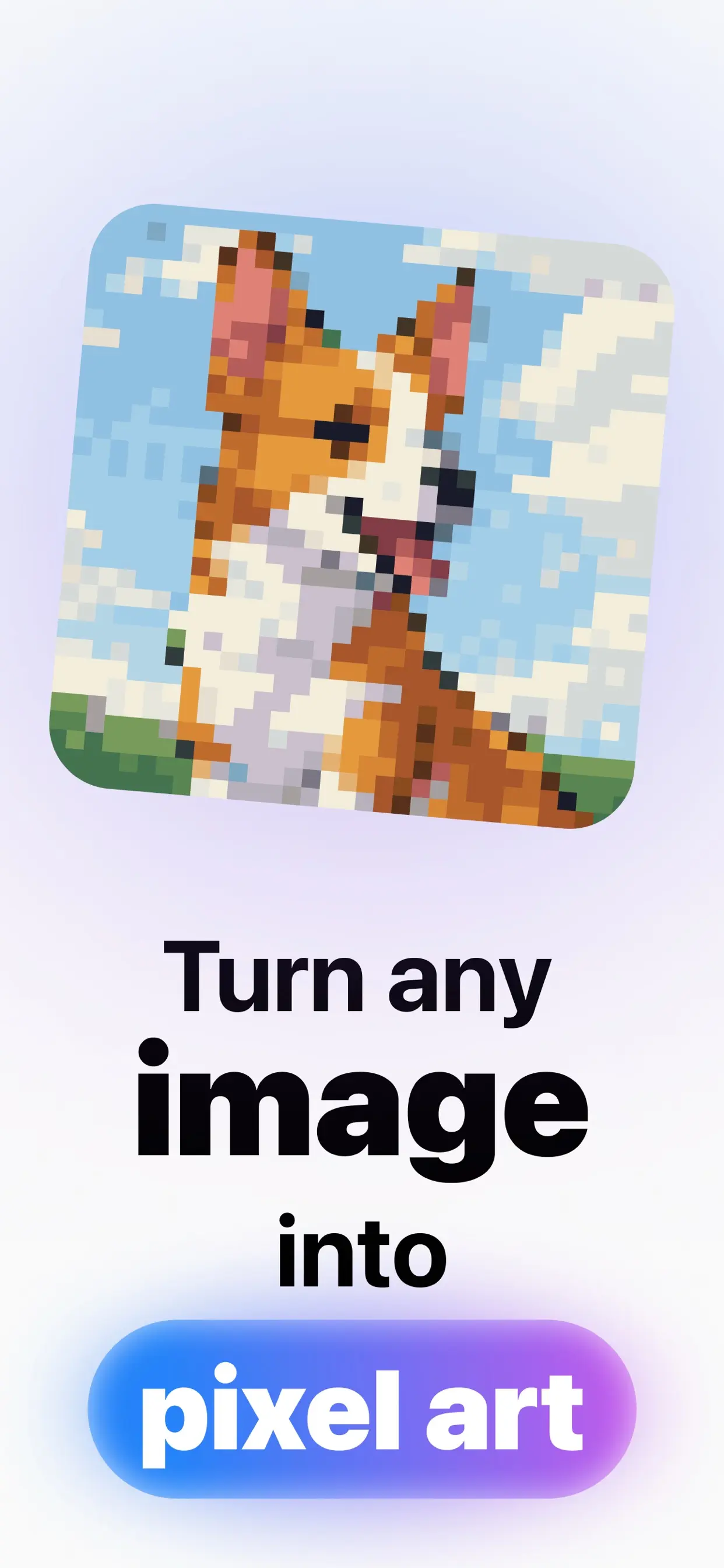
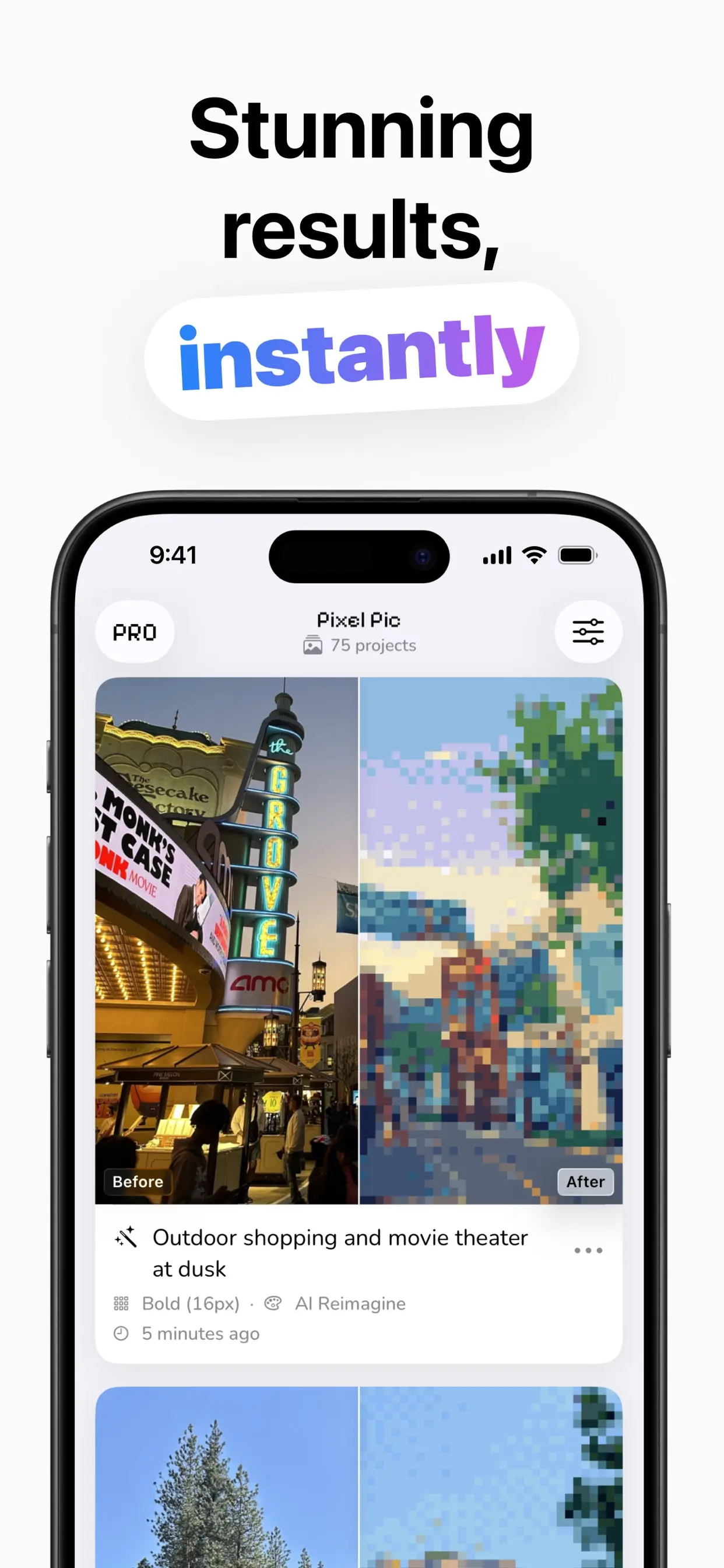
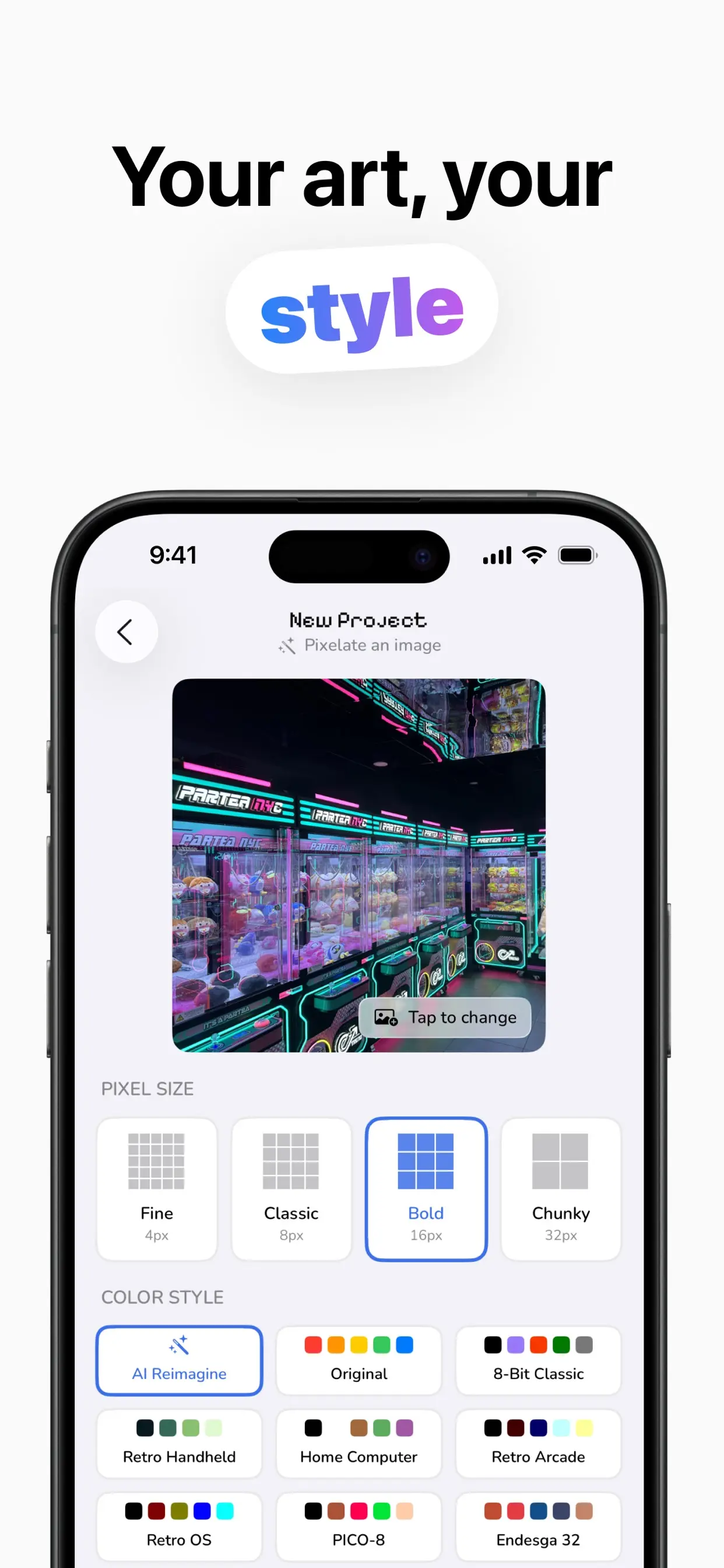
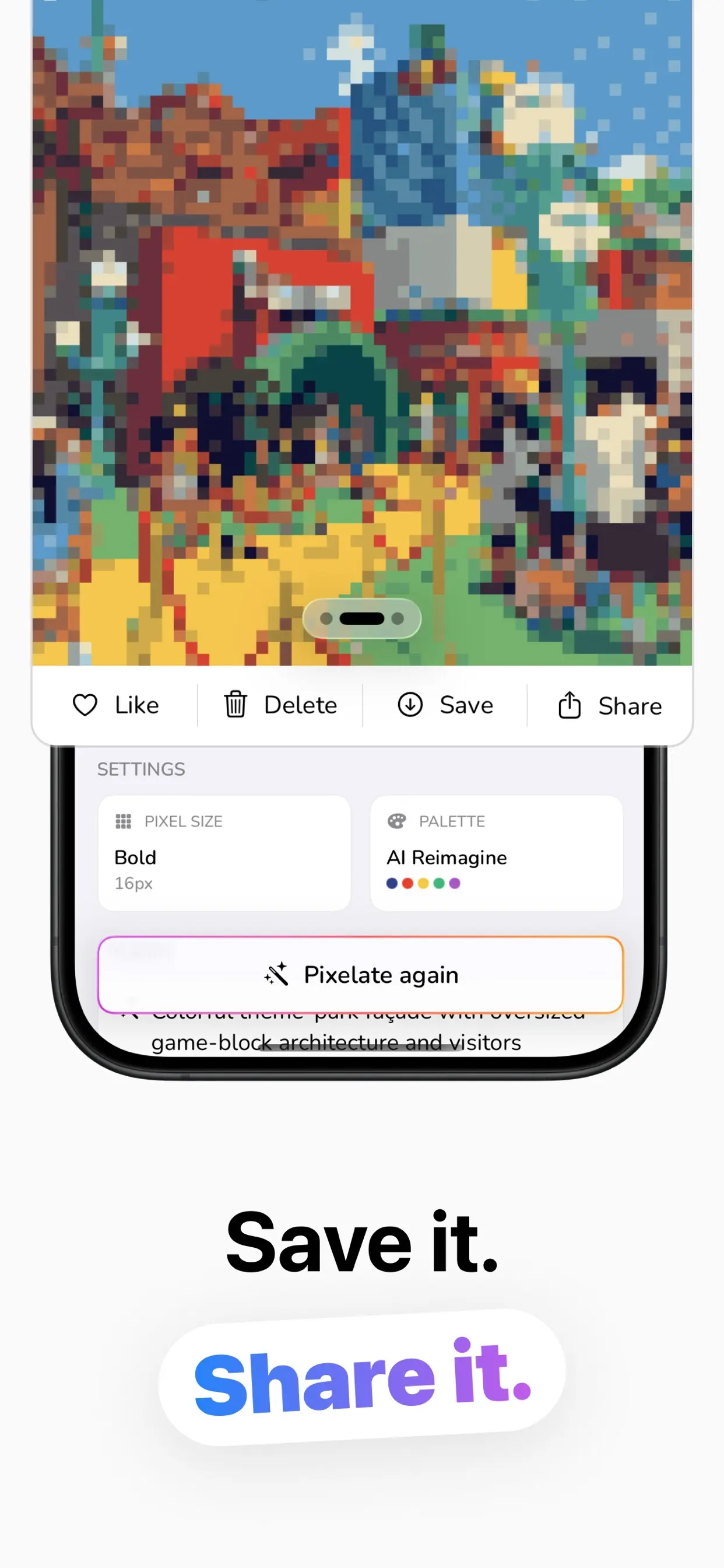
Four taps from camera roll to retro masterpiece.
Import from your library or take one with the camera: selfies, pets, places, anything.
Fine 4px to Chunky 32px, and one of 12 palettes, or let AI Reimagine pick the colors.
The AI transforms your photo in seconds. Not quite right? Pixelate Again for a new version.
Every version is kept in your project. Save favorites to Photos or share them anywhere.
Real palettes, real control, no art skills required.
Not a blur filter — the AI redraws your photo as genuine pixel art, and captions what it sees.
Fine (4px), Classic (8px), Bold (16px), Chunky (32px): from detailed to delightfully blocky.
8-Bit Classic, Retro Arcade, PICO-8, Endesga 32, SLSO8, AAP-64 and more. The real ones.
Each run creates a new take. Every version stays in the project, so compare and keep the best.
Your gallery keeps the original next to every pixel version, tagged with its size and palette.
Photos processed securely and deleted after use; projects live on your device. No account.
How-tos and palette lore for making pixel art people actually want to use.
The full workflow: choosing the right photo, size and palette, and iterating to a keeper.
Read the guide → AvatarsThe PFP recipe: which pixel size survives being tiny, and which palettes pop.
Read the guide → RetroWhat makes an image read as “8-bit,” and how to get the authentic retro-console feel.
Read the guide → PalettesThe famous pixel-art palettes, what each one is for, and how to use them on your photos.
Read the guide → Pixel SizeThe one choice that changes everything, matched to what you're making.
Read the guide → AIWhy AI redrawing beats a mosaic filter, and how to get the most out of it.
Read the guide →Quick answers about making pixel art with PixelPic.
Import or shoot a photo, pick a pixel size (Fine 4px to Chunky 32px) and a color style, and tap Pixelate. Regenerate for more versions, then save or share. Learn more →
Yes. Use Bold (16px) or Chunky (32px) so it stays readable at avatar size, and a bold palette like 8-Bit Classic or PICO-8. Learn more →
Twelve: AI Reimagine, Original, 8-Bit Classic, Retro Handheld, Home Computer, Retro Arcade, Retro OS, PICO-8, Endesga 32, Fantasy 24, SLSO8 and AAP-64. Learn more →
Fine keeps detail; Chunky maximizes blocky style. In between, Classic (8px) is the balanced retro look and Bold (16px) reads best small. Learn more →
Photos are processed securely and deleted after use; your projects are stored locally on your device, and there's no account or sign-up.
Free to download and try. PixelPic Pro (weekly, monthly or lifetime) unlocks unlimited generations, faster processing and higher quality output.
Download PixelPic and turn your first photo into pixel art in seconds — free.
Download on the App Store