Describe it (a fortune-telling shiba inu, a samurai in cherry blossoms, anything), pick one of 8 art styles, and Algo paints it. Up to 1,000 characters of imagination per prompt, no art skills or account required.
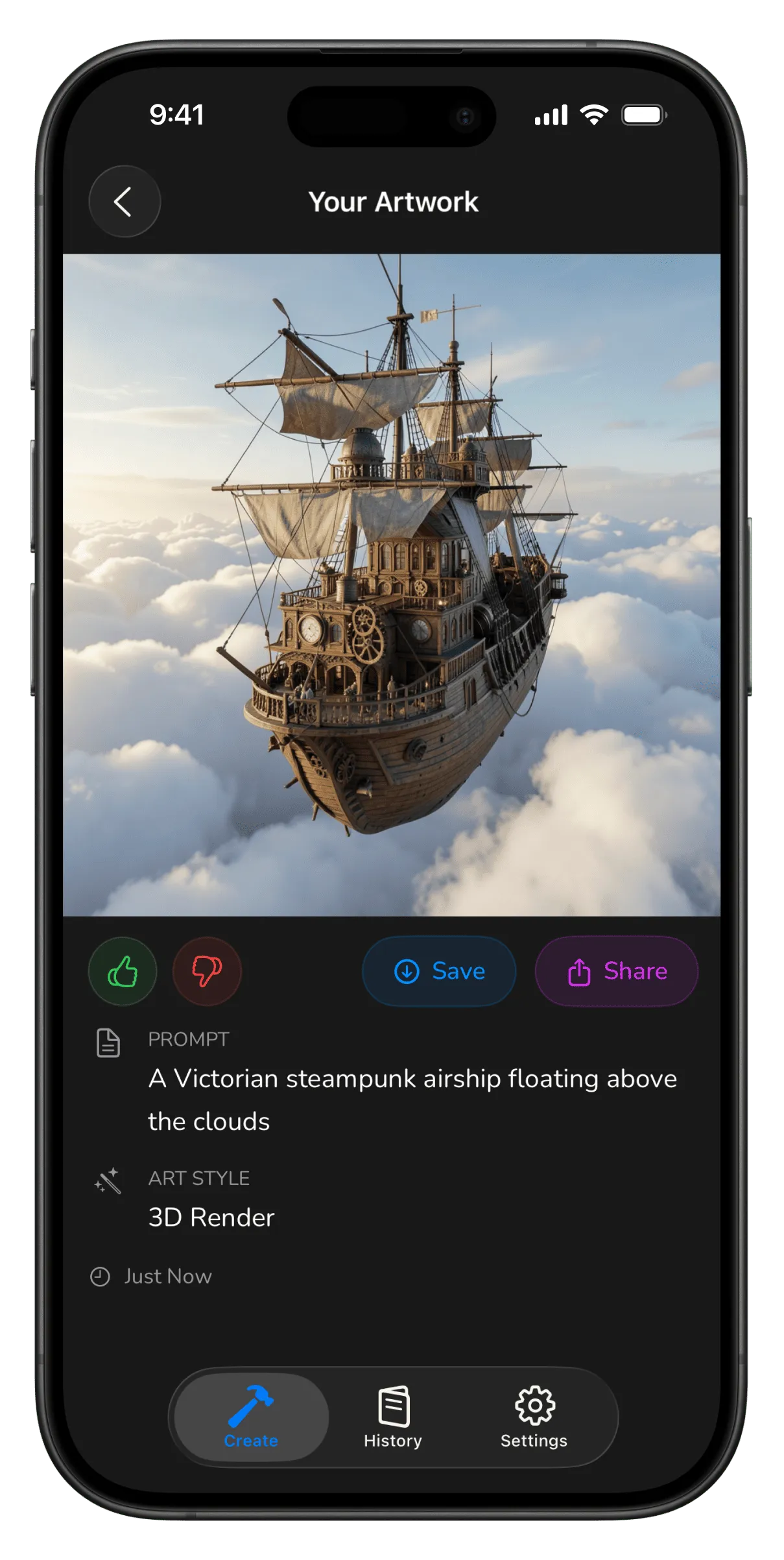
The whole loop: describe, style, generate, save.
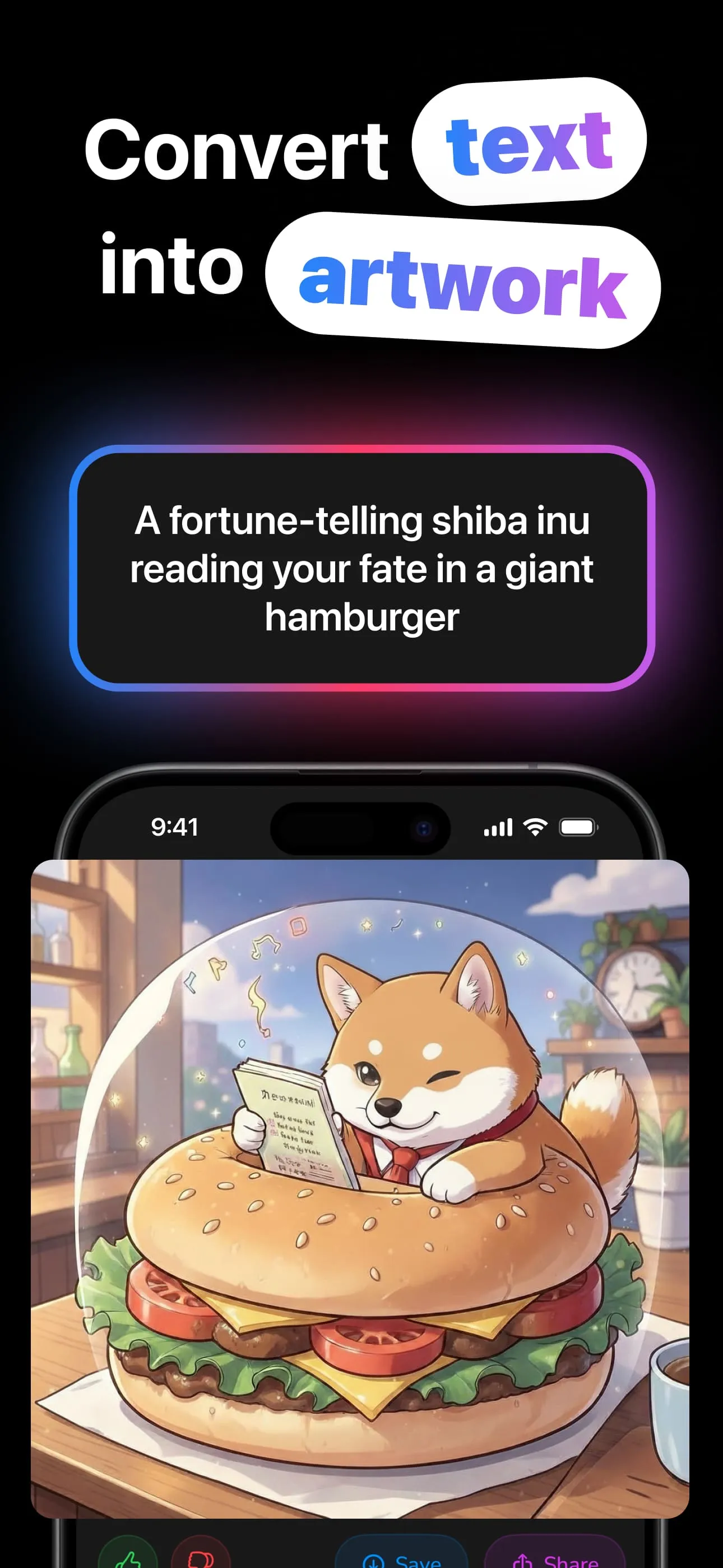
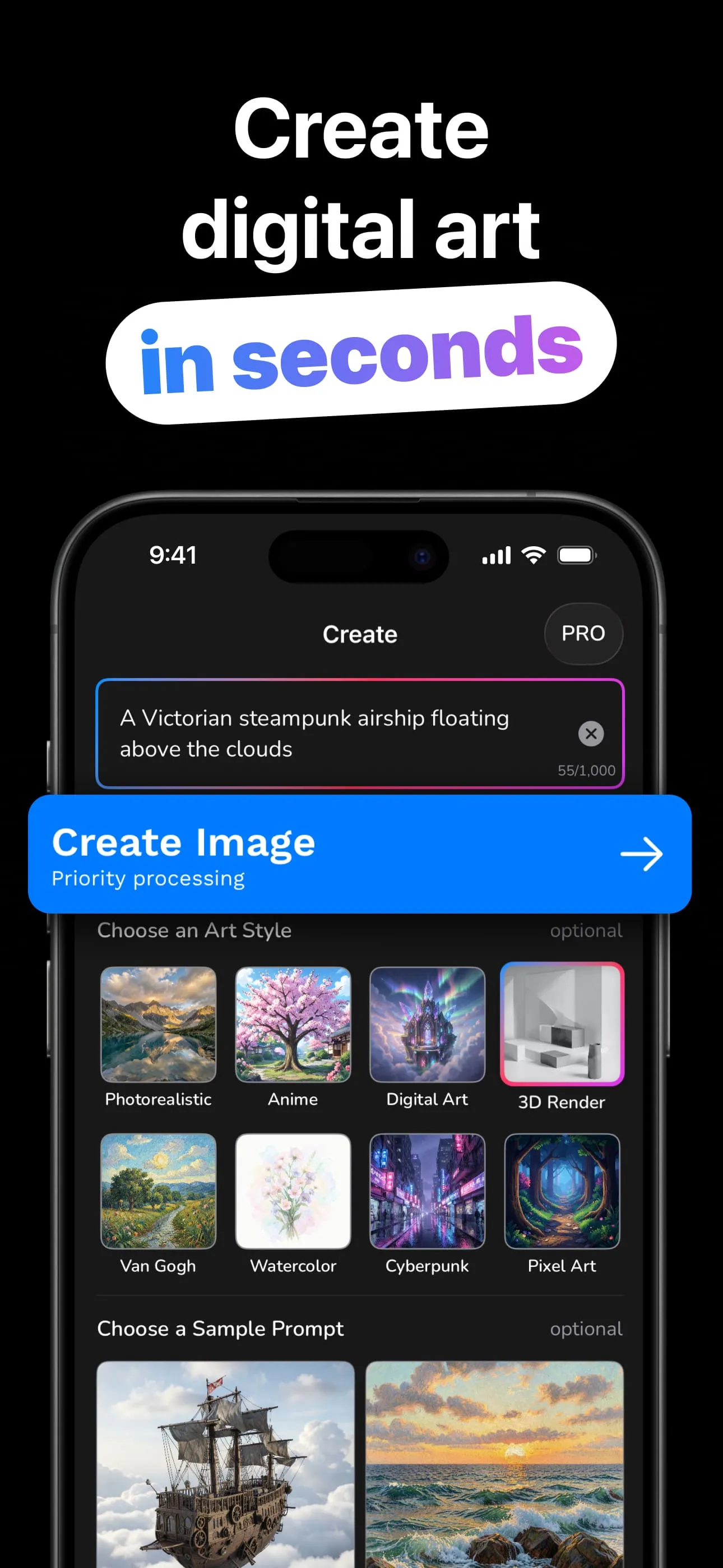
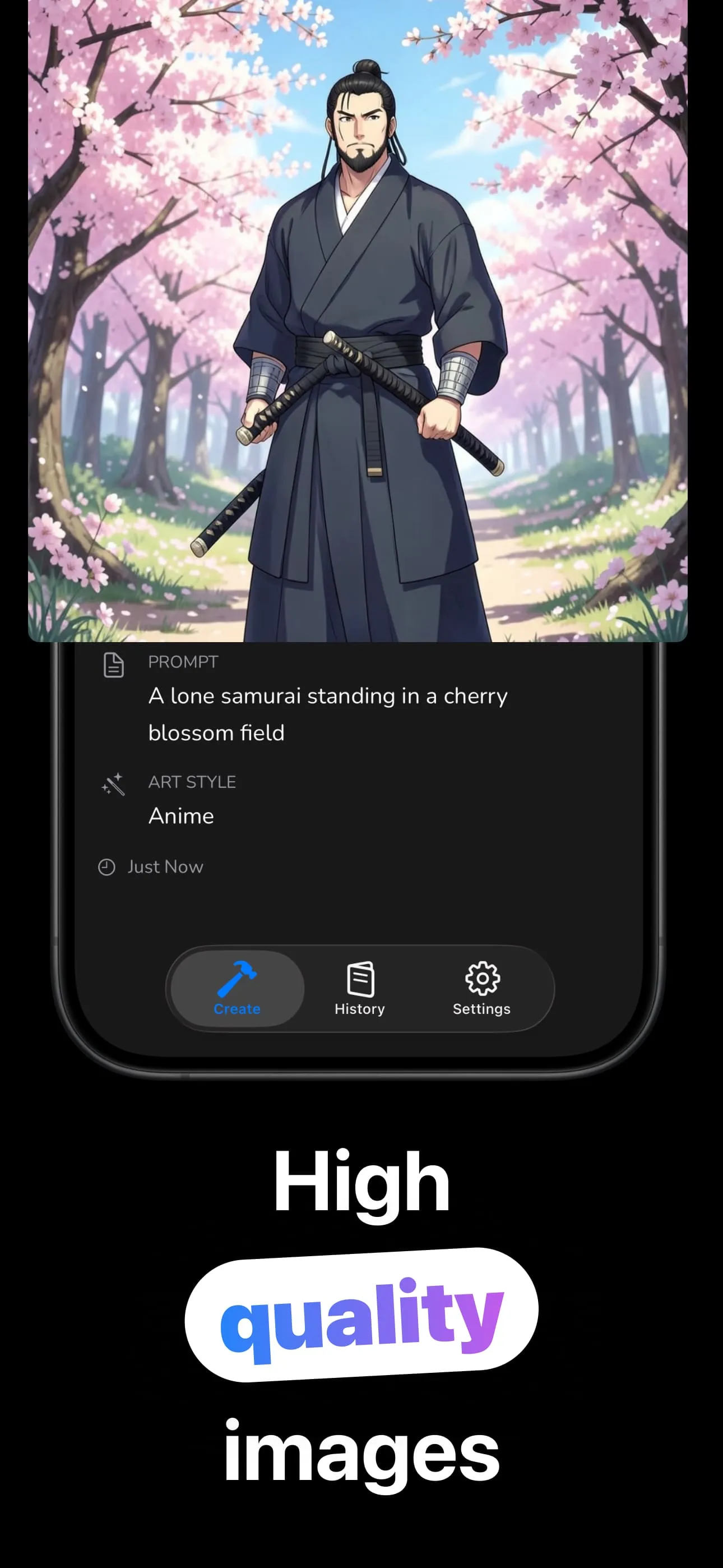
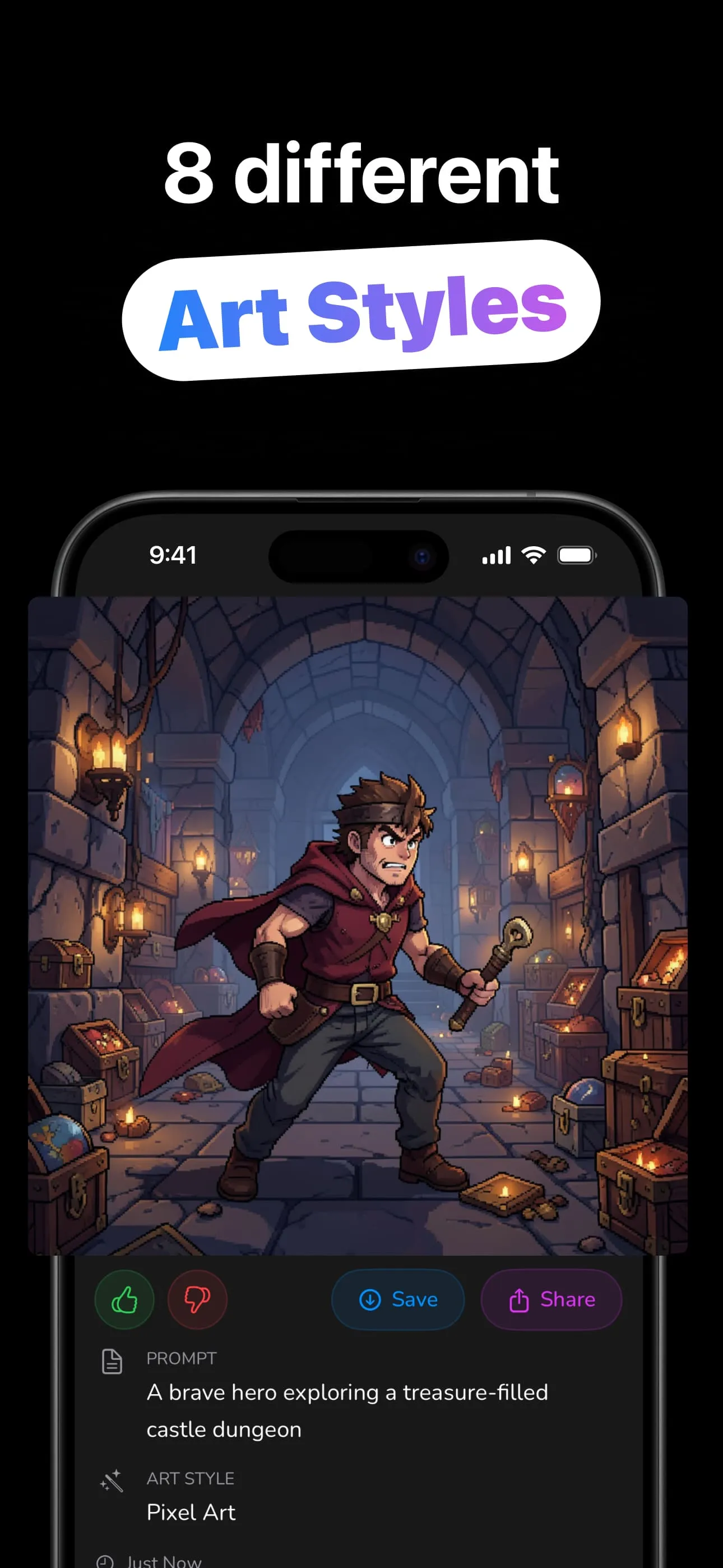
Three inputs, one artwork, zero art skills.
Type up to 1,000 characters, or tap one of 14 sample prompts to start from something great.
Photorealistic to Pixel Art: optional, and all 8 are free. No style gives the AI free rein.
The AI paints your prompt in seconds, up to 1024×1024 with Pro, two takes at once.
Straight to Photos or the share sheet. Every image lives in your searchable history with its prompt.
The same prompt becomes eight different artworks.
Type anything; the AI composes an original artwork from your words in seconds.
From Van Gogh brushwork to cyberpunk neon: every style available on the free tier.
Blank-canvas anxiety? One tap loads a proven prompt with its matching style.
Free generates at 512; Algo Pro unlocks 768 and full 1024 resolution, two images per run.
Every artwork saved on-device with its exact prompt and style, searchable and reusable.
Download, type, create. Your gallery lives on your device — since 2022.
How to get gallery-worthy results out of a text box.
The full loop: writing the prompt, choosing the style, and iterating to a keeper.
Read the guide → PromptsSubject, setting, mood, style: the four-part pattern with copy-paste examples.
Read the guide → StylesWhat each style does to a prompt, and which subjects each one flatters.
Read the guide → AnimeCharacters, scenes and cherry blossoms: prompt recipes for the Anime style.
Read the guide → AvatarsA profile picture that's entirely yours — described, not photographed.
Read the guide → CharactersTurn a character sheet into a portrait: races, classes and scene prompts that work.
Read the guide →Quick answers about generating AI art with Algo.
Type up to 1,000 characters, optionally pick a style, tap Create Image. Save or share the result in seconds. Learn more →
Photorealistic, Anime, Digital Art, 3D Render, Van Gogh, Watercolor, Cyberpunk and Pixel Art, all free. Learn more →
No. 14 sample prompts are one tap away, and simple descriptions work. The subject + setting + mood + style pattern is the upgrade path. Learn more →
Square images: free at 512×512 (one per prompt), Algo Pro up to 1024×1024 with two images per generation.
In a searchable on-device history with each image's prompt and style. No account needed; save to Photos anytime.
Free to download and generate. Algo Pro (weekly, monthly or lifetime) unlocks 1024×1024 and two images per run.
Download Algo and paint it with a sentence — free.
Download on the App Store