LogoLab turns a sentence — “a logo for a small-batch coffee roastery called Ember & Oak” — into finished logos in seconds. Seventeen styles from Minimalist to Mascot, eight aspect ratios, and regeneration until it feels right.
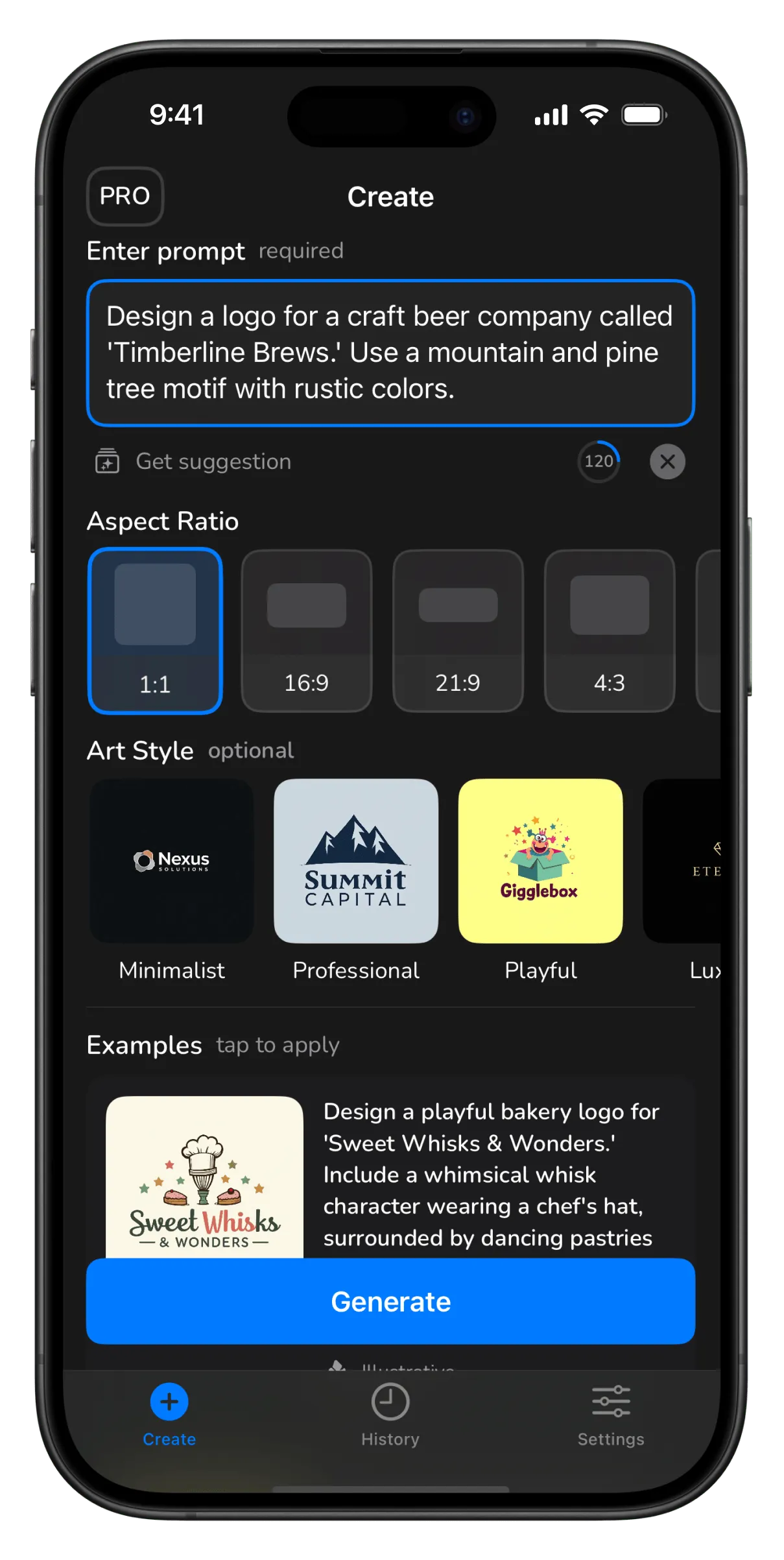
Type the idea; the AI does the design round.
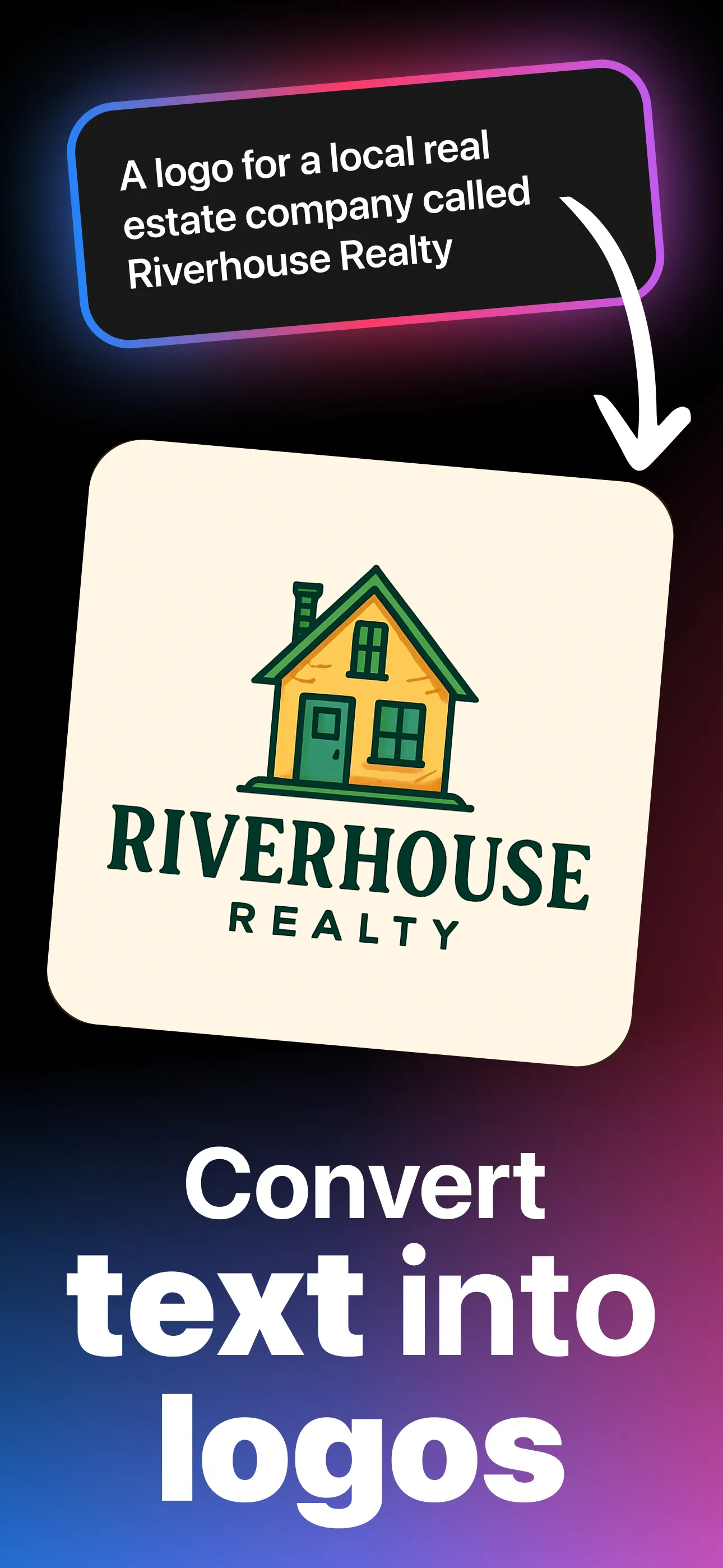
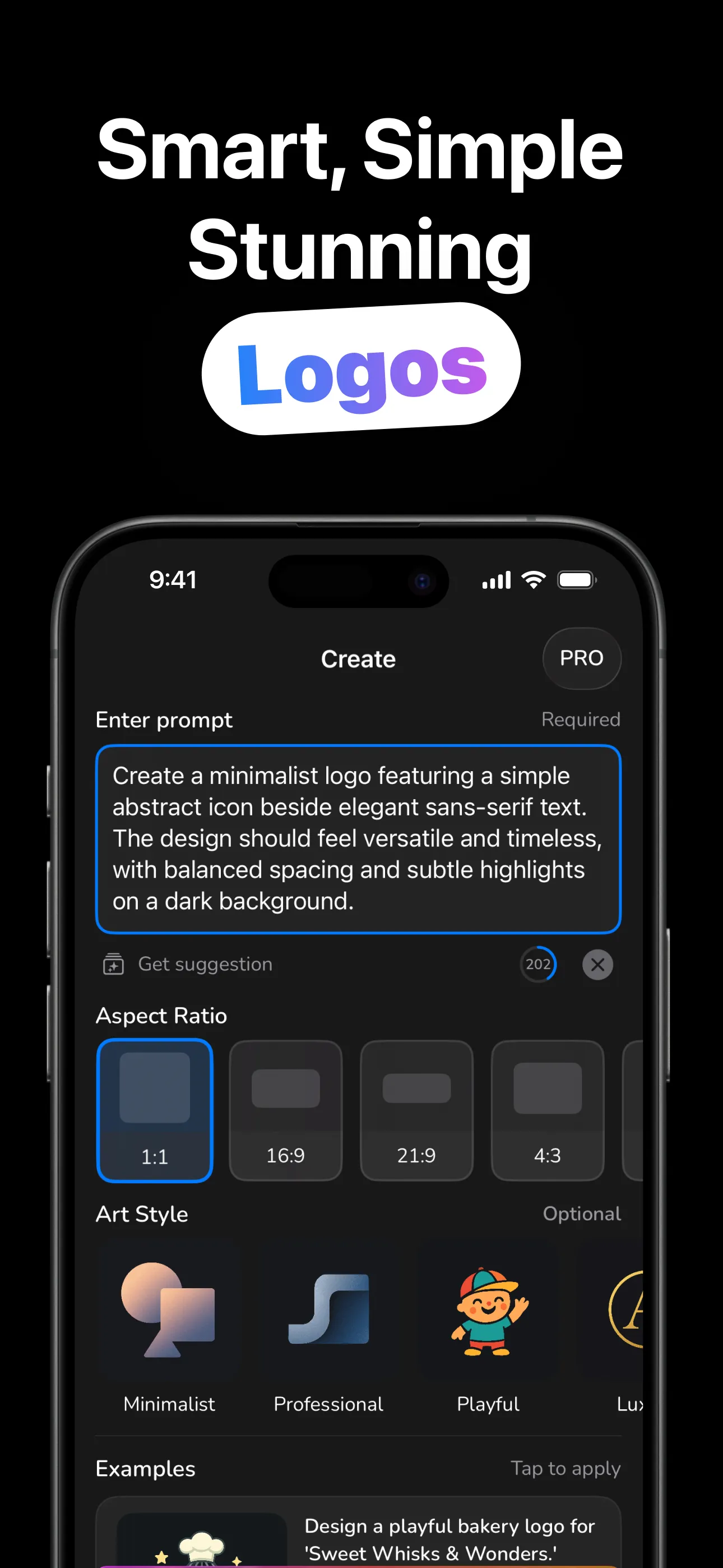
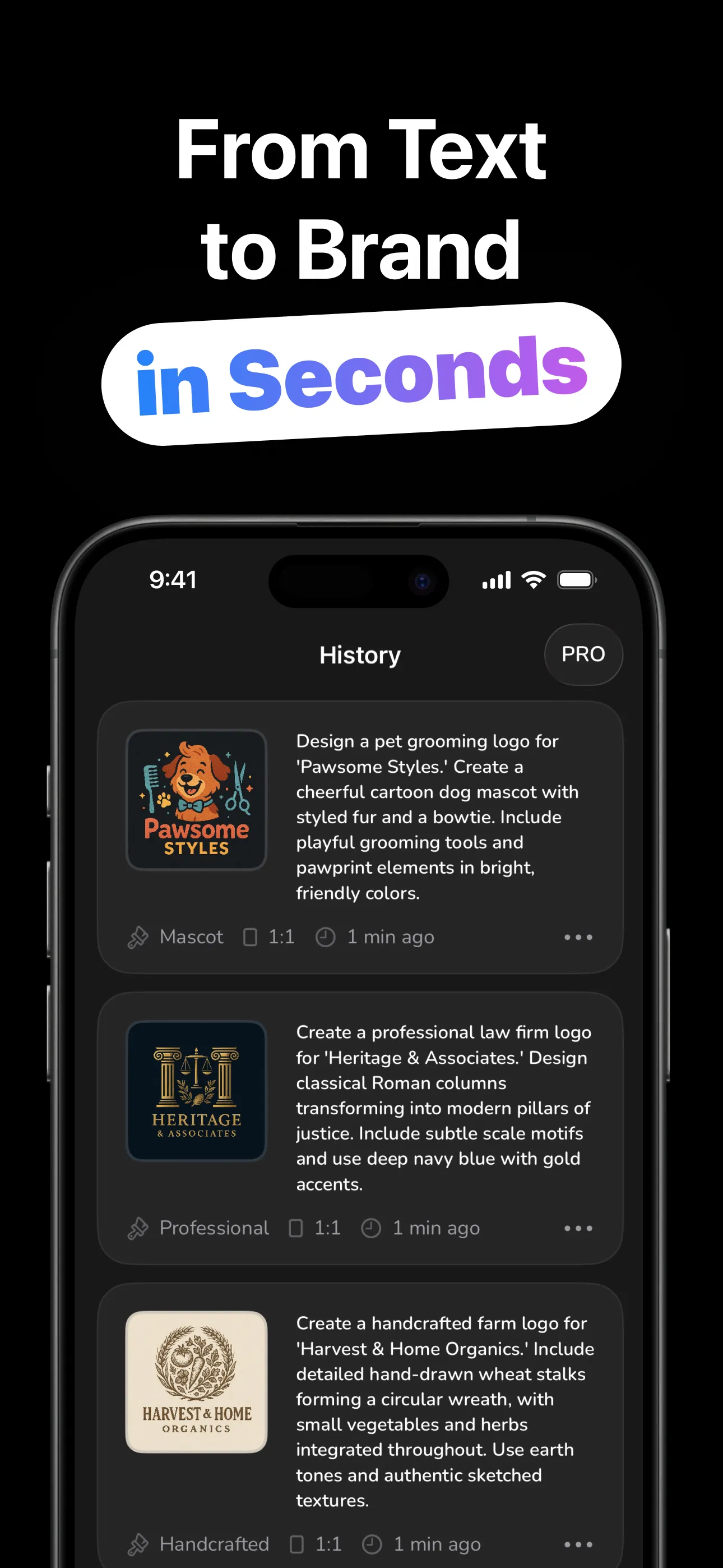
The design brief is the only work you do.
Brand name, what you do, the vibe, up to 500 characters. Tap a suggestion if you're stuck.
One of 17 art styles (Minimalist to Mascot) and one of 8 aspect ratios for its destination.
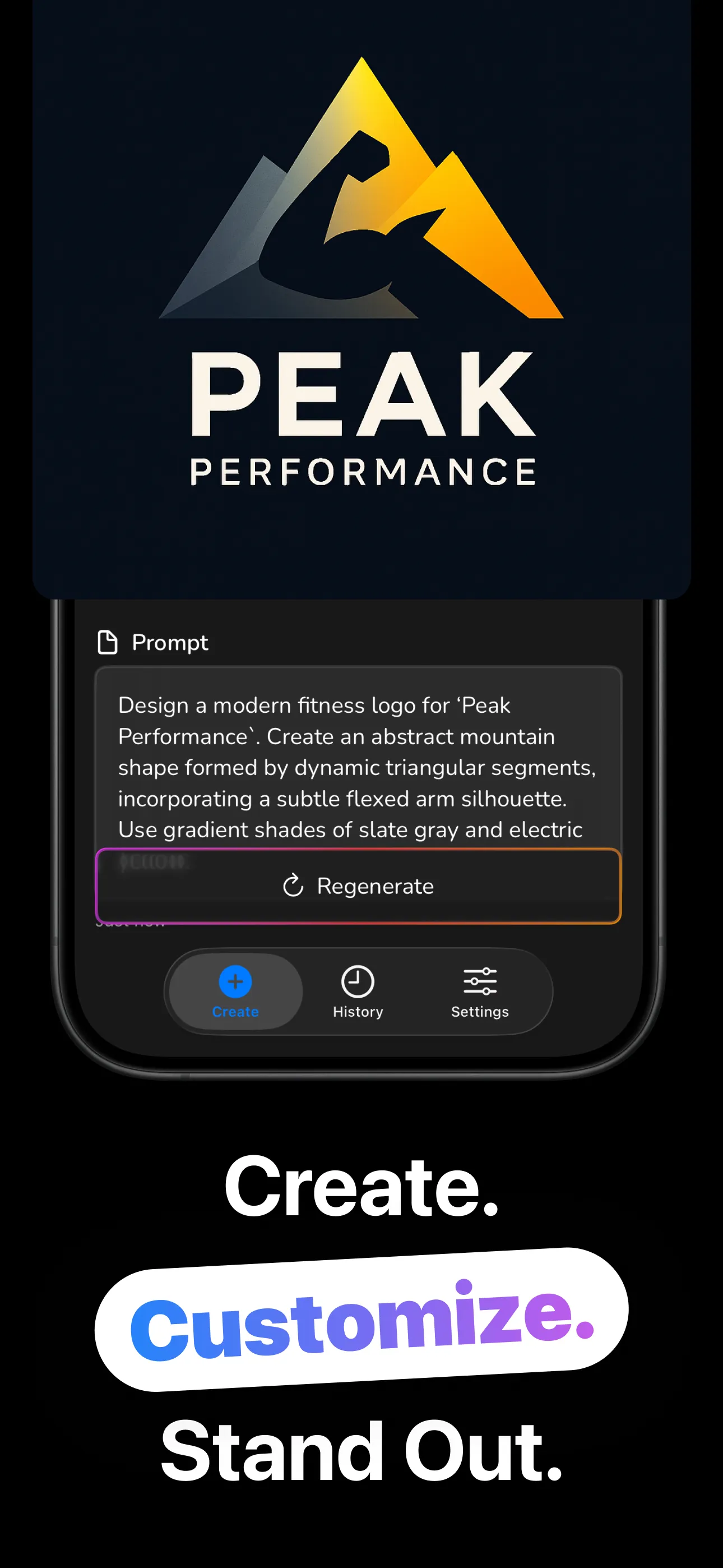
The AI designs your logo in seconds. Not quite? Regenerate for a fresh take on the same brief.
Save to Photos or share directly. Your history keeps every version with its prompt and style.
The same brand reads completely differently in Badge, Monogram or Mascot.
Describe the brand in words; the AI handles composition, color and type in one pass.
Tappable examples and a Get Suggestion button beat the blank page, then make it yours.
Square for avatars, 16:9 for banners, portrait for stories: generate for the destination.
Regenerate re-runs your brief for a fresh design. Iterate until the logo feels inevitable.
Every generation saved on-device. Search by prompt or style, favorite the contenders.
Download and design. Logos save to Photos; the history lives on your device.
Briefs, styles, sizes and budgets: the working knowledge, minus the jargon.
The full loop: writing the brief, choosing a style, and iterating to a keeper.
Read the guide → PromptsThe name + business + vibe formula, with copy-paste briefs by industry.
Read the guide → StylesMonogram vs. Badge vs. Mascot: what each says about a brand, and who should use it.
Read the guide → BusinessFrom “we open next month” to a usable logo across your storefront, socials and receipts.
Read the guide → BudgetDesigner, contest, template or AI: honest numbers and when each one is right.
Read the guide → SizesWhich aspect ratio for avatars, banners, stories and thumbnails, matched to the 8 ratios.
Read the guide →Quick answers about making logos with LogoLab.
Describe the logo (name, business, vibe), pick a style and ratio, generate. Regenerate for variations. Learn more →
Seventeen, from Minimalist and Monogram to Badge, Mascot and Brutalist. Learn more →
Neither. A 500-character text brief is the whole job, and no sign-up is required.
Eight aspect ratios from square 1:1 to ultrawide 21:9. Learn more →
Regenerate for a fresh take, adjust the brief, or switch styles. History keeps every version with favorites and search.
Free to download and try. LogoLab Pro (weekly, monthly or lifetime) unlocks unlimited generation.
Describe it once — LogoLab designs it in seconds. Free to try.
Download on the App Store