Emojify turns a text prompt into a custom AI emoji in seconds — a bear in a raincoat, a heart-shaped pizza, your inside joke. Share it, copy it, save it as a PNG, or send it as a sticker without leaving iMessage.
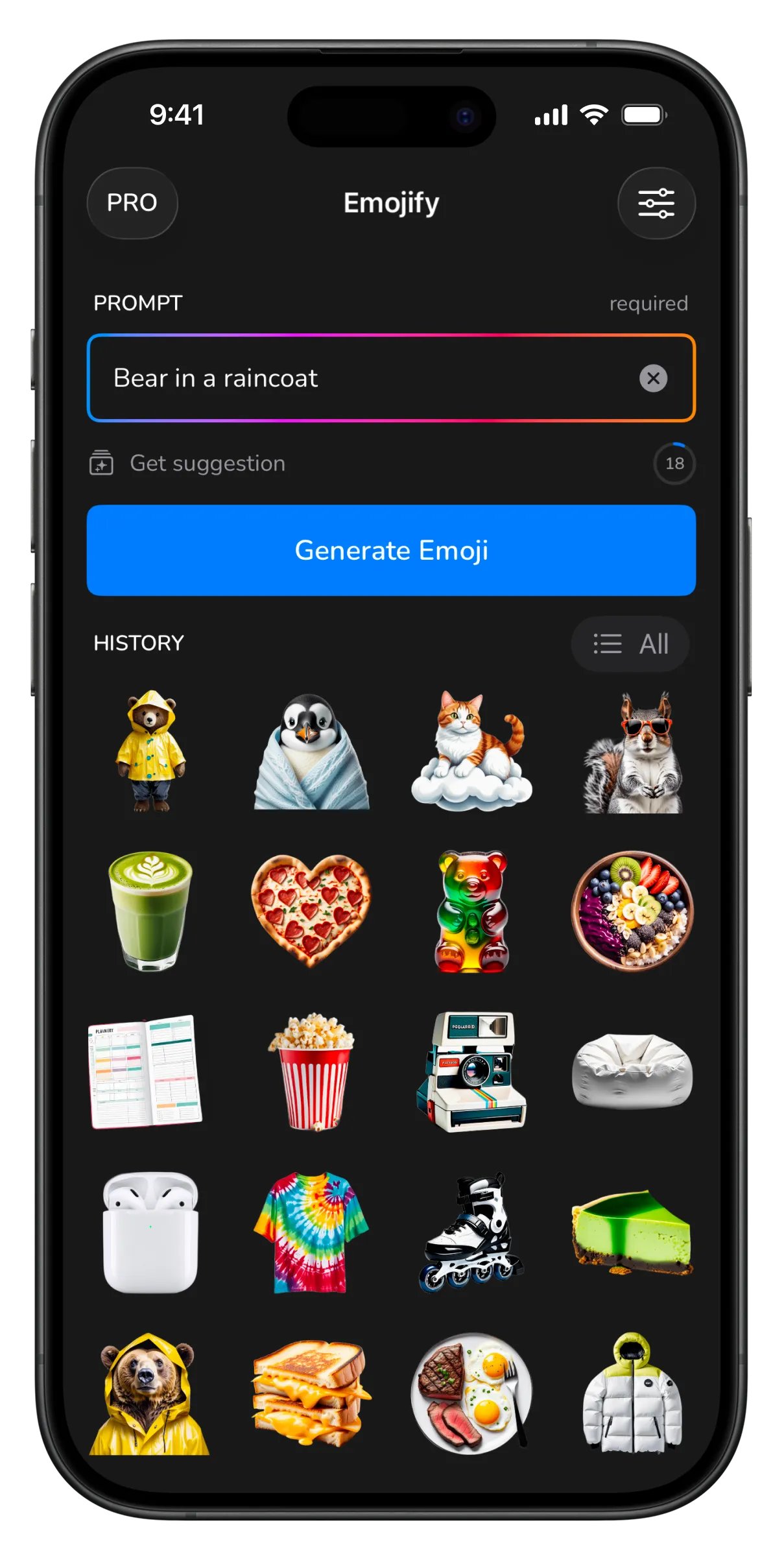
Prompt in, emoji out — then send it anywhere.
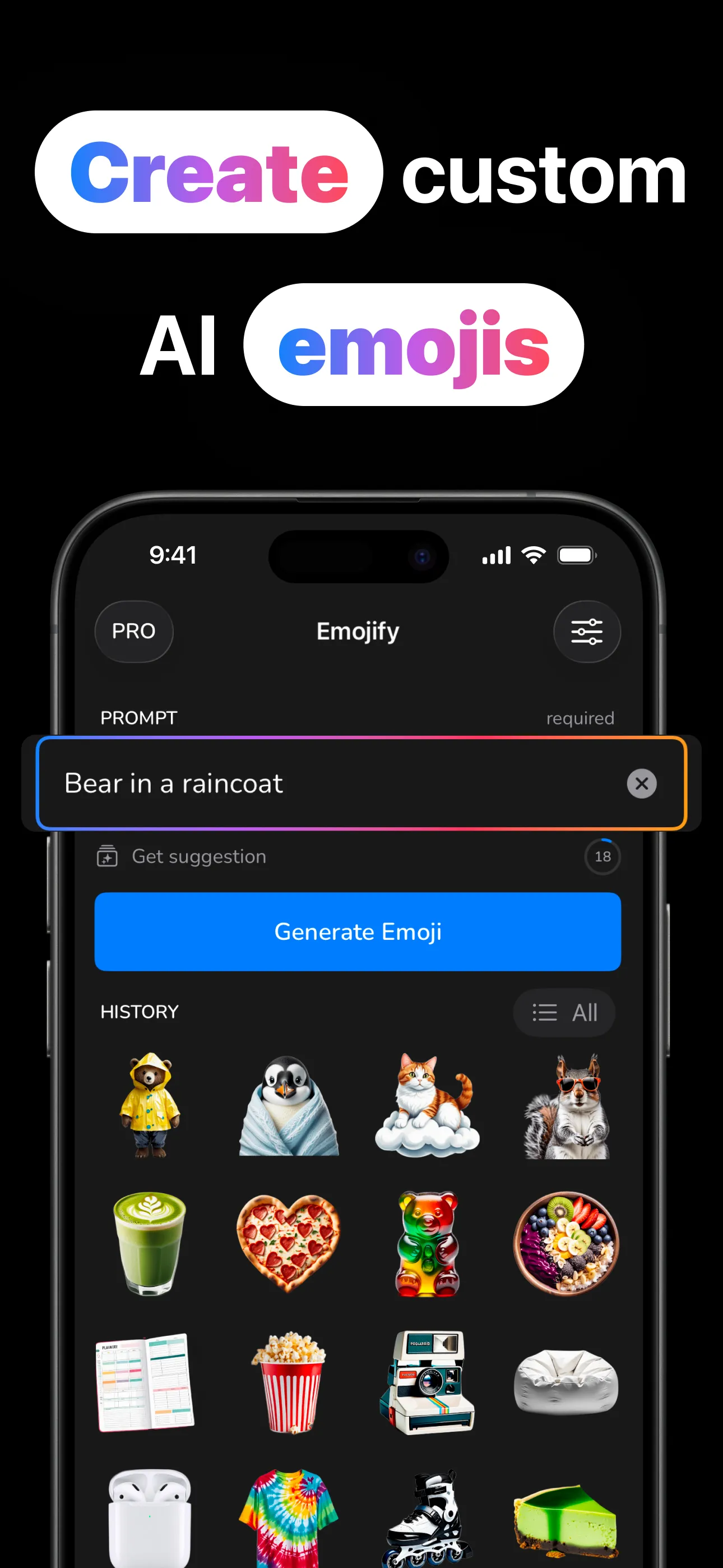
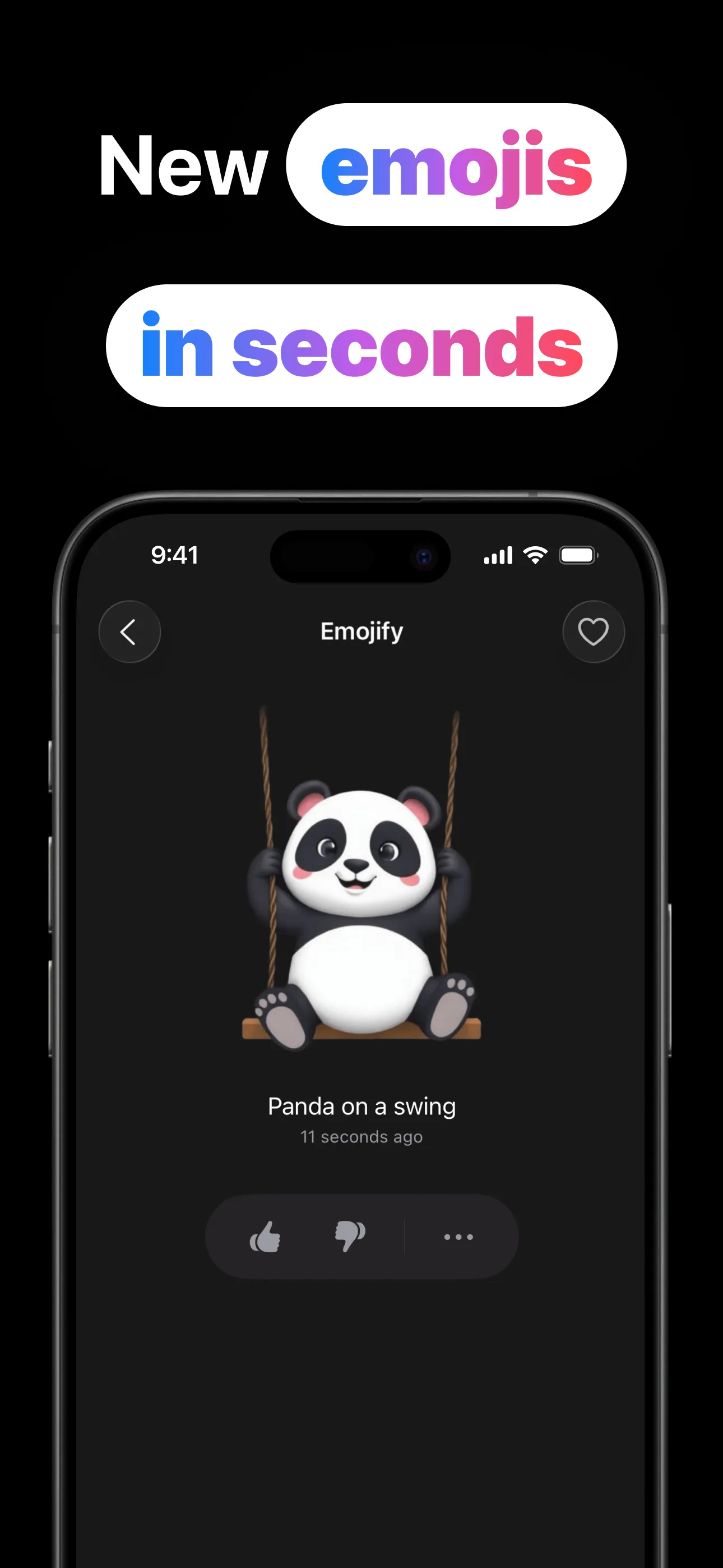
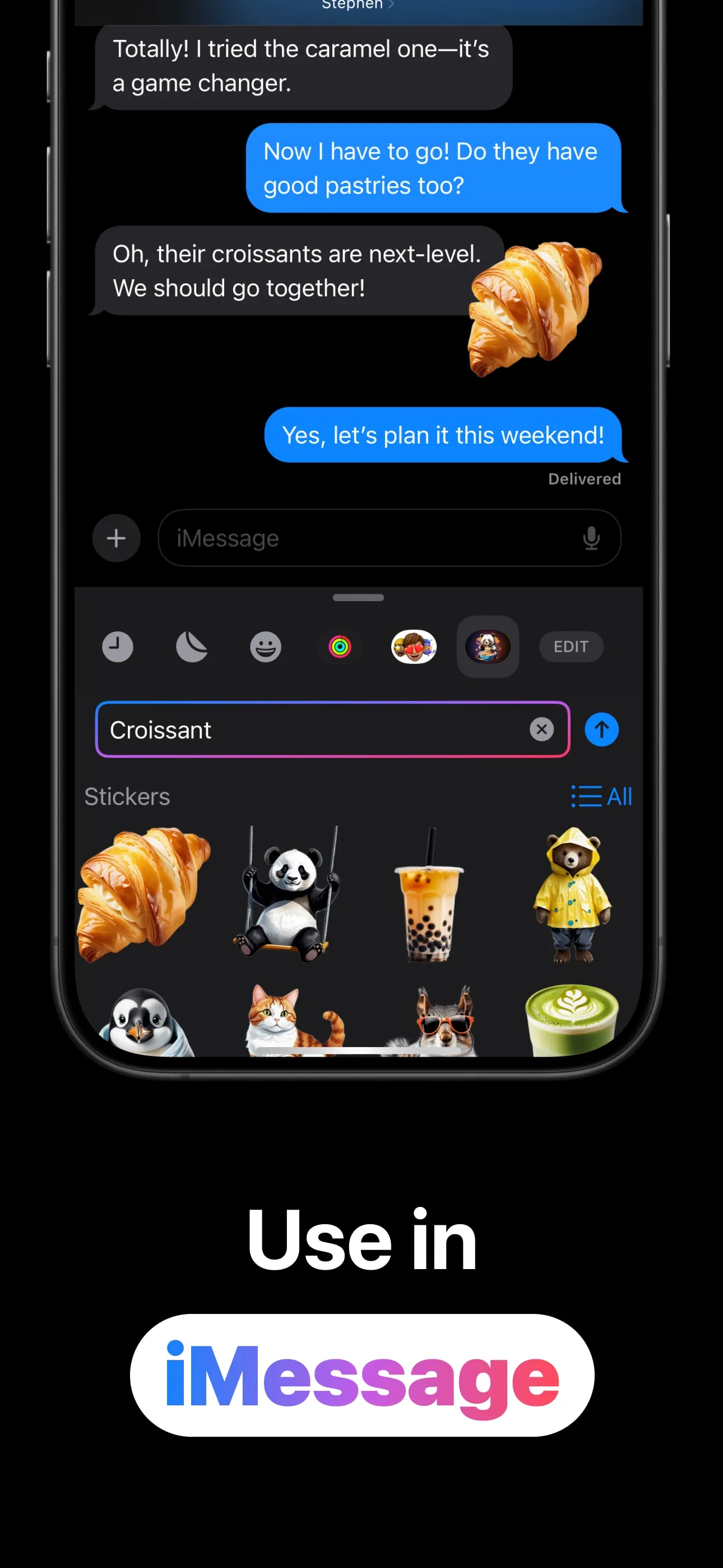
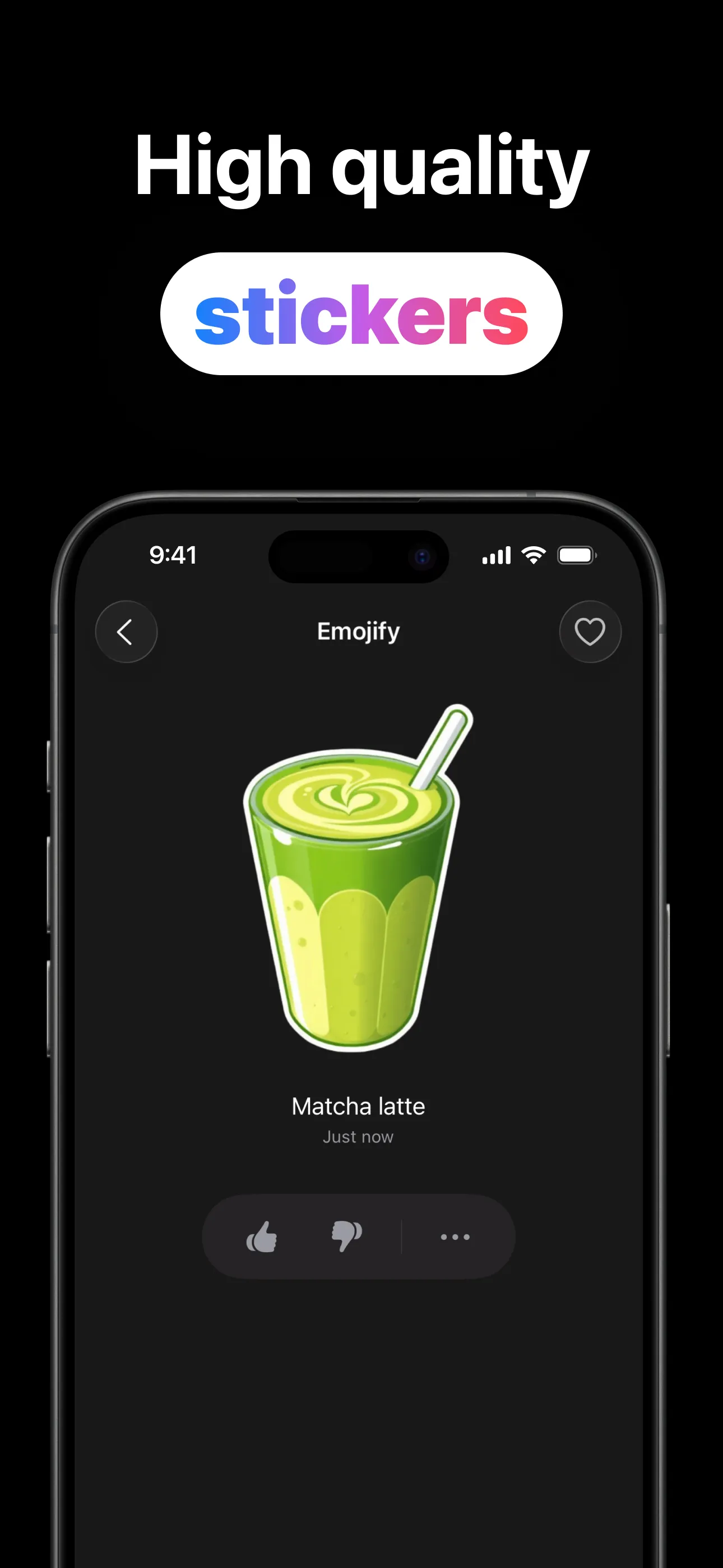
Four steps from a thought to a sticker in your conversation.
Type anything (“cat with a bowtie”, “matcha cheesecake”) or tap Get Suggestion when the blank field wins.
The AI turns your prompt into a custom emoji in seconds and drops it into your history.
Favorite the winners, rate with a thumbs up or down, search the library when it grows.
Share, copy as PNG, save to Photos, or open the iMessage extension and send it as a sticker.
Generation is the start — Emojify is built around what happens after.
Anything you can describe becomes an emoji: food, animals, objects, moods, and the oddly specific combinations group chats run on.
The extension puts your whole library in Messages, and its own prompt field means you can generate a new sticker mid-conversation.
Every emoji exports three ways: the iOS share sheet, a PNG on your clipboard, or straight into your Photos library.
Heart the keepers, thumb the hits and misses, and flip to the Favorites filter when it's time to actually send one.
Every generation is saved with its prompt. Search “panda” months later and there's your panda on a swing.
Out of ideas? Get Suggestion serves ready-made prompts (bear eating ramen, cute cloud with a lightning bolt) until one sparks yours.
How to generate emojis worth sending, and where to send them.
From blank prompt to a custom emoji in your chats: the full loop in five minutes.
Read the guide → PromptsRecipes and patterns: subject + twist, food + shape, animal + outfit, with examples.
Read the guide → iMessageThe sticker extension puts your library in Messages, and makes new ones on the spot.
Read the guide → Slack & DiscordGenerate, save as PNG, upload. Team emojis nobody else's workspace has.
Read the guide → CompareGenmoji needs Apple Intelligence hardware; Emojify runs on iOS 17+ and exports real PNGs.
Read the guide → LibraryFavorites, ratings and search: keeping the winners findable when the moment comes.
Read the guide →Quick answers about making custom AI emojis.
Type a prompt, tap Generate Emoji, and it lands in your history in seconds, ready to share, copy or save. Learn more →
Yes. The built-in extension shows your library as stickers in Messages, and can generate new ones mid-conversation. Learn more →
Yes. Share, copy as PNG, or save to Photos, then use them anywhere images work, including Slack and Discord custom emojis. Learn more →
No. Any iPhone on iOS 17 or later. Generation happens in the cloud. Learn more →
Tap Get Suggestion, or steal from the prompt recipes. Learn more →
Free to download and try. An optional Emojify Pro upgrade is available in-app.
Describe the emoji that should exist — Emojify makes it in seconds.
Download on the App Store