RemodelAI turns a photo of your room — or your whole house — into a photorealistic redesign. Pick a style, generate in seconds, and know exactly what you're getting before you spend a dollar on paint, furniture or contractors.
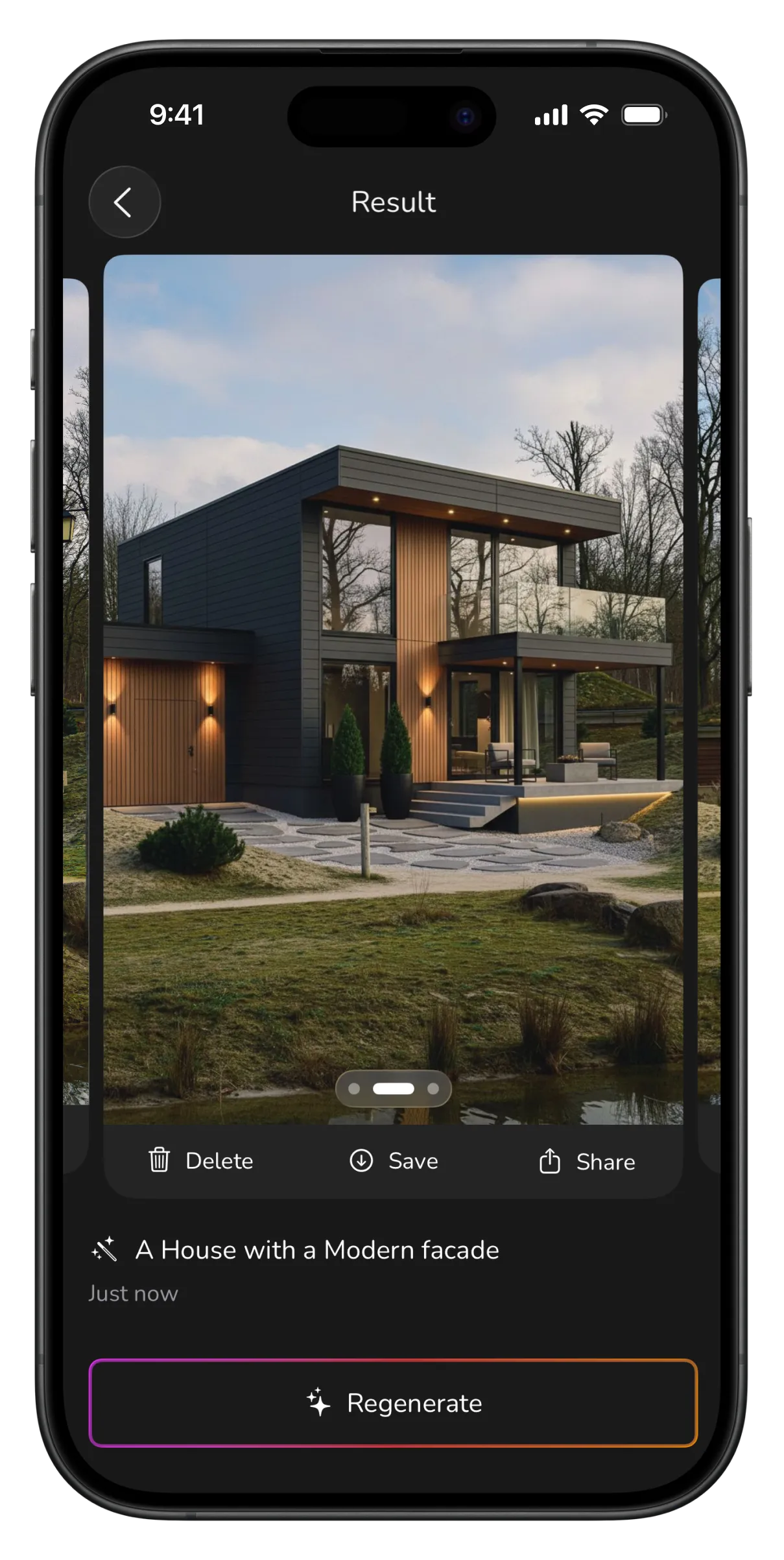
Photo in, photorealistic redesign out — for every room and every style.
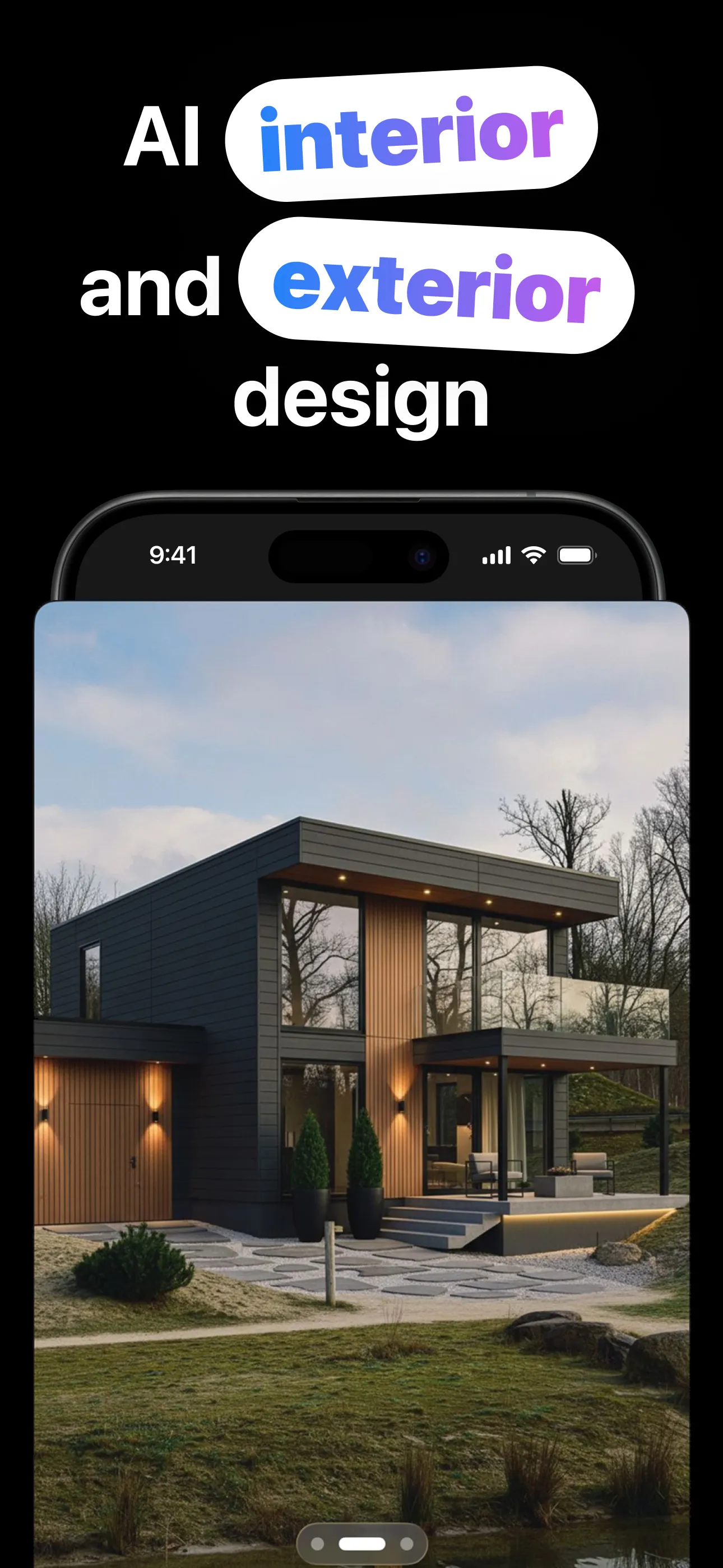
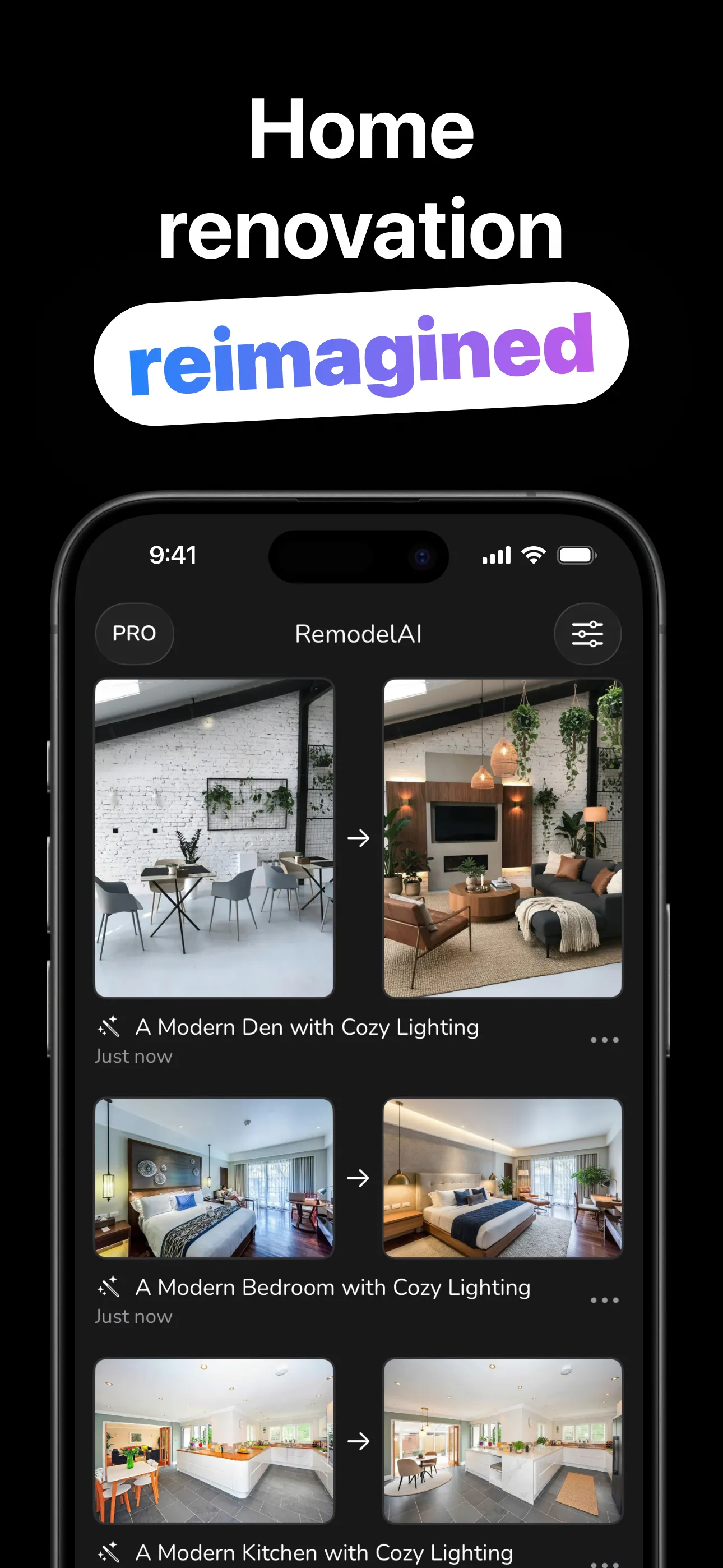
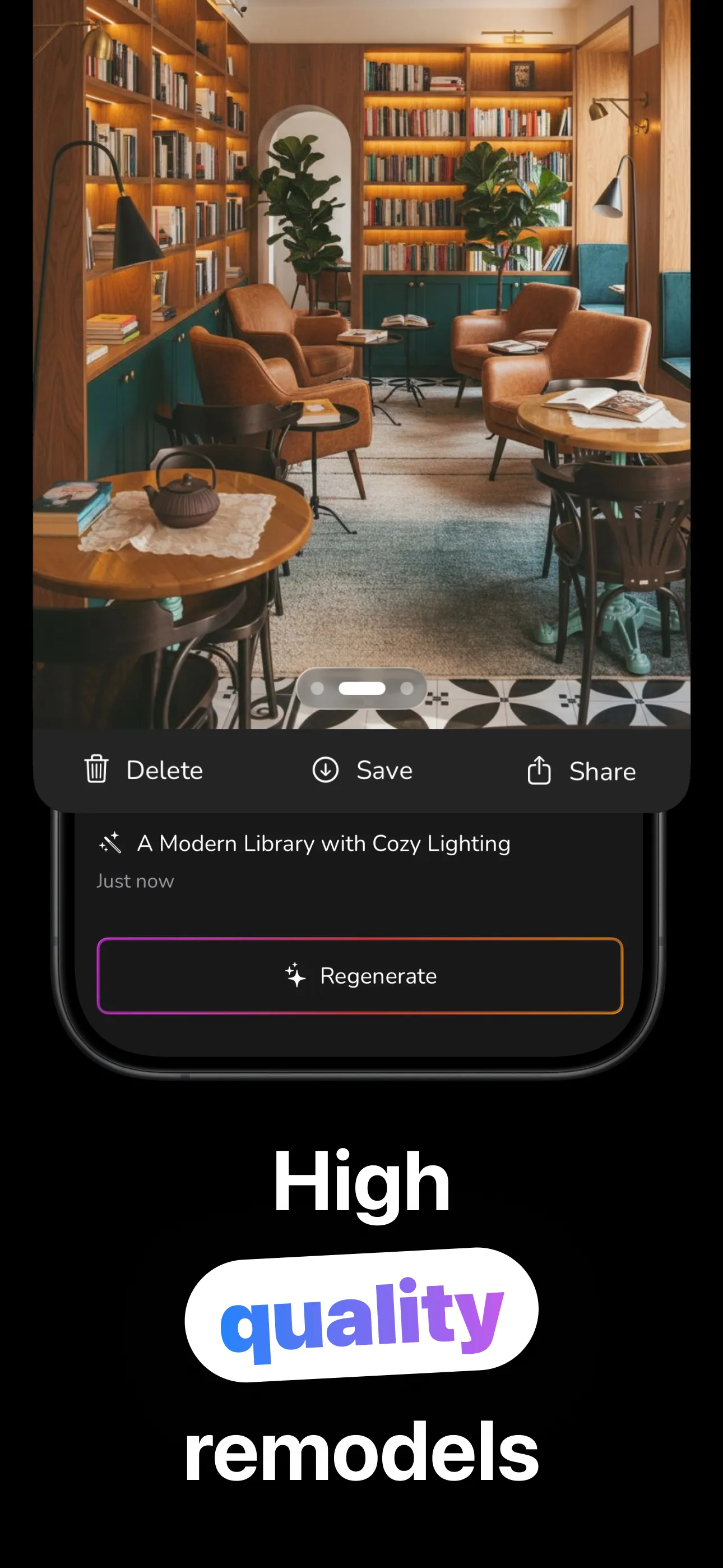
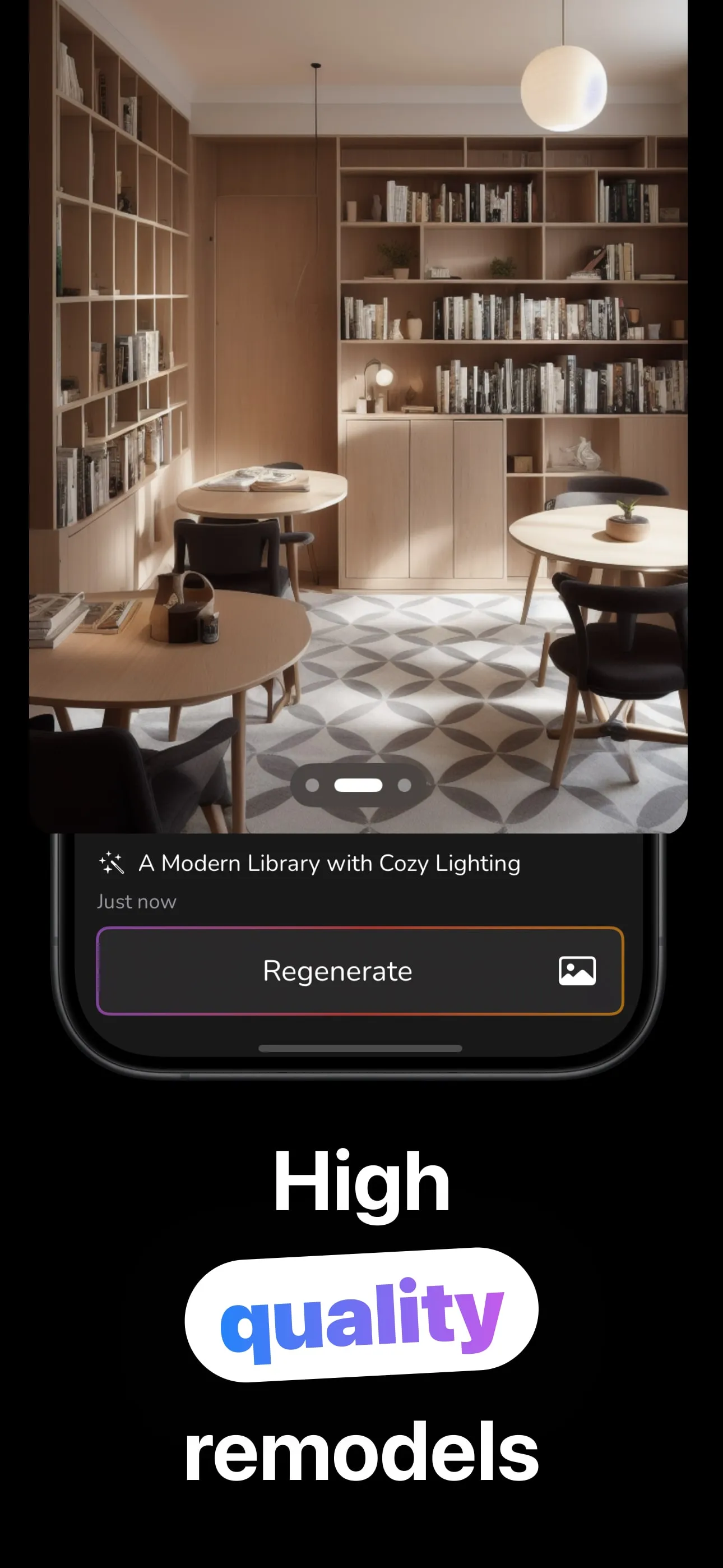
From photo to remodel in four steps.
Take or upload a photo of the room, or step outside and shoot the whole house.
Choose from 20 room types, 11 styles and 10 lighting presets, or type exactly what you want in Custom mode.
The AI redesigns your actual space photorealistically: same room, new everything.
Regenerate for more versions, compare before & after, then save to Photos or share.
Interiors, exteriors, and everything you can put into words.
Bedroom, kitchen, home office, nursery, basement, attic, even gaming rooms and walk-in closets.
Restyle houses, cottages, townhomes and more in 10 facade styles from Craftsman to Victorian.
Describe any change in your own words (“white oak floors, black window trim”) and see it rendered.
Warm & Cozy, Bright & Airy, Golden Hour, Dramatic. Light changes everything, so preview it too.
Not quite right? Regenerate. Every version is kept per project so you can compare and pick the winner.
Photos are processed securely and deleted after use. Your projects live on your device.
Practical walkthroughs for the decisions people actually search for.
The full photo-to-remodel workflow: shooting the room right, picking styles, and iterating.
Read the guide → KitchenKitchens are the priciest remodel, so see yours in new styles before committing to cabinets.
Read the guide → ExteriorTest facade styles, colors and materials on a photo of your actual house.
Read the guide → Real EstateShow buyers a property's potential without paying per-photo staging fees.
Read the guide → StylesModern vs. Minimalist vs. Scandinavian: what each style means and how to preview it in your room.
Read the guide → Small SpacesStyles, lighting and prompts that visually expand a small bedroom or living room.
Read the guide →Quick answers about designing your home with AI.
Take or upload a photo, choose the room type and one of 11 styles (plus a lighting preset if you like), and generate. RemodelAI returns a photorealistic redesign of your actual room. Regenerate for more versions until one clicks. Learn more →
Yes. Photograph your kitchen, select Kitchen as the room type, and try styles like Modern, Farmhouse or Scandinavian — before you commit to cabinets, counters or contractors. Learn more →
Yes. Exterior mode covers 10 building types and 10 facade styles, from Craftsman to Victorian. Upload a photo of the building and preview the new look before painting or residing. Learn more →
Sellers and agents use AI redesigns to show a property's potential (a dated room restyled or an exterior refreshed), then save and share straight from the app. Always label AI-enhanced images in listings. Learn more →
Eleven: Modern, Minimalist, Scandinavian, Farmhouse, Industrial, Bohemian, Mid-Century Modern, Traditional, Coastal, Glamorous and Eclectic, across 20 room types and 10 lighting presets. Learn more →
Minimalist or Scandinavian styles with the Bright & Airy preset favor light palettes and less furniture, or describe it yourself in Custom mode: “make this room feel bigger with light colors and mirrors.” Learn more →
Free to download and try. RemodelAI Gold (weekly, monthly or lifetime) unlocks unlimited remodels, faster renders and higher quality designs.
Download RemodelAI and see your home's next look in seconds — free to try.
Download on the App Store