RoomKit turns a 30-second walk around the room into a measured 2D & 3D floor plan — square footage, volume, perimeter, every door and window counted. No tape measure, no CAD, no drawing.
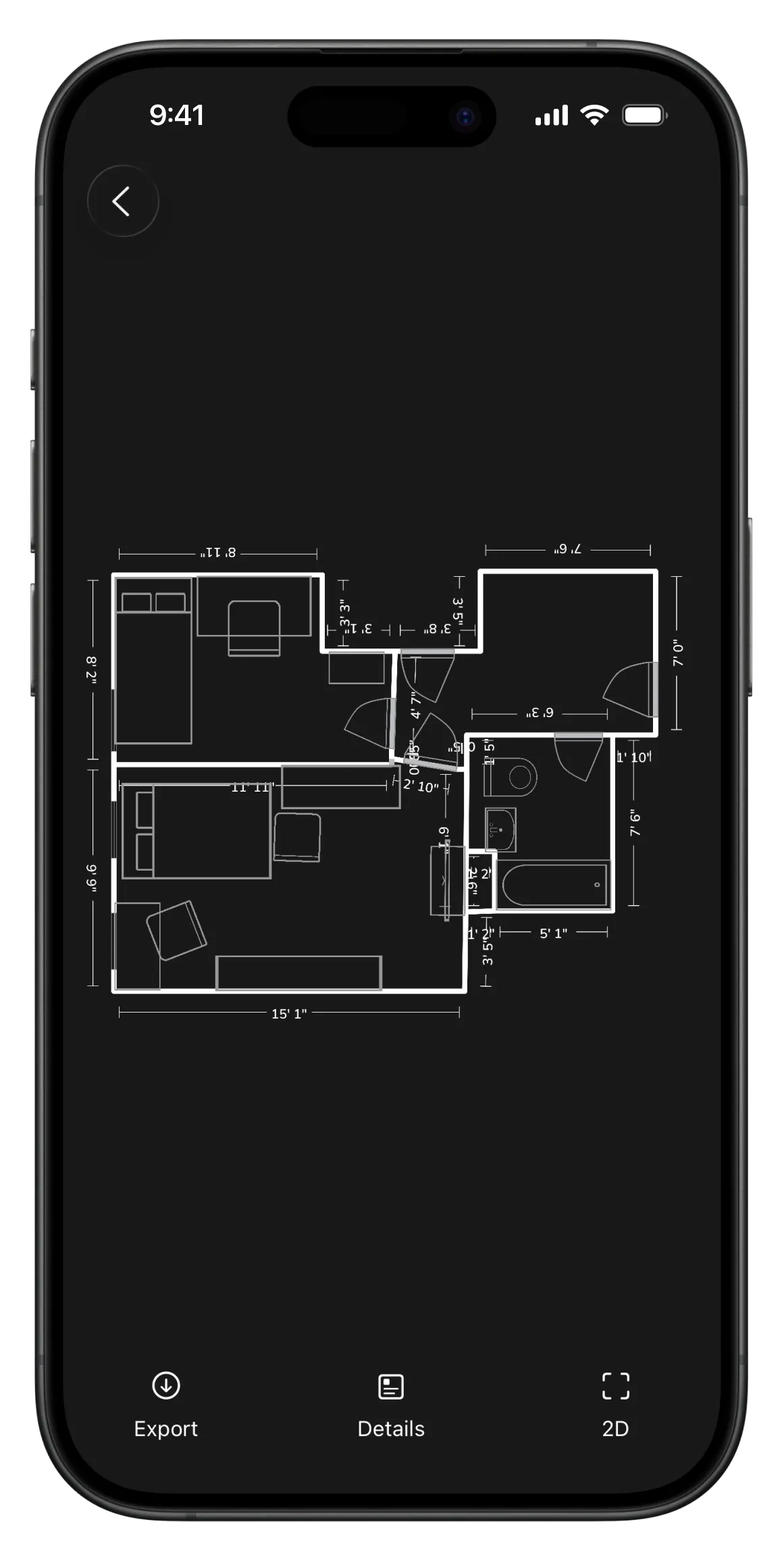
Walk the room — RoomKit draws the plan and does the math.
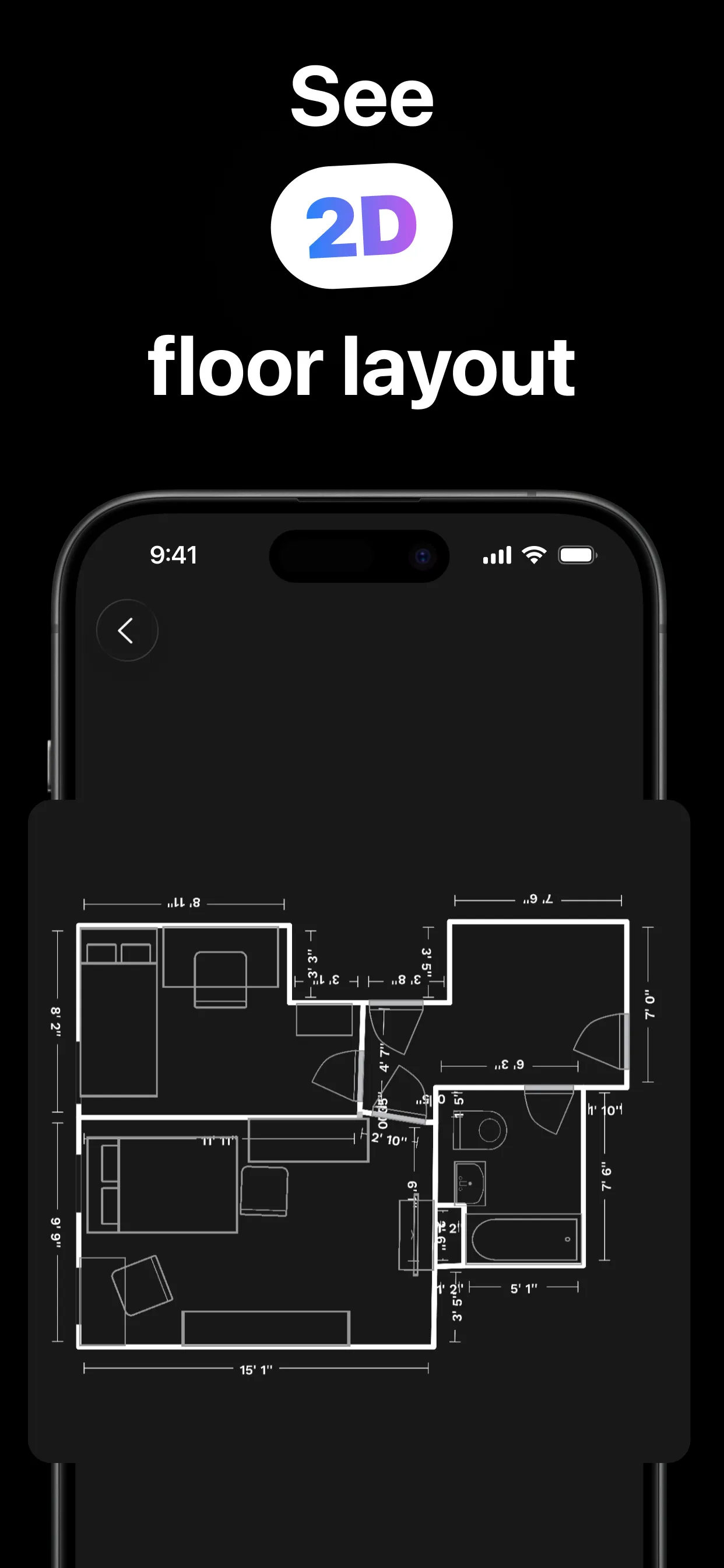
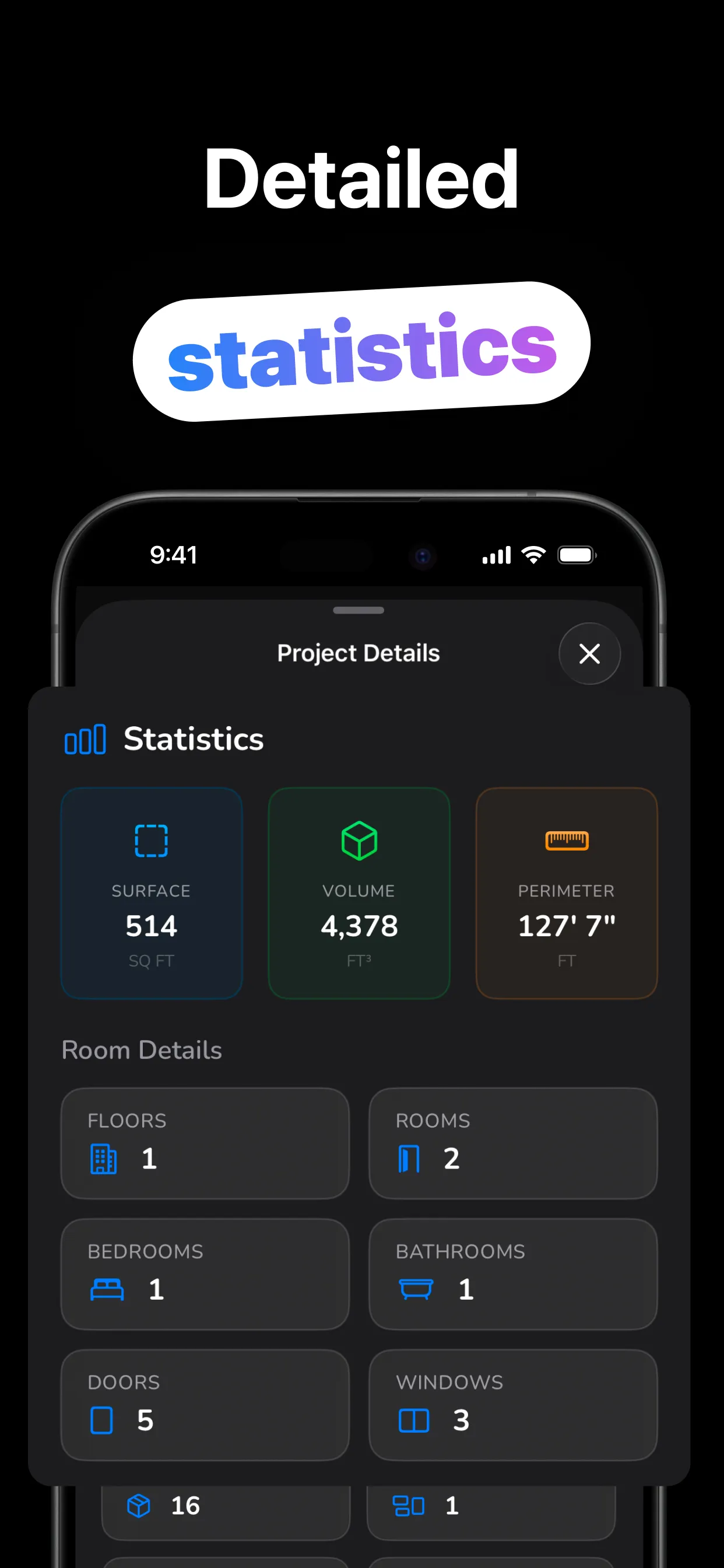
From doorway to done in about a minute.
Open RoomKit on a LiDAR iPhone or iPad and pick Single Room — or Multi-Room for the whole house.
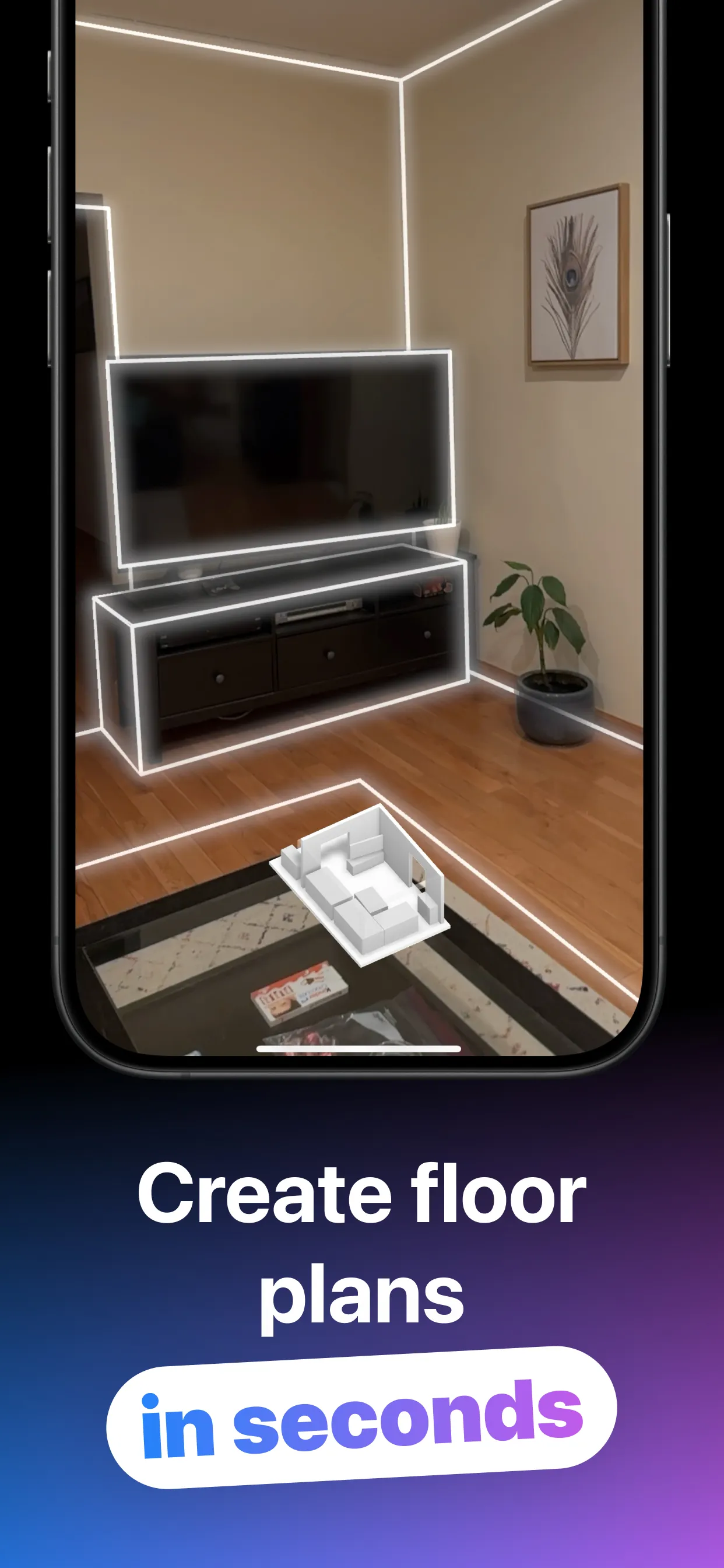
Point the camera along walls and corners. Walls, doors, windows and furniture snap into place live.
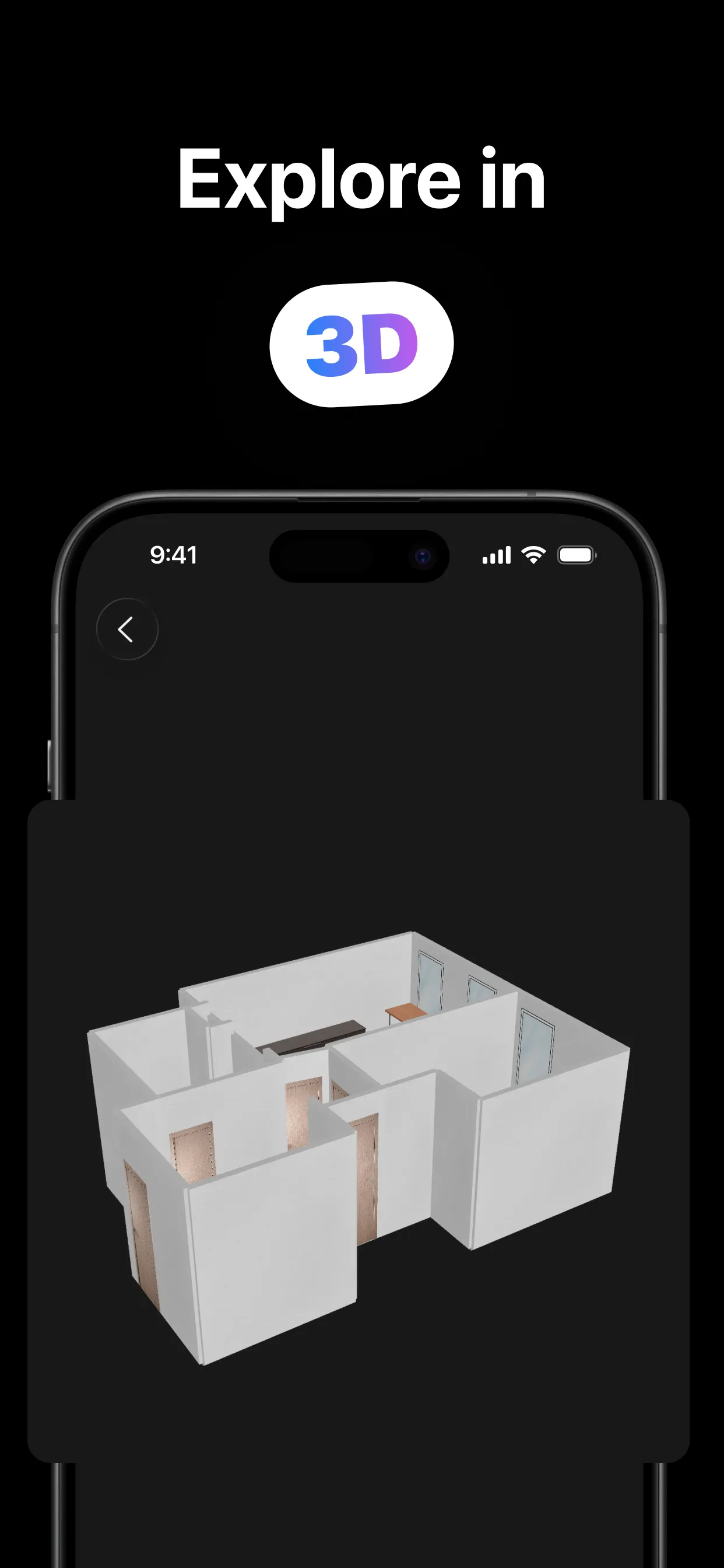
A measured 2D plan and interactive 3D model, with area, volume, perimeter and object counts.
PDF or JPEG for the plan, USDZ or JSON for the 3D model — straight from the share sheet.
Everything the scan captures, organized and exportable.
Built on Apple's RoomPlan: walls, doors, windows and openings captured precisely as you walk.
A top-down measured floor plan and an orbitable 3D model of the same scan — flip between them anytime.
Surface area, volume and perimeter, plus floors, rooms, bedrooms, bathrooms, doors and windows counted.
Beds, sofas, tables, appliances, fixtures, fireplaces, TVs and stairs — recognized and placed in the plan.
PDF and JPEG for sharing the plan; USDZ and JSON for 3D tools and Apple Quick Look.
Plans live on your device. Imperial or metric, iPhone and iPad, light and dark mode.
Practical answers for the ways people actually use a room scanner.
No tape measure: scan the room and read the area, volume and perimeter off the plan.
Read the guide → Floor PlansFrom a 30-second scan to a shareable 2D plan and 3D model — the full workflow.
Read the guide → CompatibilityThe complete device list, how to check yours, and what LiDAR actually does.
Read the guide → AccuracyWhat to expect, what affects it, and how to scan for the best results.
Read the guide → Real EstateBuyers want floor plans. Scan the property and export a clean PDF in minutes.
Read the guide → Whole HouseMulti-Room mode merges scan after scan into a complete home plan with per-room stats.
Read the guide →Quick answers about scanning rooms with RoomKit.
Scan the room with RoomKit on a LiDAR iPhone or iPad — the finished plan shows area, volume and perimeter automatically, in feet or meters. Learn more →
Scanning needs LiDAR: iPhone 12 Pro and later Pro/Pro Max models, and iPad Pro from 2020 on. Other devices open plans in view-only mode. Learn more →
Yes — Multi-Room mode (RoomKit Pro) merges room after room into one whole-house plan with per-floor and per-room stats. Learn more →
LiDAR scans are typically accurate to within a few centimeters under good conditions — excellent for planning, layouts and listings; verify with a tape measure before cutting materials. Learn more →
PDF and JPEG (2D plan), USDZ and JSON (3D model), all through the iOS share sheet. USDZ opens in Apple Quick Look and 3D tools. Learn more →
Free to download, with free single-room scanning and full measurements. RoomKit Pro — weekly, monthly or lifetime — unlocks Multi-Room whole-house scanning and the complete feature set.
Download RoomKit and scan your first room into a measured floor plan — free.
Download on the App Store