Mira runs your Pomodoro cycle so you can ignore the clock: focus sessions from 15 to 90 minutes, breaks that start themselves, ambient sound if you want it — and a live countdown on your lock screen and Dynamic Island the whole way through.
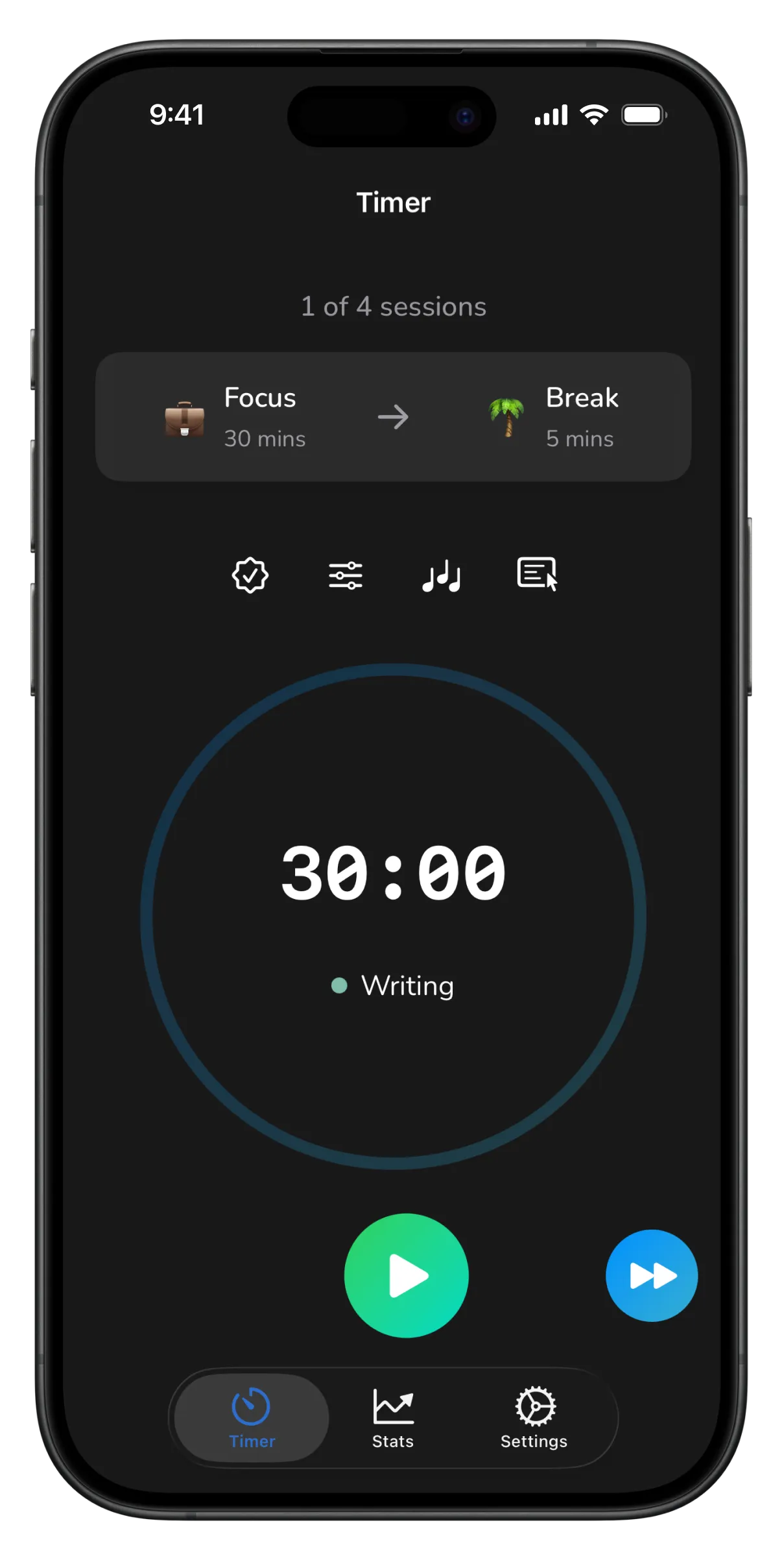
Sessions, breaks, sounds and stats: the Pomodoro loop end to end.
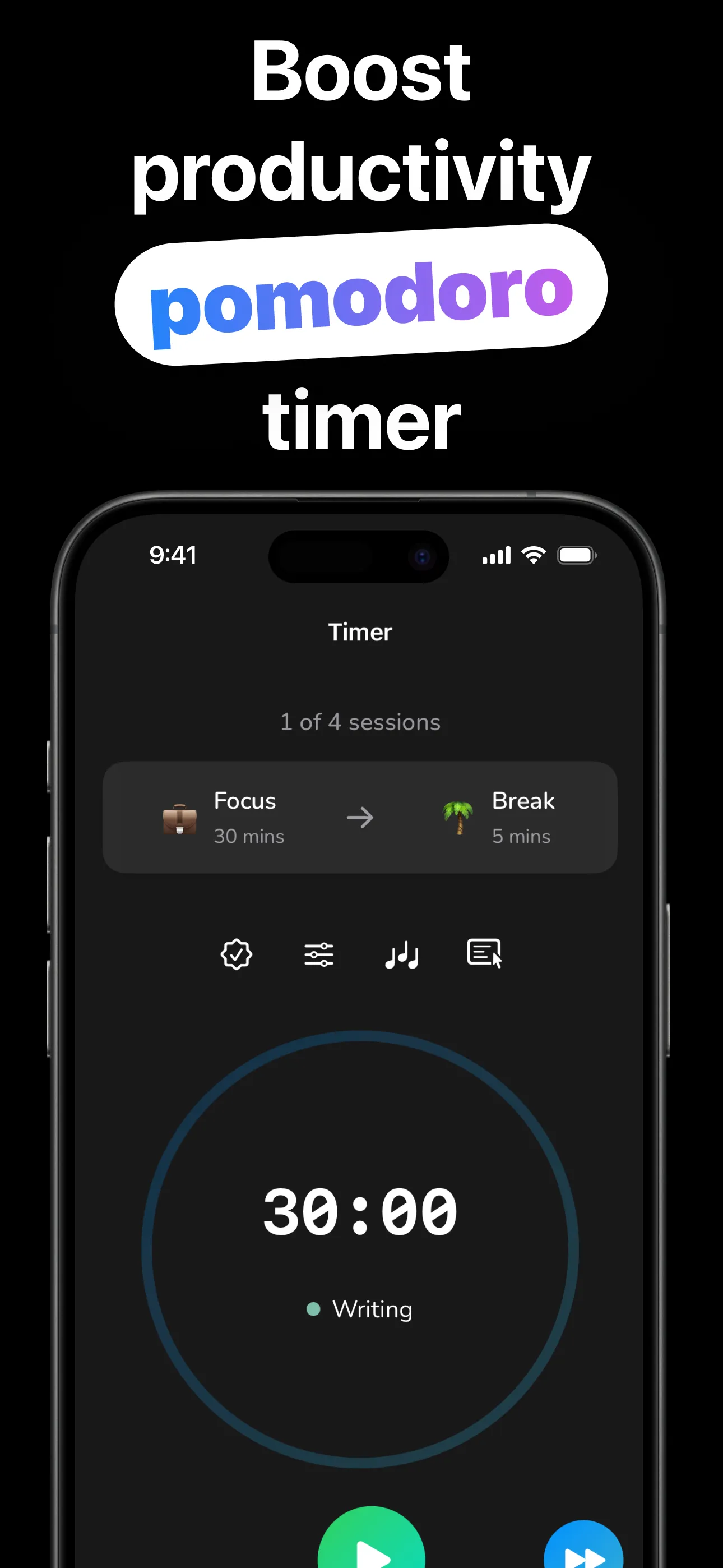
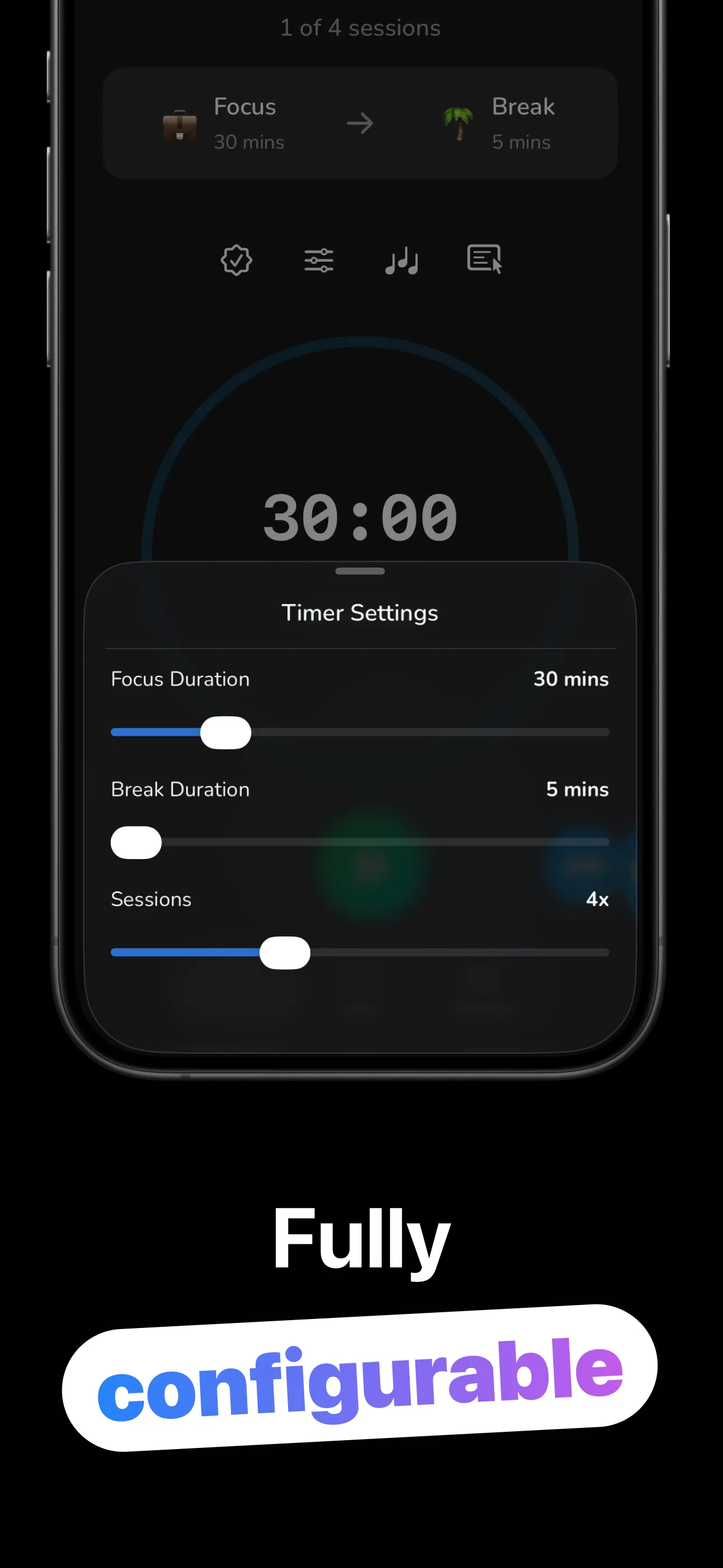
Pick, press, focus — the timer handles the rest of the ritual.
Slide focus to 15–90 minutes, breaks to 5–30, and choose 1–10 sessions. Classic 25/5 or deep-work 90/15. Your call.
Pick a category (Studying, Coding, Writing, or one you created) so every minute lands in the right bucket.
Add rain, a fireplace, or a focus track if you like. The countdown lives on your lock screen and Dynamic Island, with no unlocking to check.
A notification flips you between focus and break through the whole cycle, and the session rolls into your stats when it's done.
Everything around the countdown that makes the method stick.
Focus 15–90 minutes, break 5–30, run 1–10 sessions per cycle, with a skip button for the days that don't go to plan.
The countdown, focus/break state and session progress live on your lock screen, with a start/stop button that works without unlocking.
Eight ambient loops (rain, fireplace, ocean, forest, ticking clock, train, computer fan, café chatter) plus nine instrumental tracks.
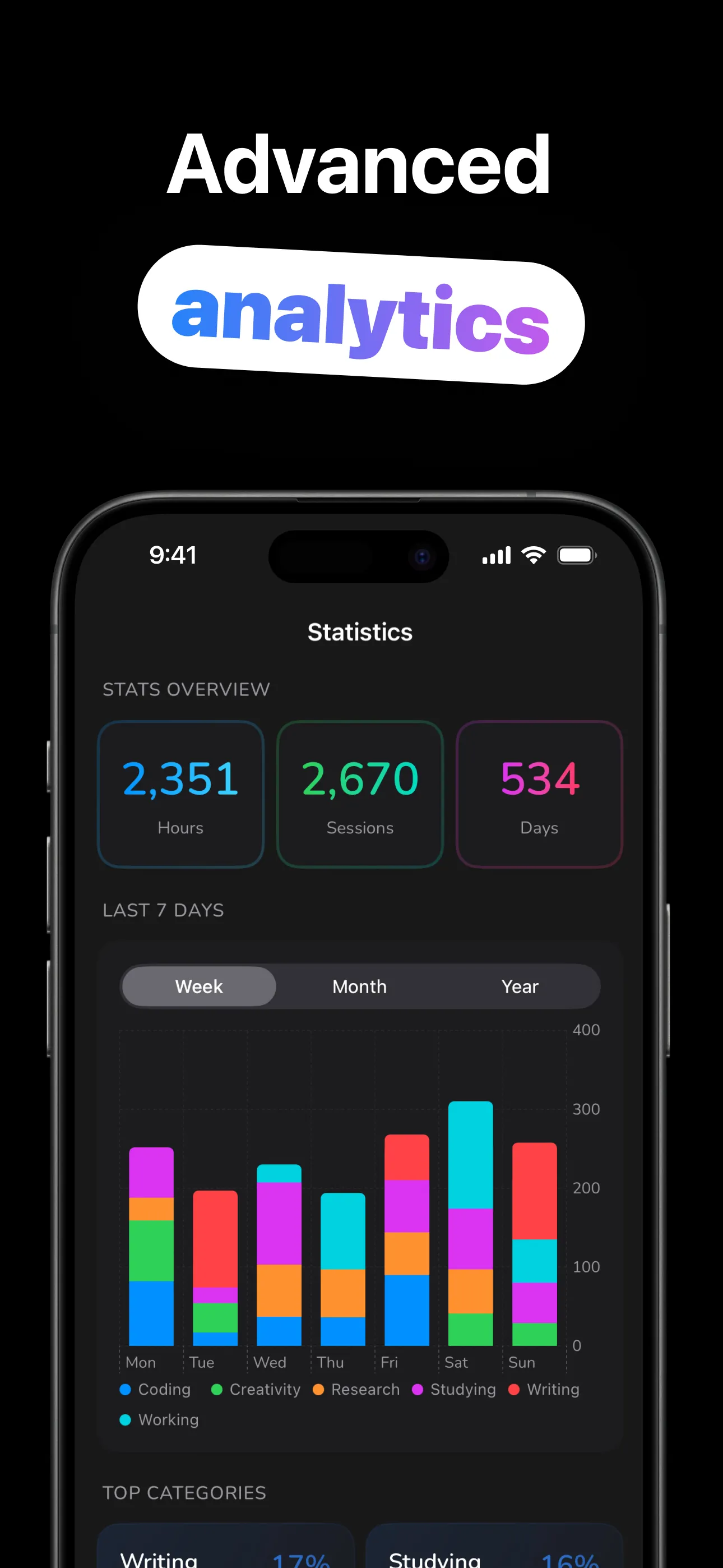
Total hours, sessions and days, stacked charts across week, month and year, and your top categories, so you know where the time went.
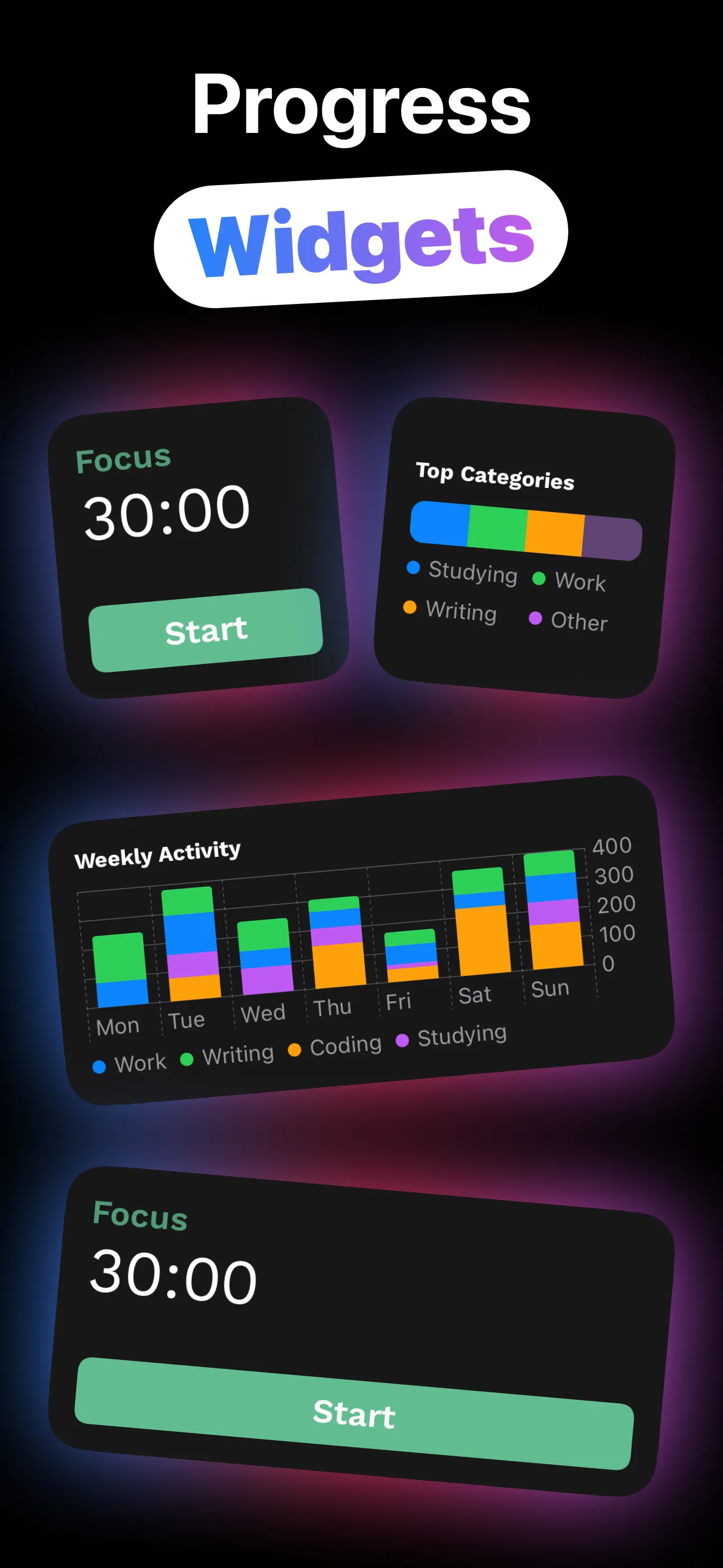
A play/pause timer widget, weekly activity chart and top-categories board for the home screen, plus circular and inline lock-screen widgets.
Nine ready-made categories from Studying to Housework, plus custom ones you name and color yourself. Hold to delete; no clutter.
The technique, the tweaks, and the tools around the timer.
Why working in sprints beats grinding, and how to run your first cycle today.
Read the guide → IntervalsMatching focus and break lengths to the work — and when to break the classic rule.
Read the guide → SoundRain, fireplace, café chatter or instrumentals: picking sound that helps instead of distracts.
Read the guide → Lock ScreenLive Activities keep the countdown visible, so checking the time doesn't cost your focus.
Read the guide → StatsCategories, weekly charts and top-category boards: using data to fix your schedule.
Read the guide → WidgetsFive widget types: timer with play/pause, activity charts, and lock-screen complications.
Read the guide →Quick answers about Pomodoro timing with Mira.
Work in focused sprints, break briefly, repeat. The timer creates urgency; the breaks prevent burnout. Learn more →
Yes. Focus 15–90 minutes, breaks 5–30, cycles of 1–10 sessions. Learn more →
Yes. A Live Activity shows the countdown, state and progress, with a working start/stop button. Learn more →
Eight ambient loops and nine instrumental tracks, or silence. Learn more →
Yes. Hours, sessions and days, stacked weekly/monthly/yearly charts, and top categories. Learn more →
Free to download and use on iPhone and iPad. An optional Mira Pro upgrade is available in-app.
Set the cycle, pick a sound, press play — Mira runs the method while you do the work.
Download on the App Store