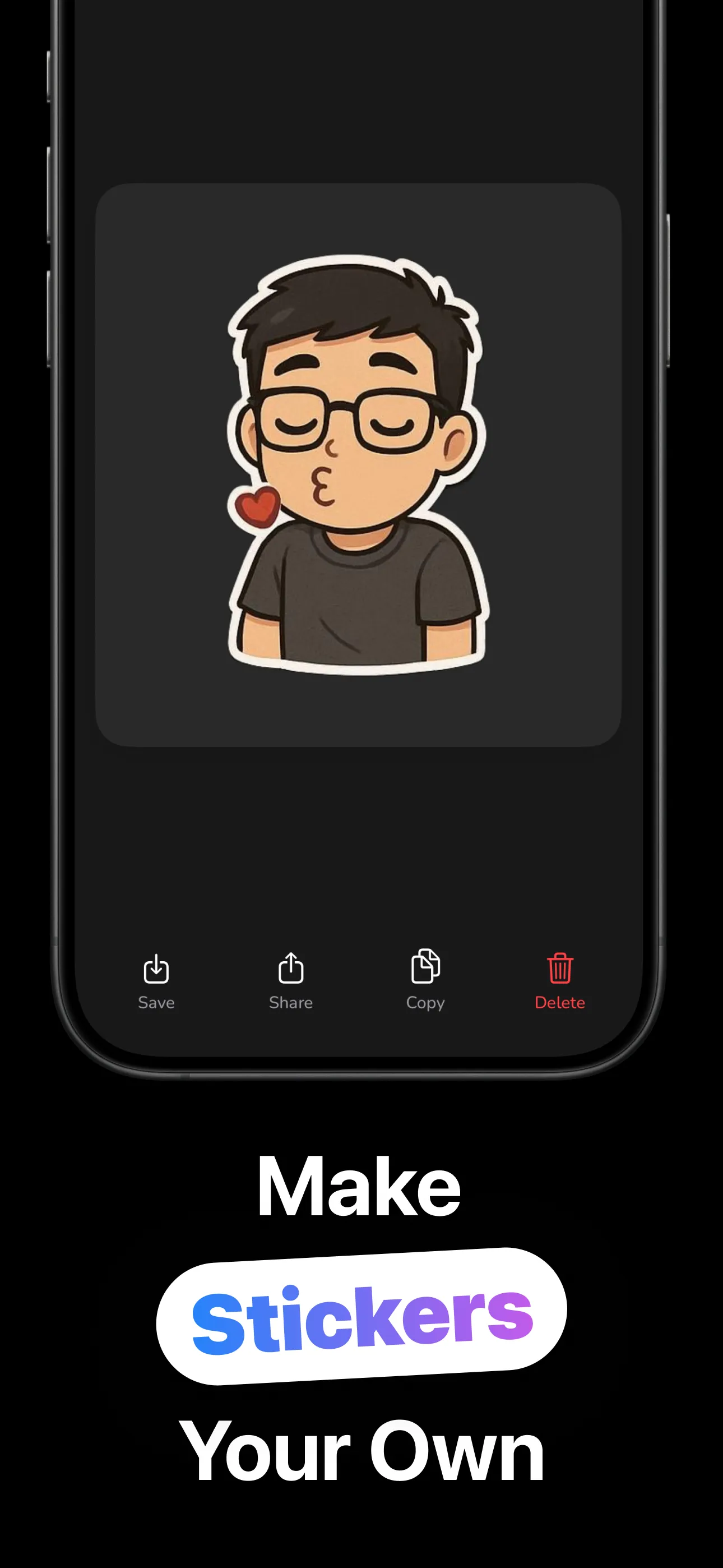
ToonMoods turns one photo into a whole sticker pack — your face (or your dog's) drawn as a cartoon character: laughing, crying, unimpressed, blowing a kiss. Save them, copy them, drop them into any chat.
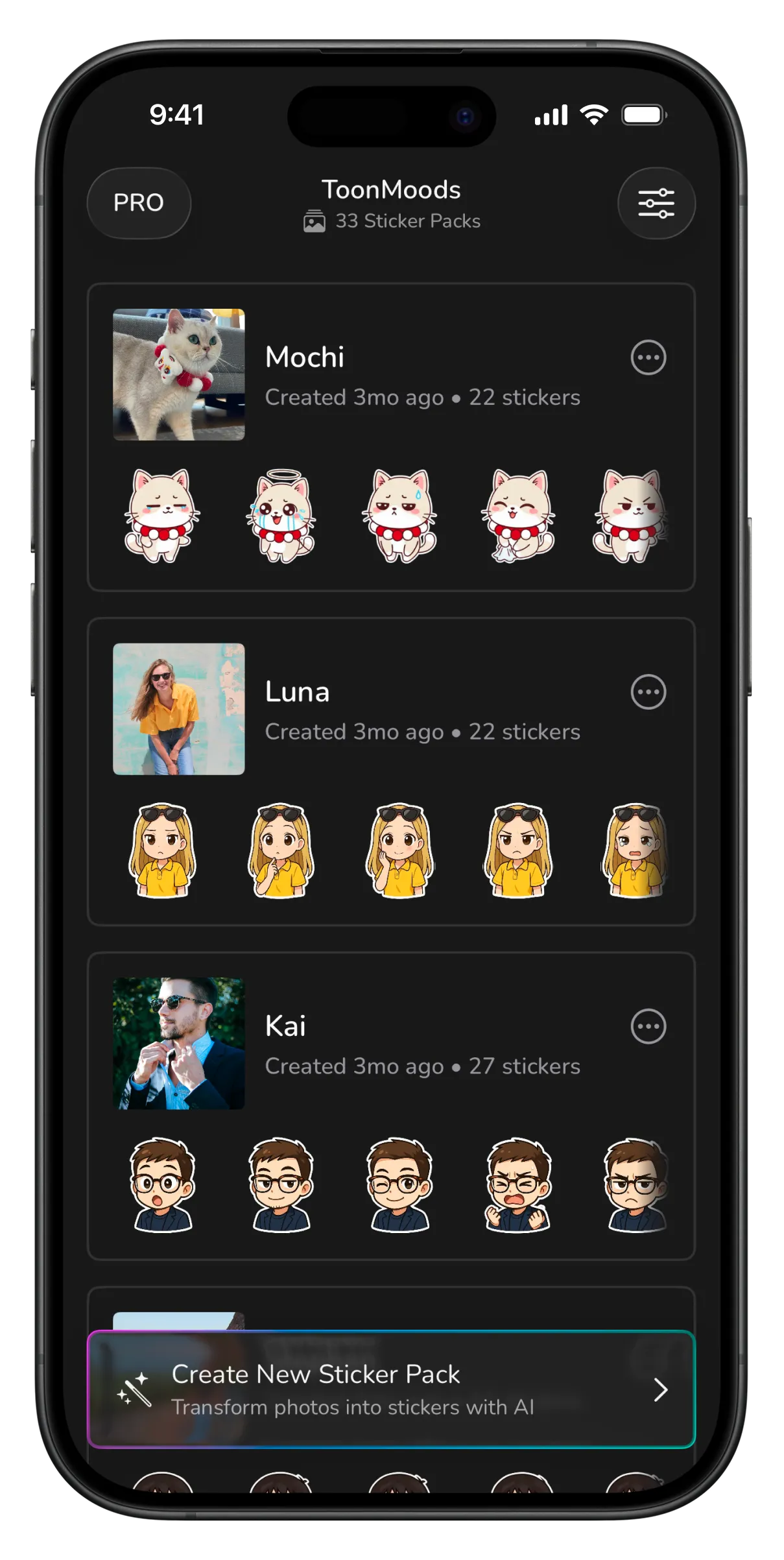
The same face, drawn through every feeling a group chat needs.
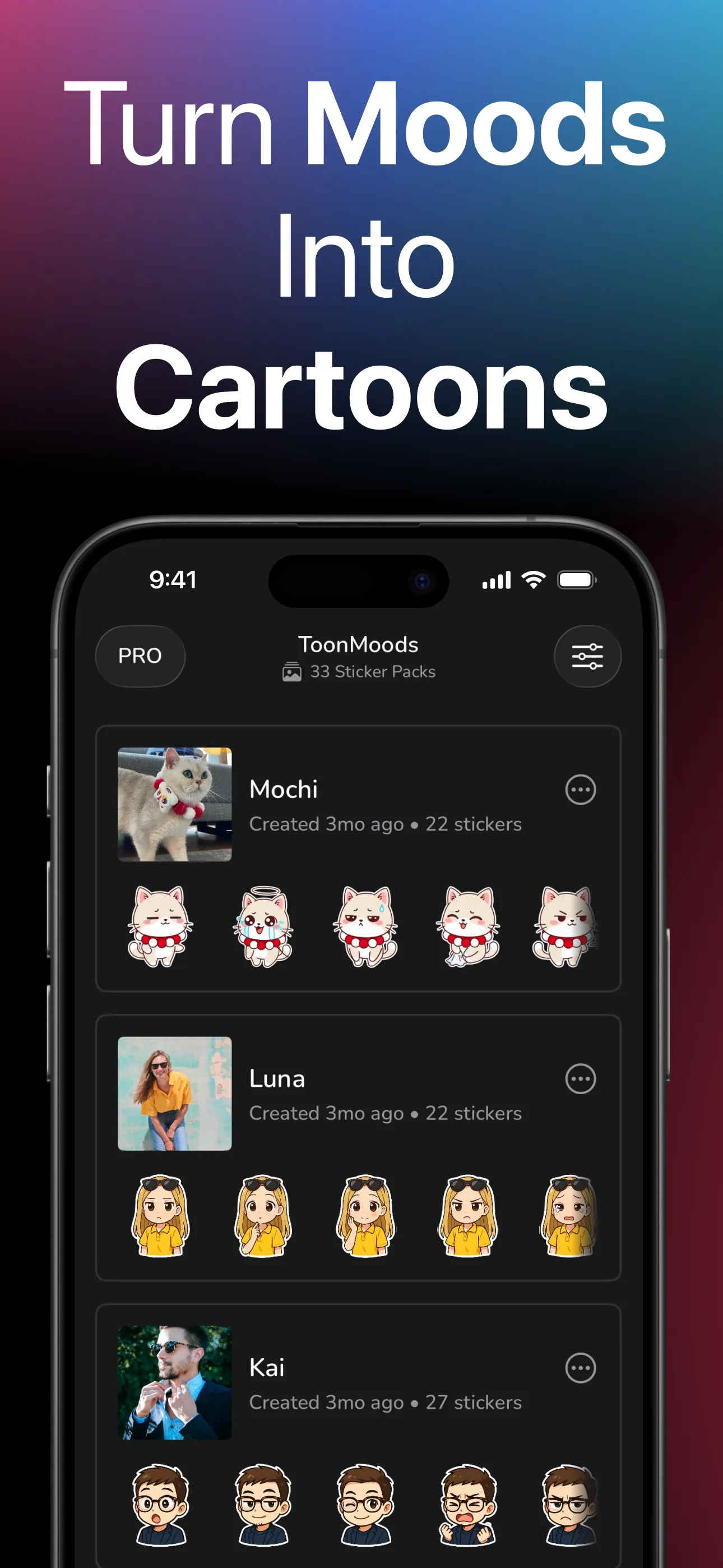
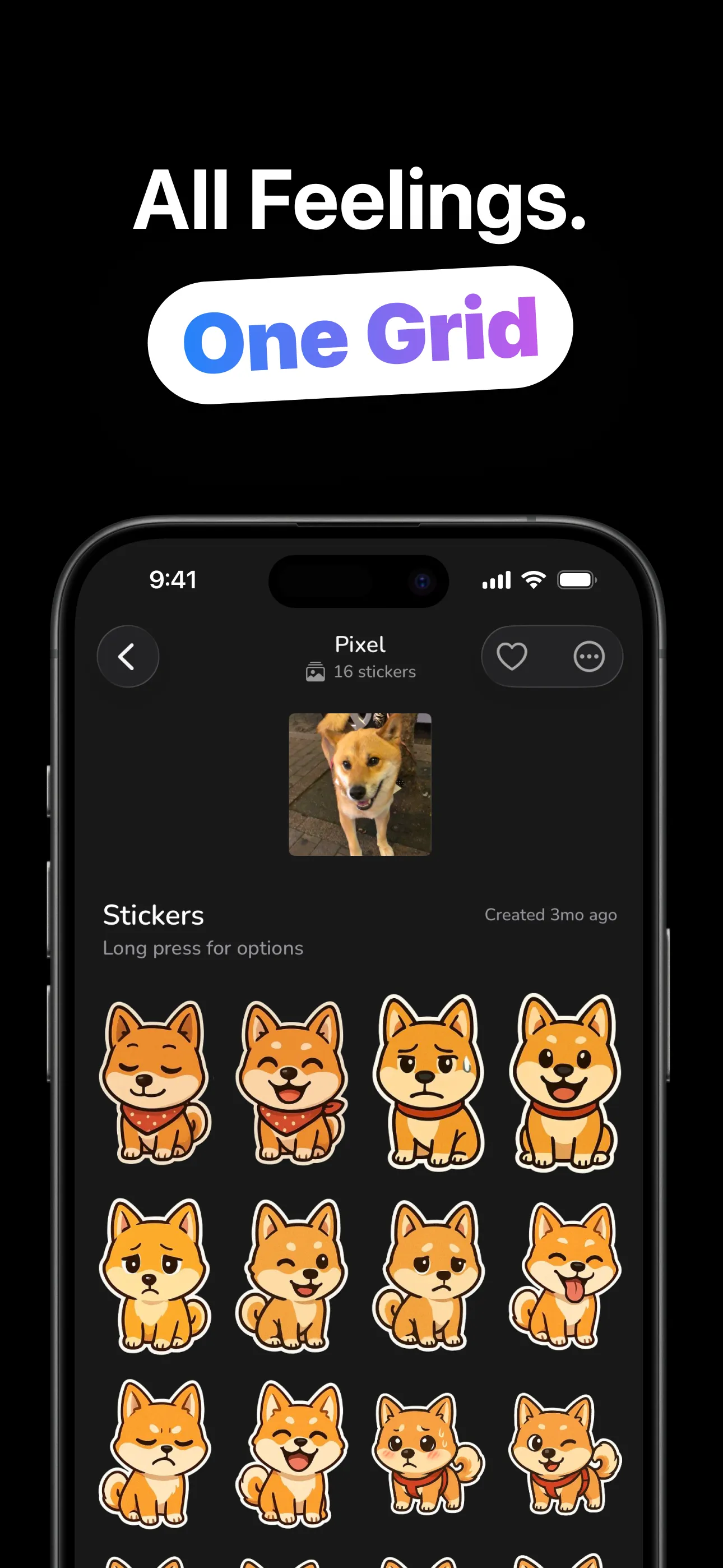
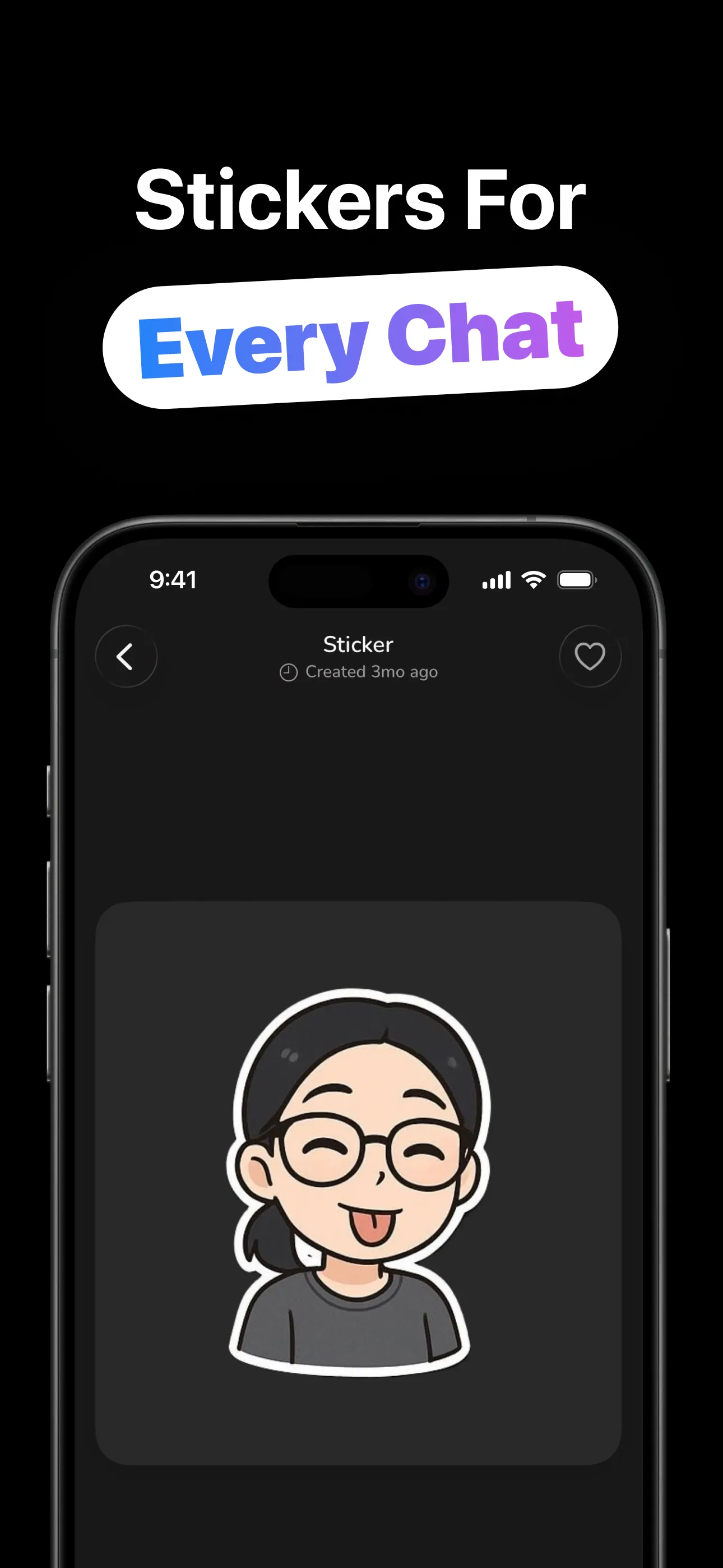
From camera roll to group-chat legend in four steps.
One clear shot of a face: yours, a friend's, the dog's. Camera or photo library.
The subject comes back as a cartoon character in a set of moods: happy, weepy, smug, sleepy.
Tap Create More inside any pack for another round of expressions from the same photo. Favorite the keepers.
Save to Photos, copy to the clipboard, or share. The stickers work in any chat that takes images.
Built around the pack, not the one-off.
One generation returns a set of expressions, not a single image — the full emotional range your conversations actually use.
Cats and dogs cartoon as charmingly as humans, and the cast of your sticker library is whoever's in your camera roll.
Each photo gets its own named pack with the original shot attached, and Create More adds a fresh round of moods whenever the pack feels thin.
Heart whole packs and heart individual stickers, so the send-worthy ones stay one tap away as libraries grow.
Per sticker or the whole pack at once: into Photos, through the share sheet, or onto the clipboard for pasting anywhere.
Chibi-style cartoon art with the classic white sticker border, made to read at chat-bubble size.
Photo choice, pet packs, and getting stickers into every chat you use.
From one selfie to a full sticker pack of your own expressions, in minutes.
Read the guide → PacksHow mood-set generation works, and how Create More keeps a pack growing.
Read the guide → PetsCats, dogs and the art of the perfect pet photo: the internet's favorite genre, starring yours.
Read the guide → ChatsSave, copy, paste: the honest workflow for iMessage, WhatsApp and everywhere else.
Read the guide → PhotosClear face, good light, simple background — input quality is cartoon quality.
Read the guide → LibraryNaming packs, two-level favorites, and pruning: curation is what makes stickers fast.
Read the guide →Quick answers about AI cartoon stickers.
One clear photo in, a pack of cartoon mood stickers out. Learn more →
Wonderfully — cats and dogs make some of the best packs. Learn more →
A set of moods per generation, and Create More keeps adding to the pack. Learn more →
Save, share, or copy-and-paste into any app that accepts images. Learn more →
Clear, well-lit, face visible, for people and pets alike. Learn more →
Free to download and try. An optional ToonMoods Pro upgrade is available in-app.