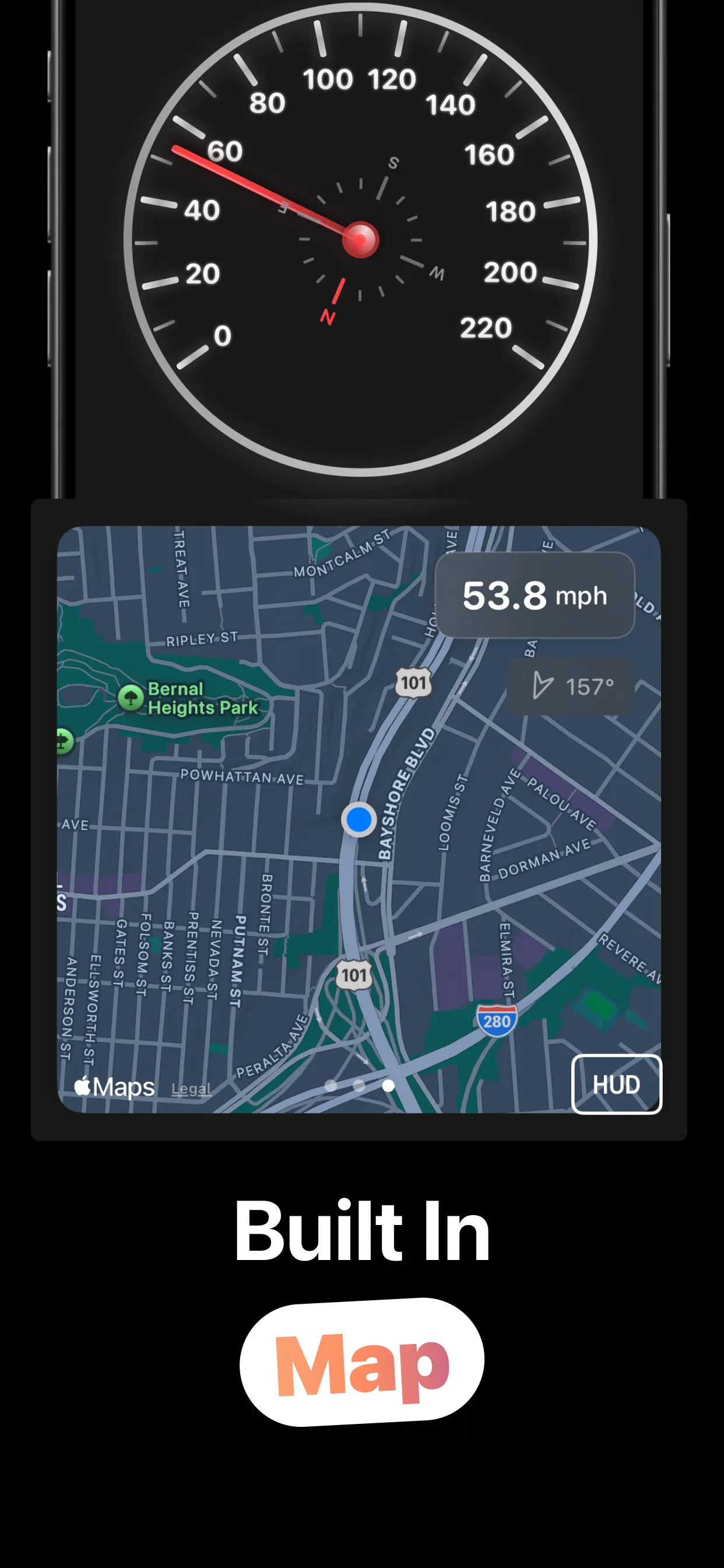
Speedometer Tracker turns your iPhone into a navigation-grade speedometer: an analog gauge with a compass, live max speed, distance and altitude, a built-in map — and a HUD mode that reflects your speed off the windshield at night.
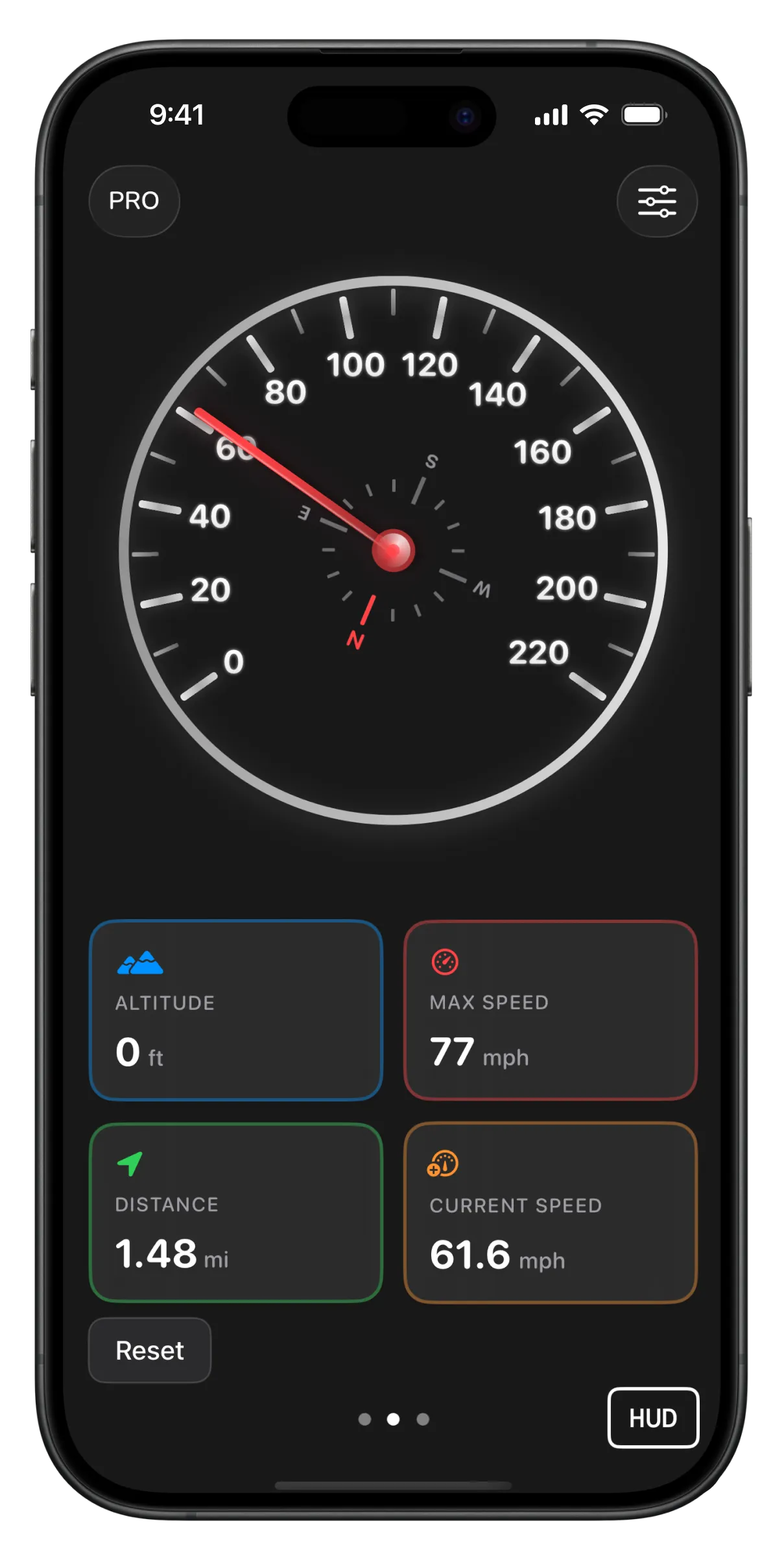
Gauge, stats, map and HUD: swipe between them mid-drive.
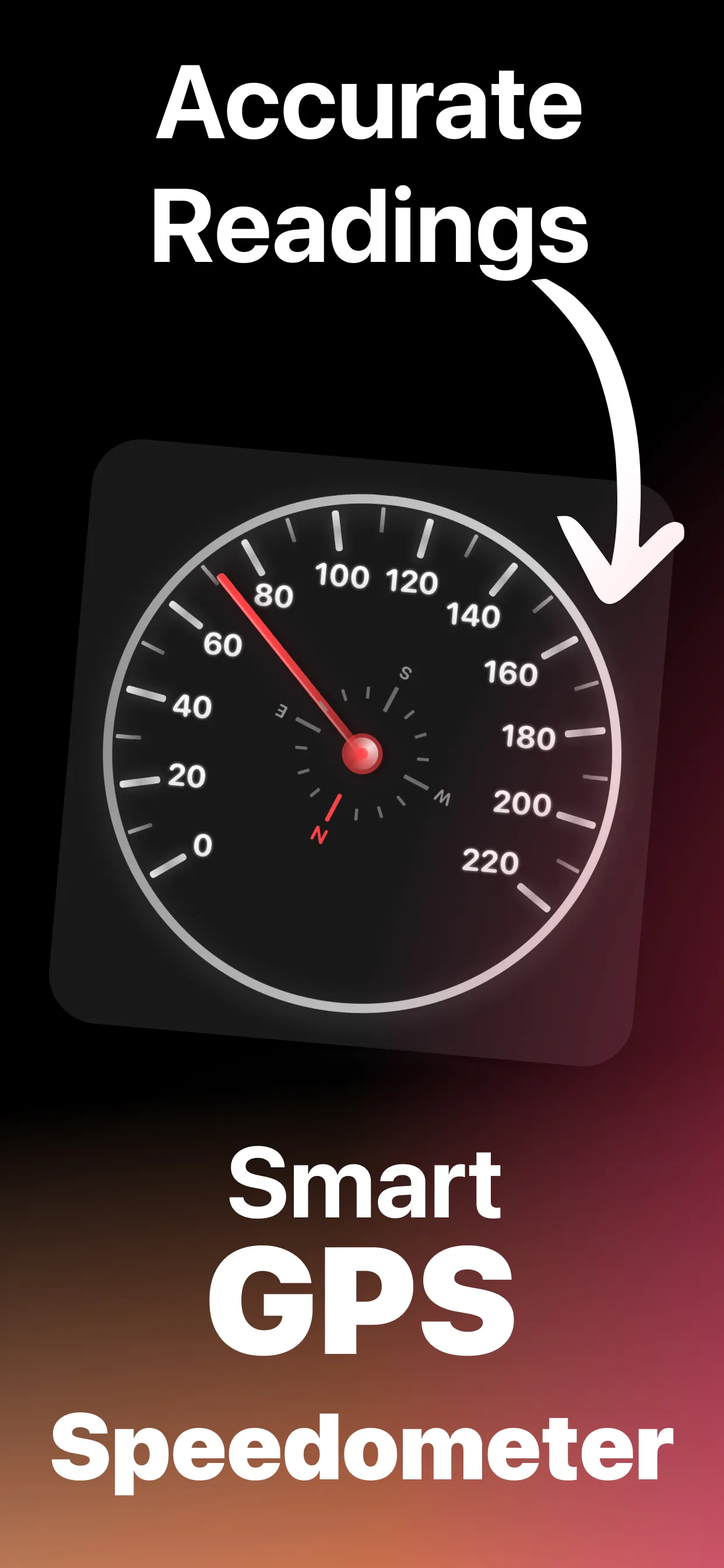
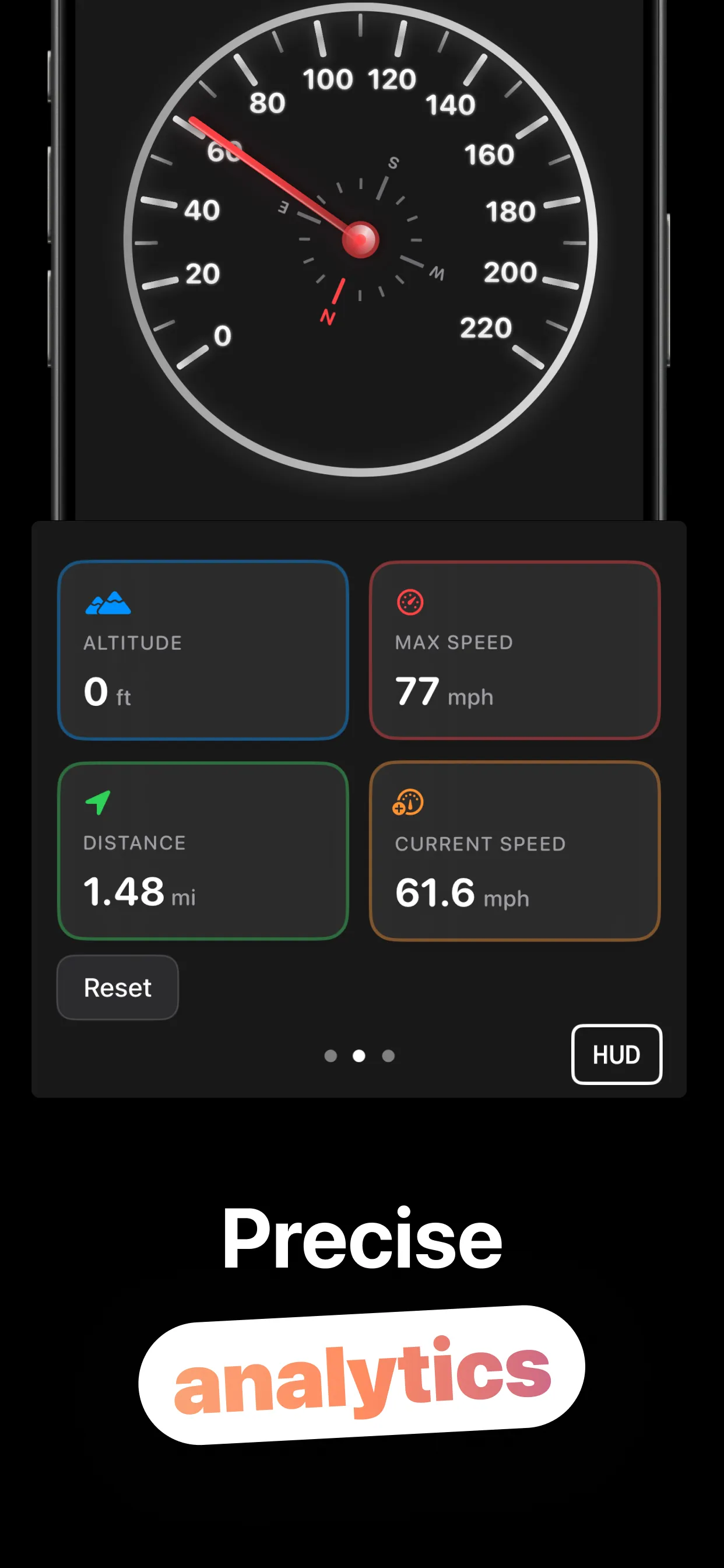
Open it, mount it, drive — the satellites do the math.
Speed comes from GPS at iOS's navigation-grade accuracy, and a signal-quality indicator tells you when the fix is solid.
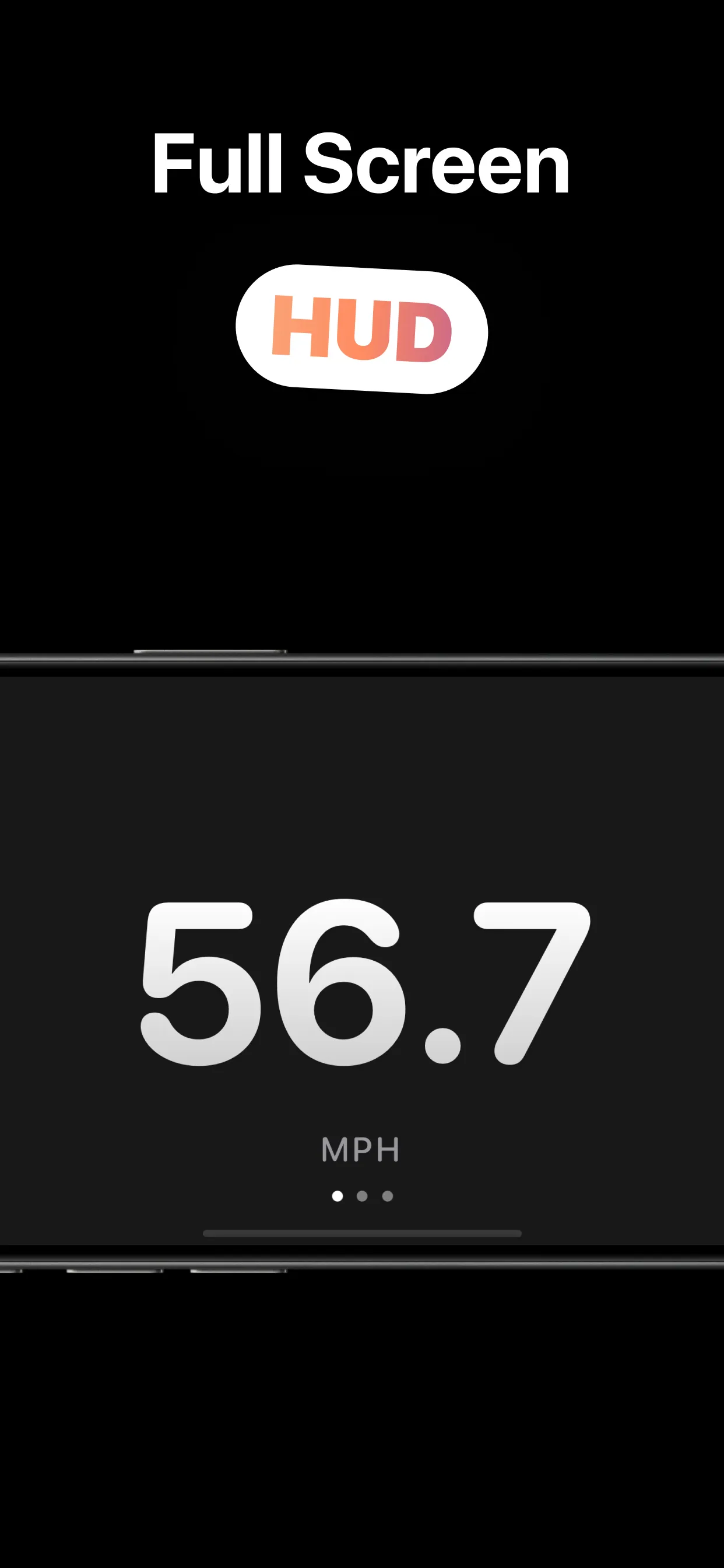
Swipe between the big digital readout, the stats grid, and the map. The analog gauge and compass ride on top.
Current speed, max speed, distance and altitude update live, in mph or km/h, with optional decimals.
Tap HUD, lay the phone on the dash, and the mirrored readout reflects right-side-up off your windshield.
The readouts you want, none of the clutter you don't.
Best-for-navigation accuracy with no distance filtering, plus a live signal-quality badge so you know when to trust the number.
One tap flips the display 180°: the classic head-up-display trick that turns a dashboard phone into a windshield readout at night.
Max speed, distance traveled, altitude and current speed in a clean card grid, with a Reset button to zero it before every drive.
An Apple Maps pane with your position, current speed and heading in degrees: glanceable context without leaving the app.
A compass inset on the gauge and numeric heading on the map: direction alongside speed, toggleable in settings.
Auto by locale or forced mph / km/h; feet or meters for elevation; decimal speed for precision; analog, digital and full-screen views.
GPS accuracy, HUD tricks, and why your car's dial has been lying politely.
Where GPS speed comes from, when it beats your dashboard, and when to doubt it.
Read the guide → HUDThe 180° flip, the dashboard placement, and night-driving setup that actually works.
Read the guide → Your CarProbably not. Dashboards read high by design. How to check yours against GPS.
Read the guide → Any VehicleGPS doesn't care what's moving: cycling, sailing, running and the train window game.
Read the guide → SettingsEvery setting explained: auto-locale units, elevation, decimal precision.
Read the guide → StatsWhat each card measures, what Reset clears, and honest limits of session stats.
Read the guide →Quick answers about GPS speed on iPhone.
Within about 1 mph at steady speed under open sky — often closer to true speed than your dashboard. Learn more →
A 180° flip so the readout reflects right-side-up off your windshield at night. Learn more →
Current speed, max speed, distance and altitude per session, plus heading, with a Reset button. Learn more →
Yes. GPS doesn't care what's moving. Learn more →
Auto by locale, or force either, with decimal speed and ft/m elevation options. Learn more →
Free to download and use. An optional Speedometer Pro upgrade (subscription or lifetime) is available in-app.