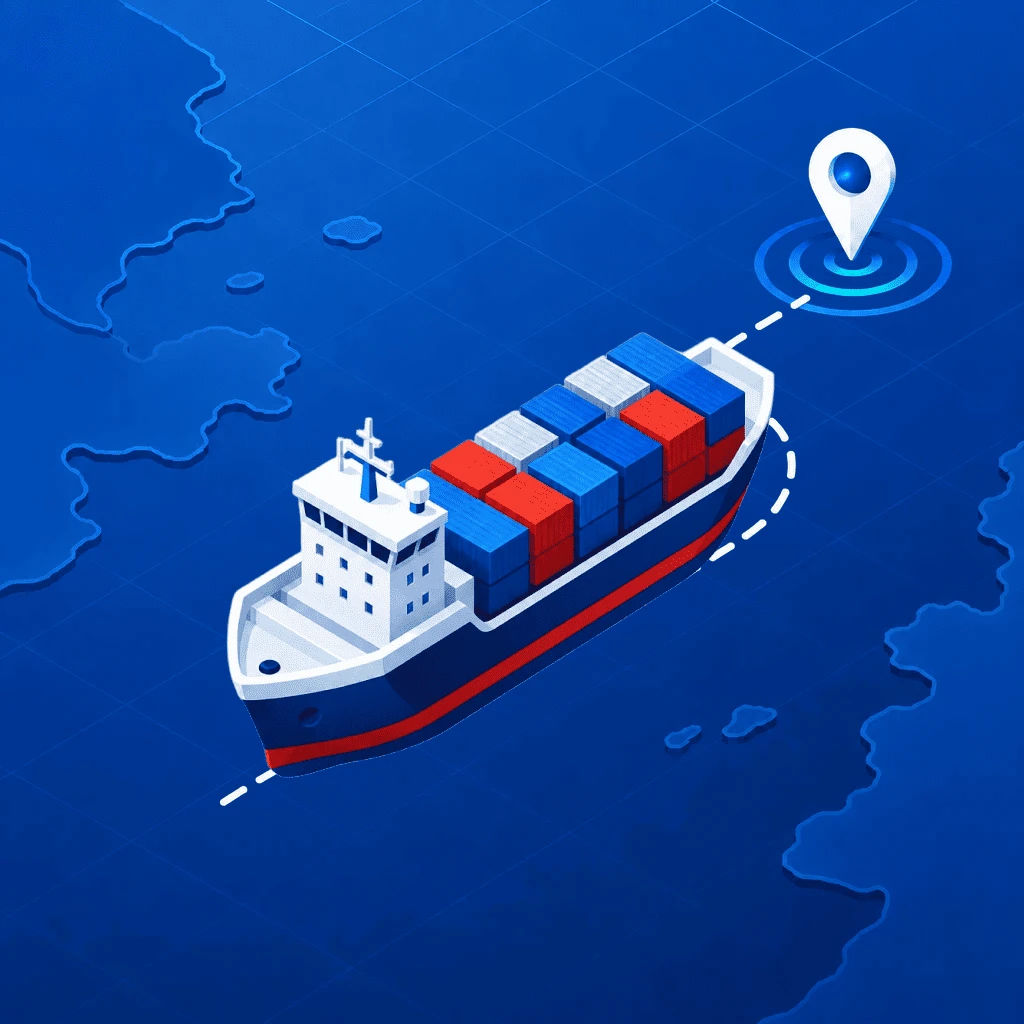
VesselFlow turns your iPhone into a live vessel tracker. Search any ship by name or MMSI, watch it move with fresh AIS positions about every minute, and follow its speed, course, voyage and specs — no account required.
No iPhone to hand? The same live map runs in any browser at vesselflows.com.
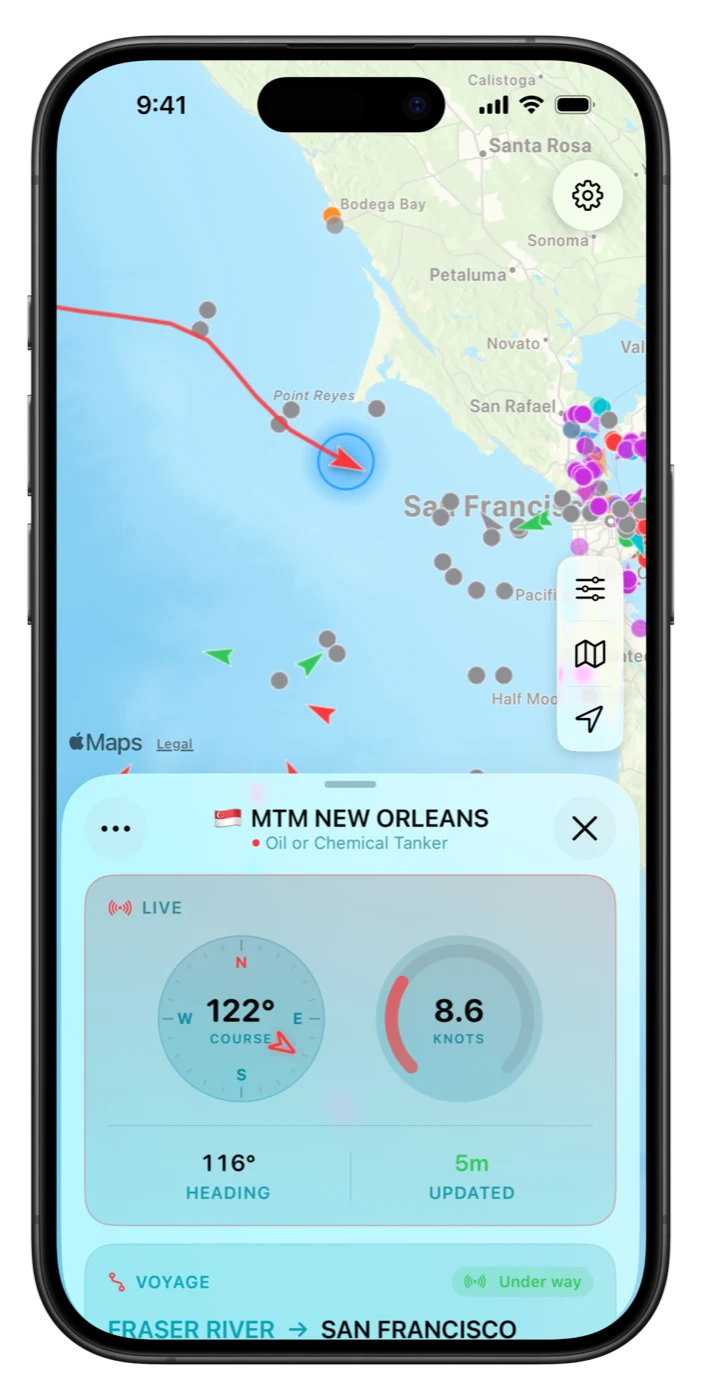
Search, tap, follow — every ship tells its story.
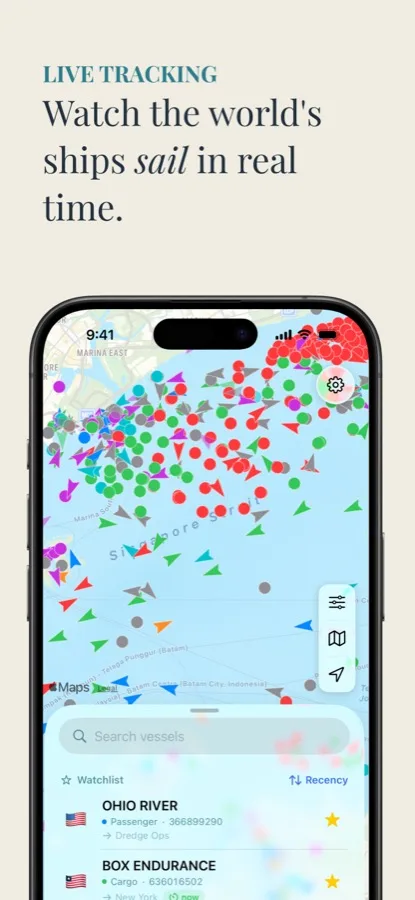
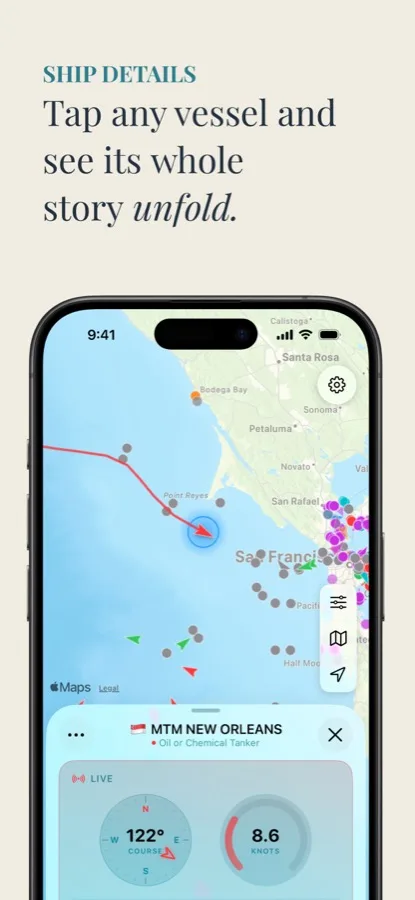
From open to tracking in under a minute.
Ships appear instantly, color-coded by type, with arrows showing who's underway.
Search by name or 9-digit MMSI, or browse the Nearby list of vessels on screen.
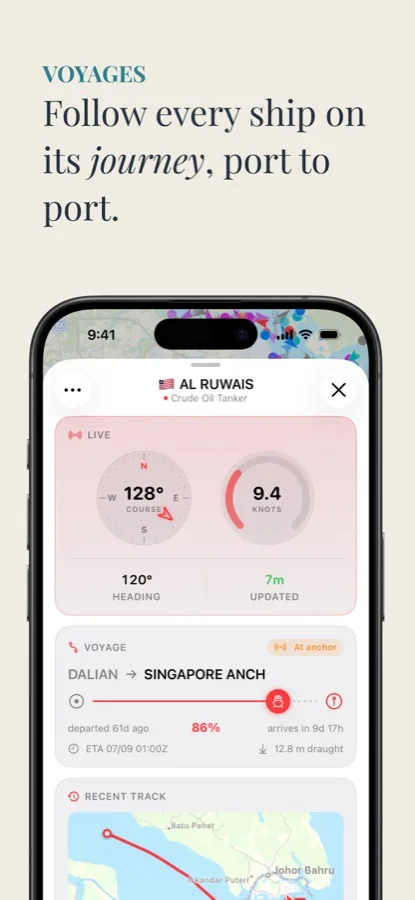
Live speed, course and heading gauges, plus voyage, track and specs with Pro.
Add ships to your watchlist and jump back to them anytime, on any of your devices.
The detail that matters, without the clutter.
Thousands of ships per view, refreshed about every minute, in Standard, Satellite or Hybrid style.
Find any broadcasting vessel, or browse what's near you on the map right now.
Speed, course and heading on live gauges, with a freshness stamp on every position.
Destination, departure port, route progress and a live arrival countdown, in UTC or local time.
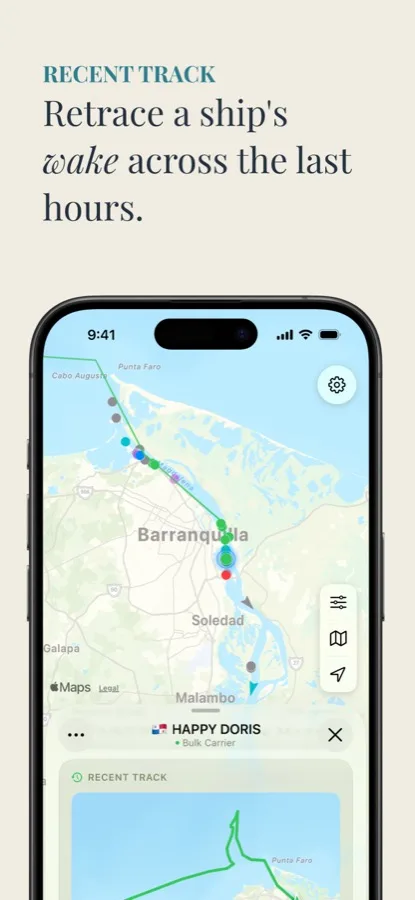
Retrace the sailed route with a speed graph, plus dimensions, tonnage, build year and home port.
Star the ships you care about. Your list follows you across devices via iCloud, no account needed.
How to find, follow and understand the ships on the map.
Find any vessel in under a minute and read its live position, speed and course.
Read the guide → PortsGBFXT, NLRTM, SGSIN: how port codes are built, and why trackers rely on them.
Read the guide → AISThe transponder system behind every ship tracker, and what “live” really means.
Read the guide → CruiseFollow a loved one's ship port to port, and know why it sometimes goes quiet mid-ocean.
Read the guide → CargoContainer ships, bulkers and tankers: where they are, where they're bound, when they arrive.
Read the guide → TroubleshootingAIS coverage gaps, ocean crossings and stale positions: what's normal and what isn't.
Read the guide → HobbyTurn a harbor view into a hobby: know every vessel's name, type and destination.
Read the guide →Quick answers about tracking ships with VesselFlow.
Search the vessel by name or 9-digit MMSI on the live map, tap it for position, speed, course and heading, and star it for your watchlist. Positions refresh about every minute. Learn more →
AIS is the transponder system ships use to broadcast position, speed and course. VesselFlow refreshes the visible map roughly every 60 seconds and stamps every vessel with an “updated X ago” time. Learn more →
Yes. Search it by name, star it, and check its position and speed anytime. Mid-ocean stretches can have coverage gaps; positions resume near coasts and shipping lanes. Learn more →
Live position and telemetry are free. VesselFlow Pro adds destination, departure port, route progress and a live ETA countdown, plus recent track and full specs. Learn more →
Usually an AIS coverage gap. Terrestrial receivers reach tens of miles offshore, so ocean crossings go quiet until the ship nears land. VesselFlow hides positions older than 24 hours instead of showing stale dots. Learn more →
No. No account, no sign-up. The watchlist syncs through iCloud automatically. Map, search, filters, telemetry and watchlist are free; Pro unlocks voyages, recent tracks and full specs.
Download VesselFlow and follow any ship on the map — free, no account required. In a browser, open the live port boards at vesselflows.com.
Download on the App Store