Hit record in class (or feed it an audio file, a YouTube link, or pasted notes) and LectureAI returns the whole kit: transcript, readable summary, flashcards, a quiz, key terms, and an AI assistant that answers questions about the material.
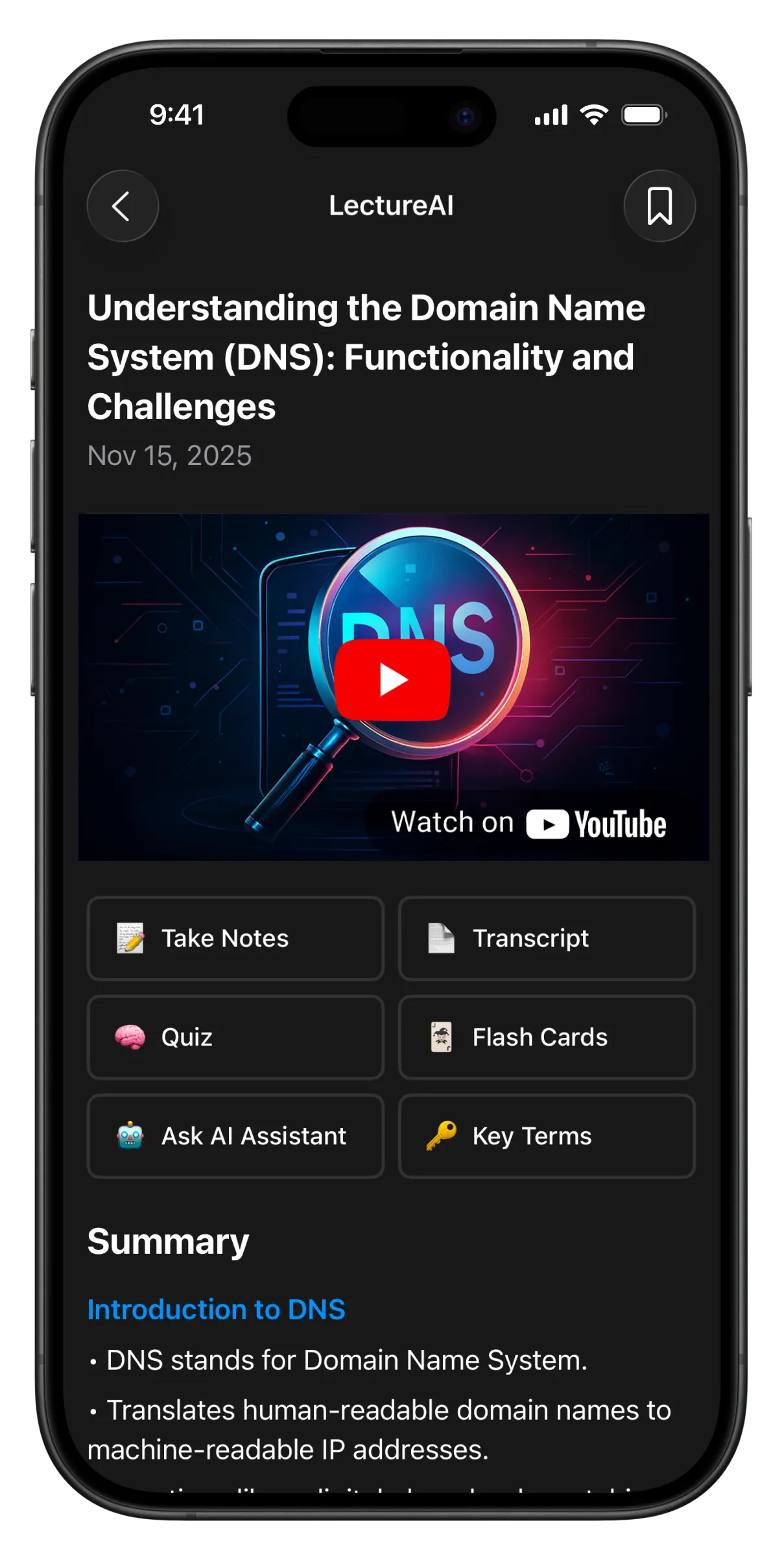
One recording in — seven study tools out.
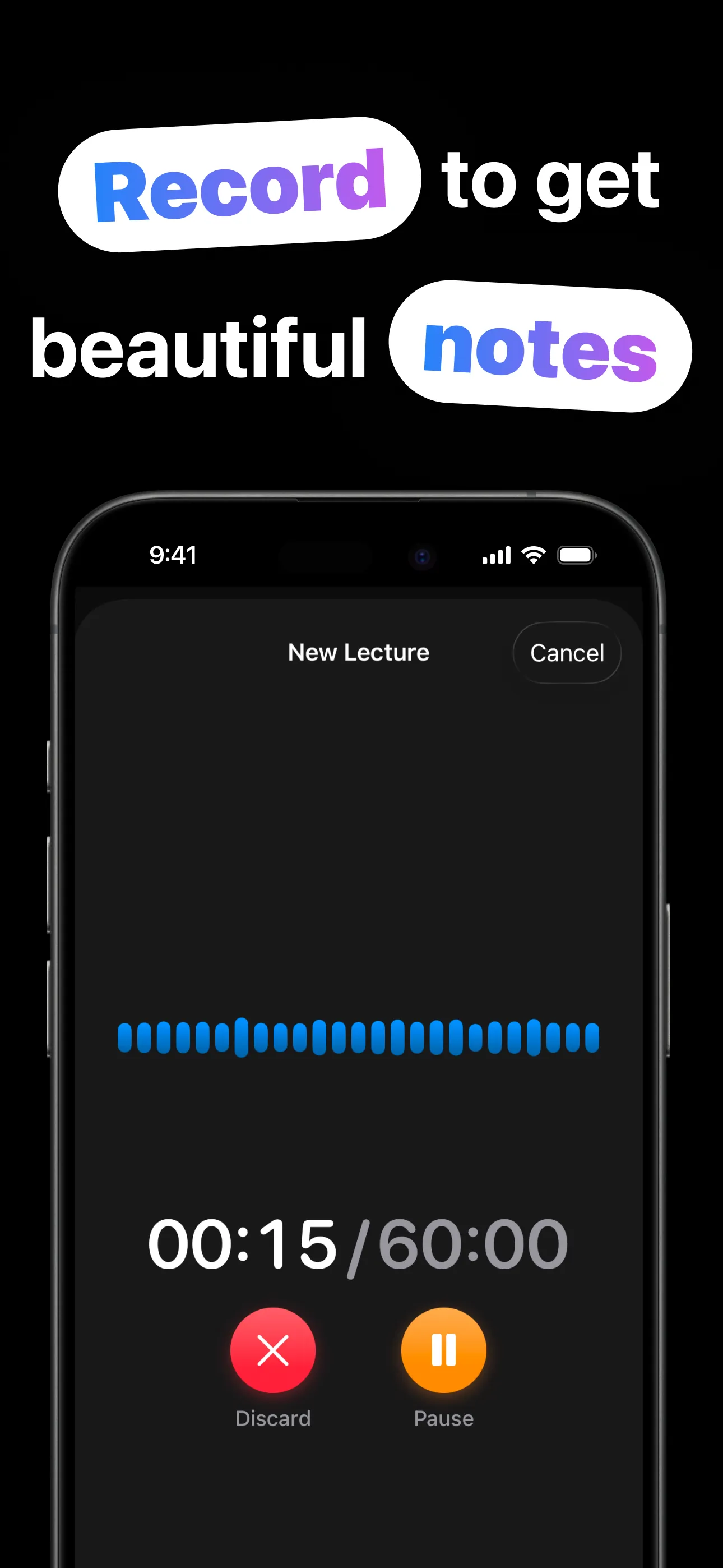
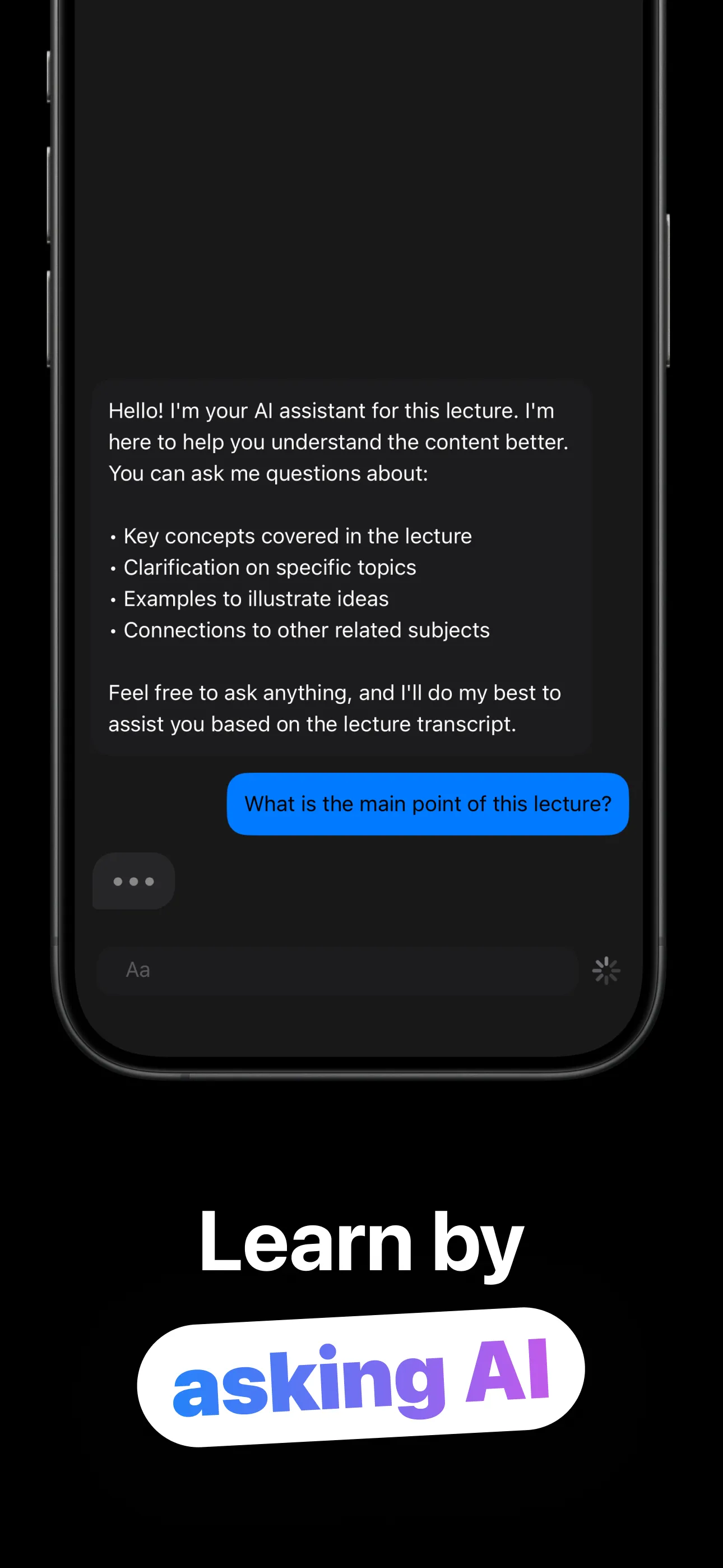
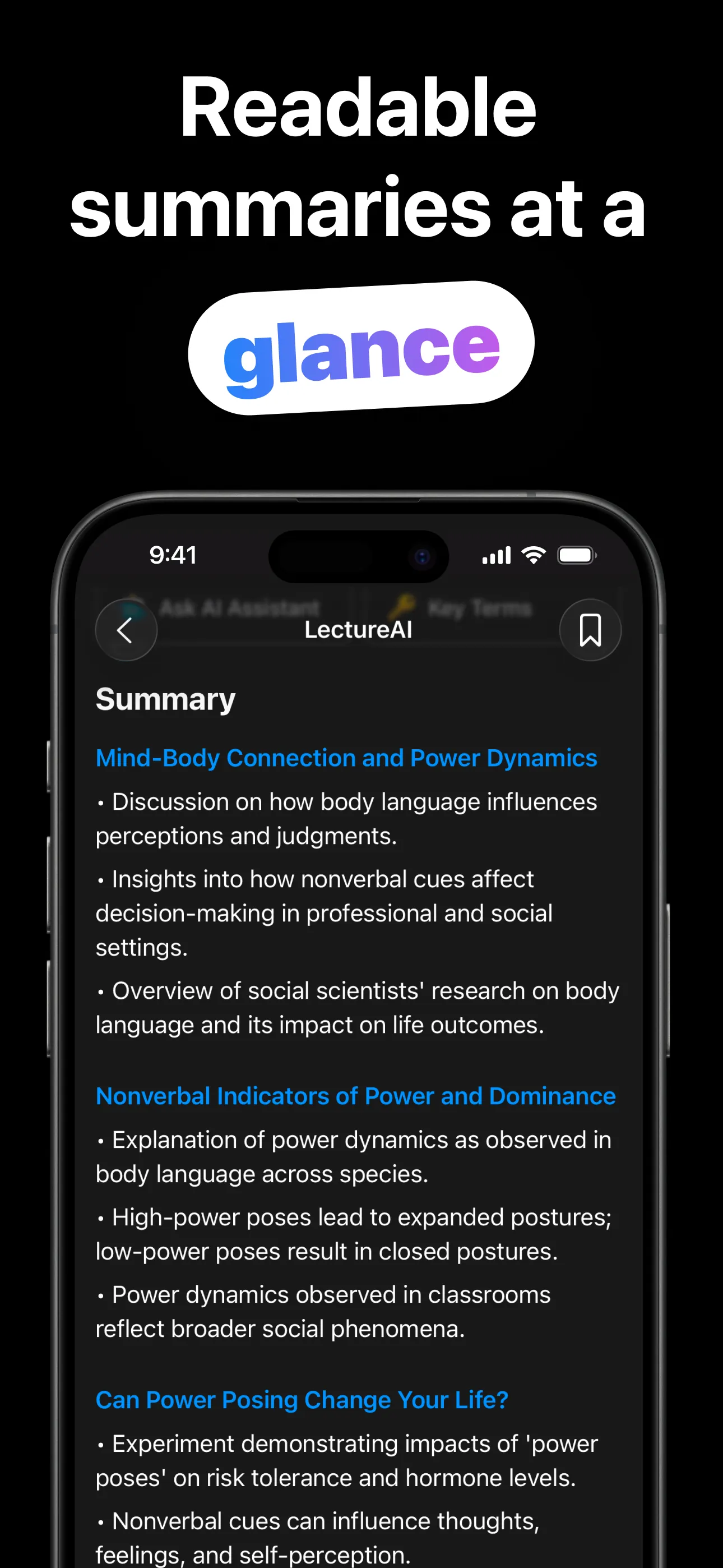
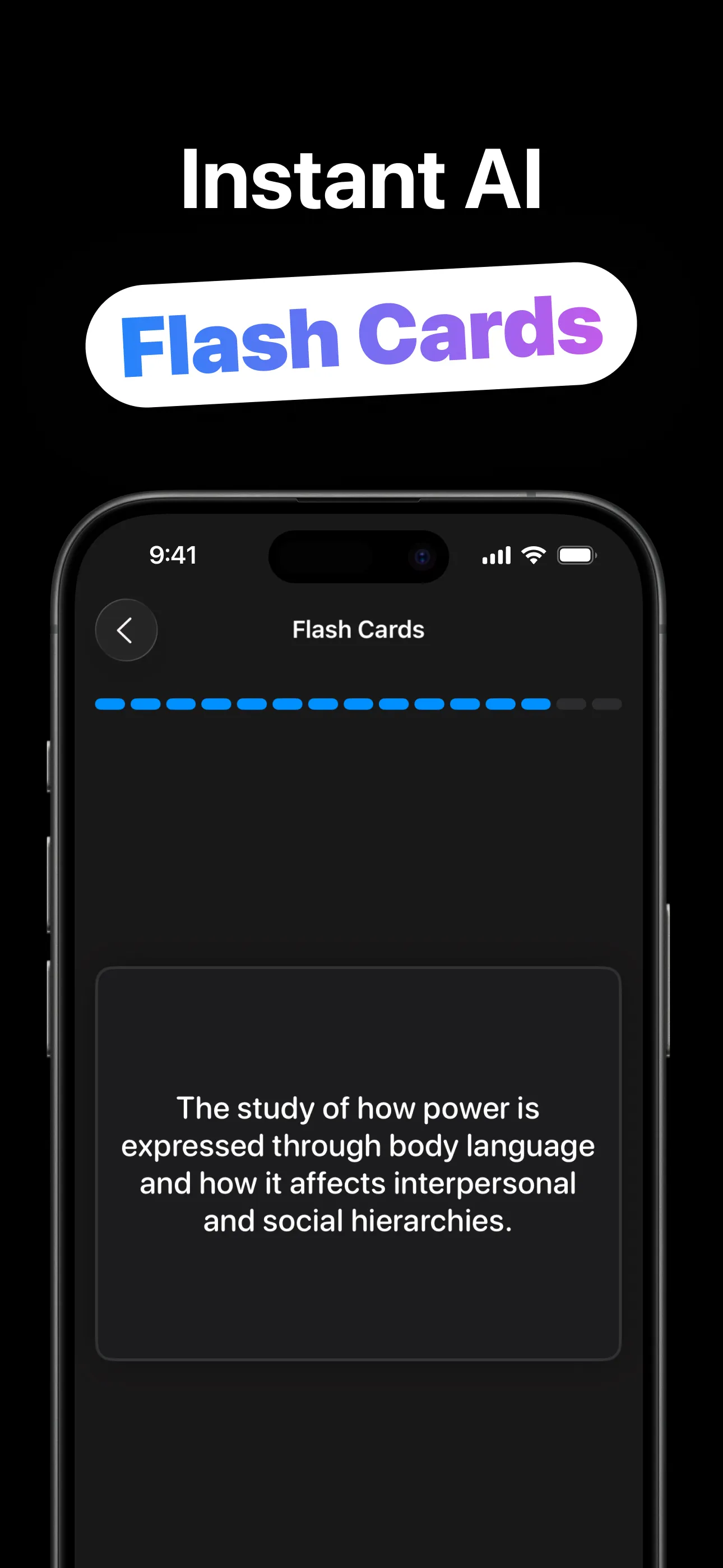
The note-taking happens while you just listen.
Record live, upload an audio file, paste a YouTube link, or paste your typed notes.
The full transcript arrives with an AI-generated title and cover for the lecture.
Summary, flashcards, multiple-choice quiz and key terms, generated from the actual content.
Review the tools, take your own notes, and ask the AI assistant anything about the transcript.
Everything a study session needs, generated from the source.
Live recording (up to an hour with Pro), audio file upload, YouTube links, or pasted text.
Every word, searchable and readable: the foundation the rest of the kit is built from.
Sectioned, bulleted, readable at a glance: the lecture's spine without the rambling.
Term-and-definition cards plus the concepts that will be on the exam, extracted automatically.
Self-testing beats re-reading — every lecture gets a quiz built from its own content.
An AI assistant grounded in the transcript: clarify concepts, request examples, connect ideas.
Recording, converting and actually retaining: the honest playbooks.
Mic placement, permission etiquette, and the recording-to-kit workflow.
Read the guide → YouTubePaste a link, get a transcript, summary, flashcards and quiz, lectures included.
Read the guide → FlashcardsWhy active recall wins, and how generated cards remove the busywork.
Read the guide → QuizzesThe testing effect, put to work: multiple-choice quizzes from the actual material.
Read the guide → AI Q&AUsing transcript-grounded Q&A to untangle the concepts the professor rushed.
Read the guide → MethodListen first, structure later: where AI fits in a serious note-taking method.
Read the guide →Quick answers about turning lectures into study kits.
Record, upload, paste a YouTube link or paste text. The AI transcribes and builds a summary, flashcards, quiz, key terms and a Q&A assistant. Learn more →
Yes. Paste the link and the full study kit generates from the video's audio. Learn more →
Up to 5 minutes free (enough to try everything) and a full 60 minutes per session with LectureAI Pro.
Transcript, summary, flashcards, multiple-choice quiz, key terms, your own notes, and the Ask-AI assistant, plus an AI title and cover.
Reviewing saved lectures and materials works offline; creating new ones needs a connection, since the AI runs in the cloud.
Free to download and try. Pro (weekly, monthly or lifetime) unlocks 60-minute recordings and the full toolkit at scale.
Record it, and study from the kit. Free to try.
Download on the App Store