Voiceify turns up to 4,000 characters of text into lifelike AI speech. Thirteen voices with tap-to-play previews, six speaking rates, and audio you can export as MP3, WAV, FLAC or AAC — no account required.
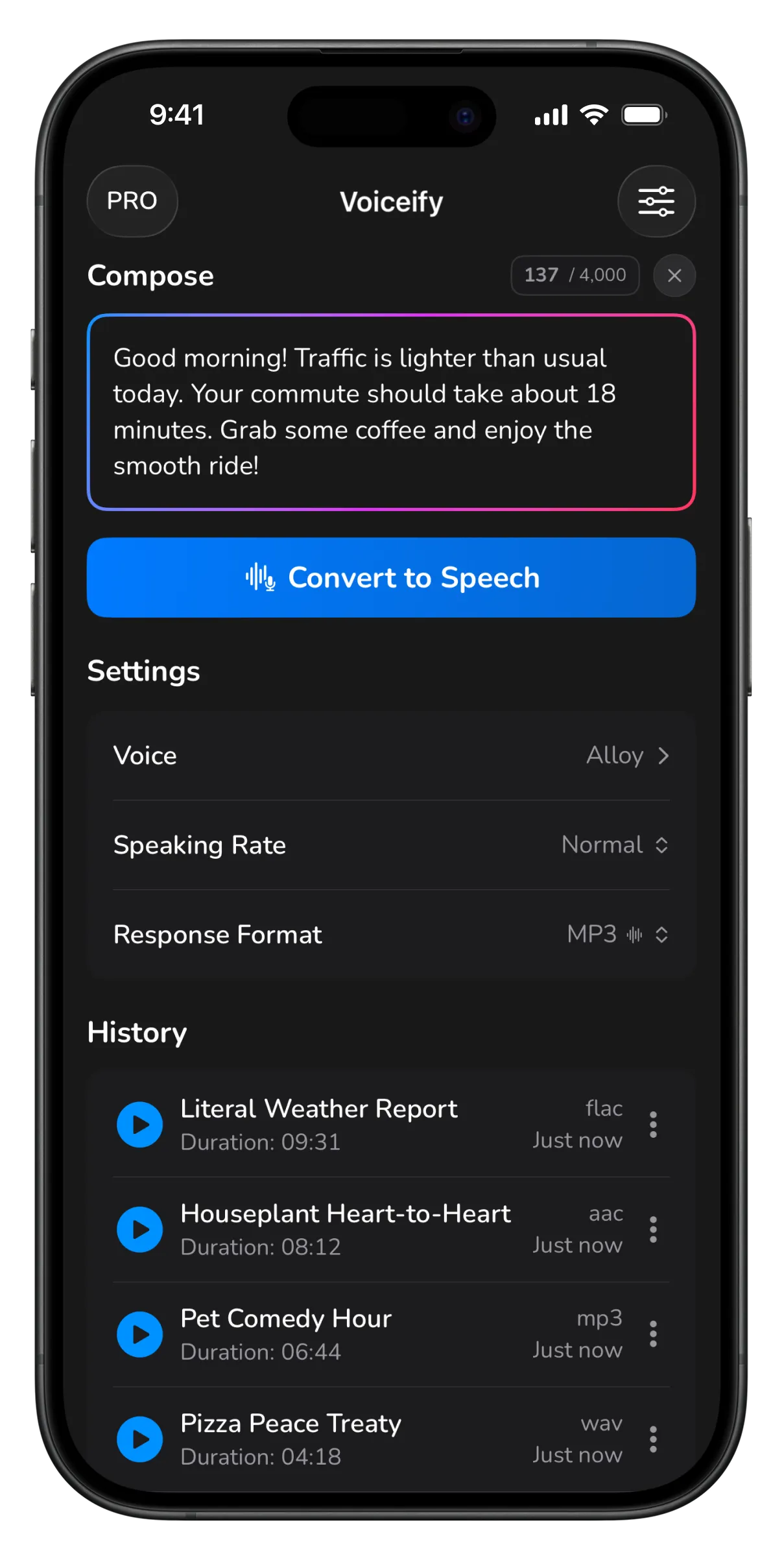
Compose, convert, and keep every generation in a searchable history.
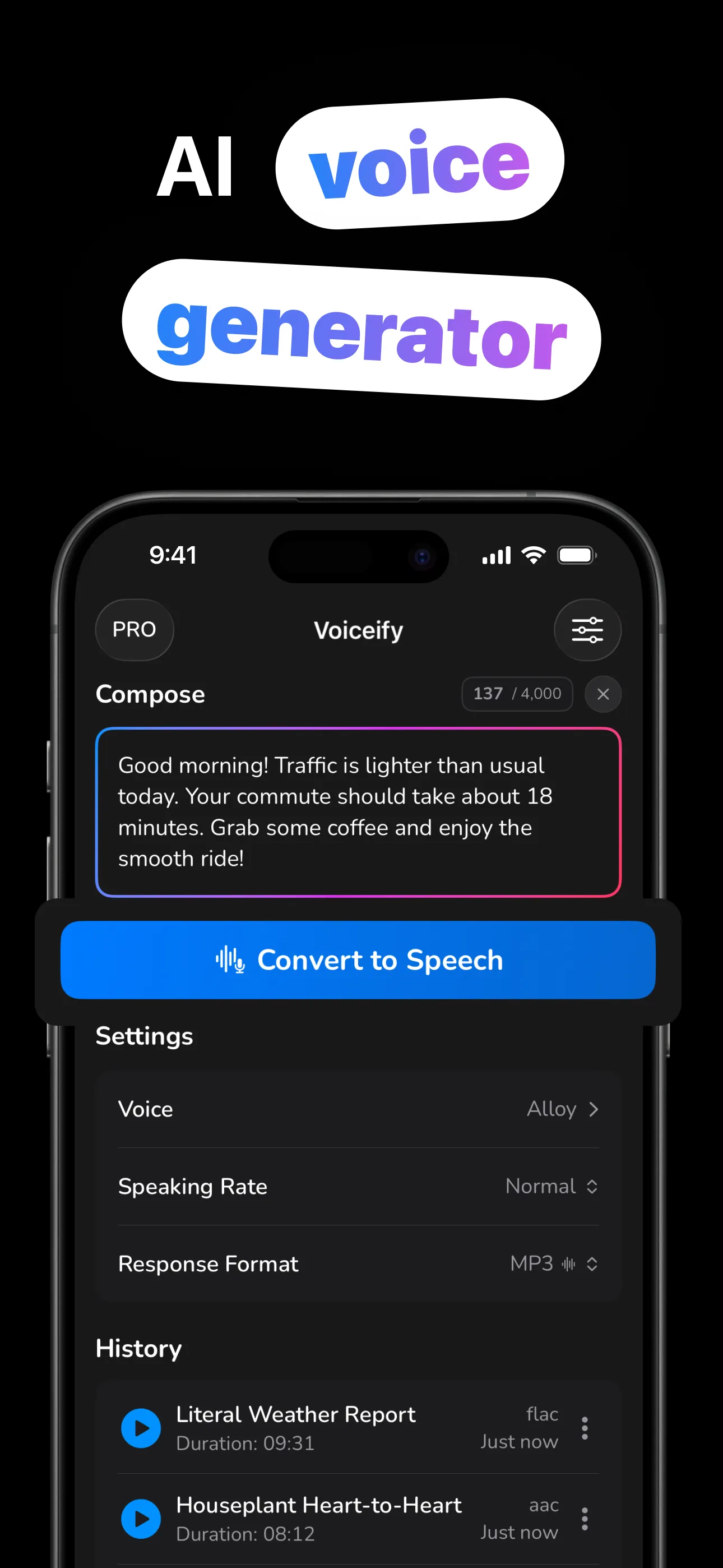
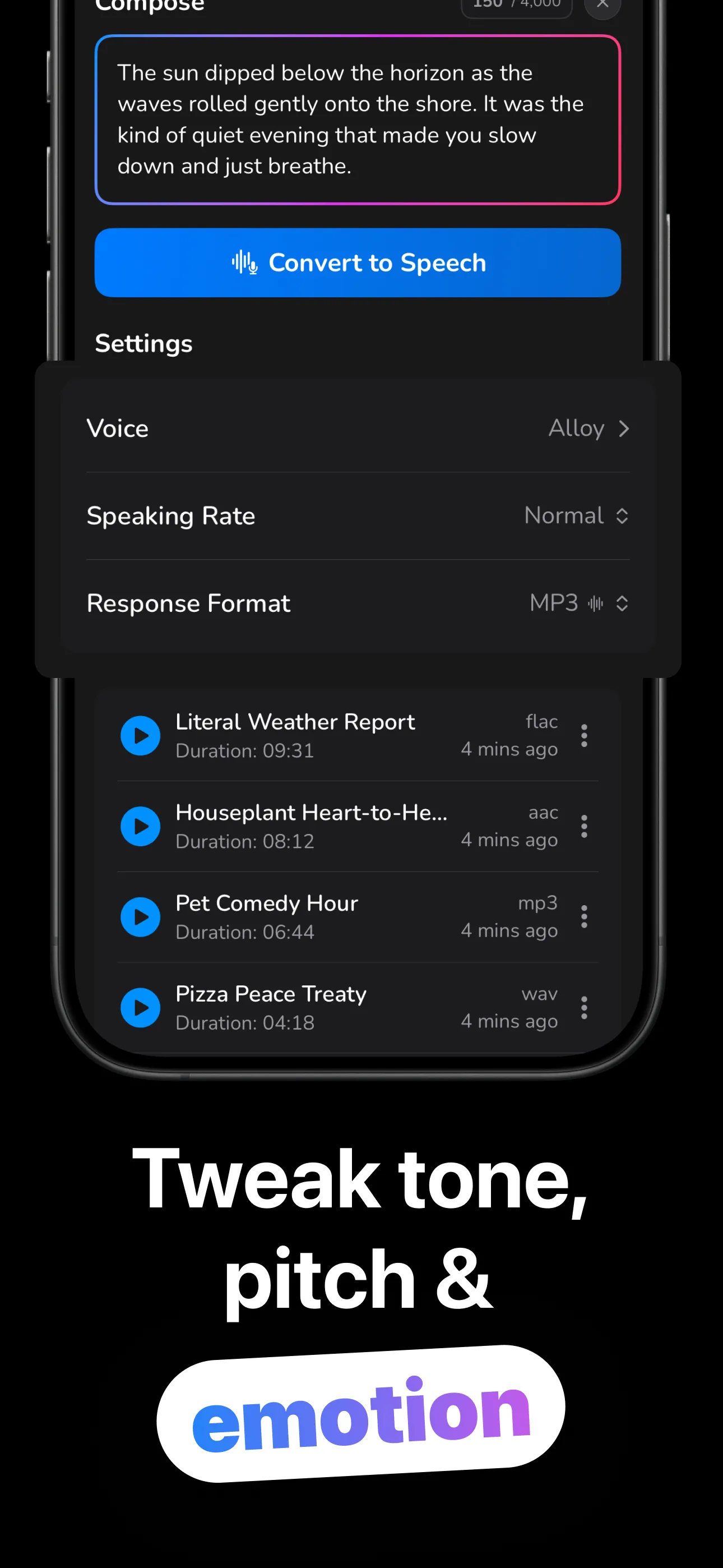
Four steps from text to a shareable audio file.
Up to 4,000 characters per generation, with a live counter as you write.
Preview any of 13 voices, then set one of six speaking rates from Very Slow to Very Fast.
The AI generates natural audio in seconds, in your chosen format — MP3, AAC, FLAC or WAV.
Scrub and re-listen in-app, share anywhere, or save the file to Files. History keeps everything.
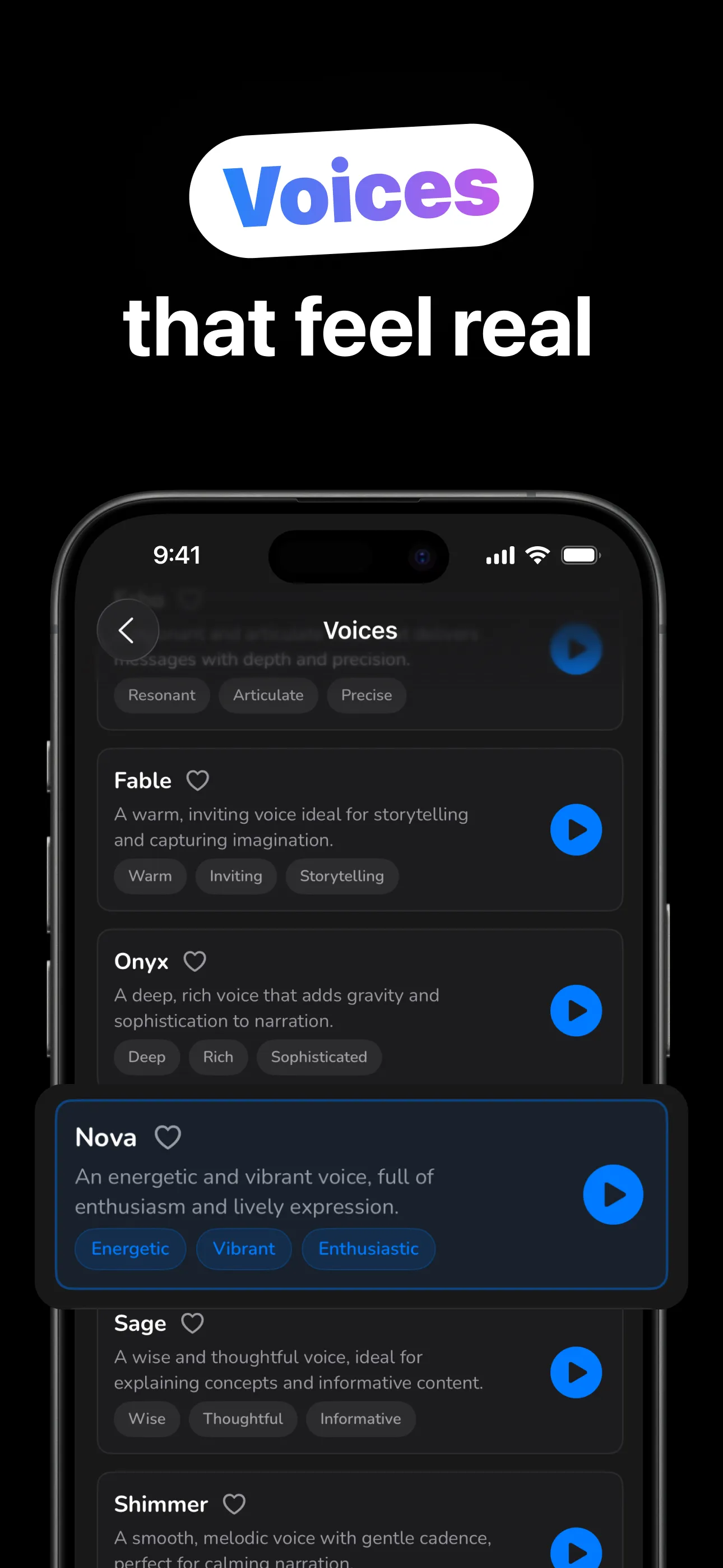
Every voice has a personality, a description, and a built-in preview.
Lifelike intonation, not robot monotone. All output is AI-generated and honest about it.
Tap-to-play samples for all 13 voices, each with personality tags to guide the choice.
Very Slow to Very Fast at generation time, plus 0.5–2× playback speed with a scrubber.
MP3, AAC, FLAC or WAV — share anywhere or save straight to Files for your editor.
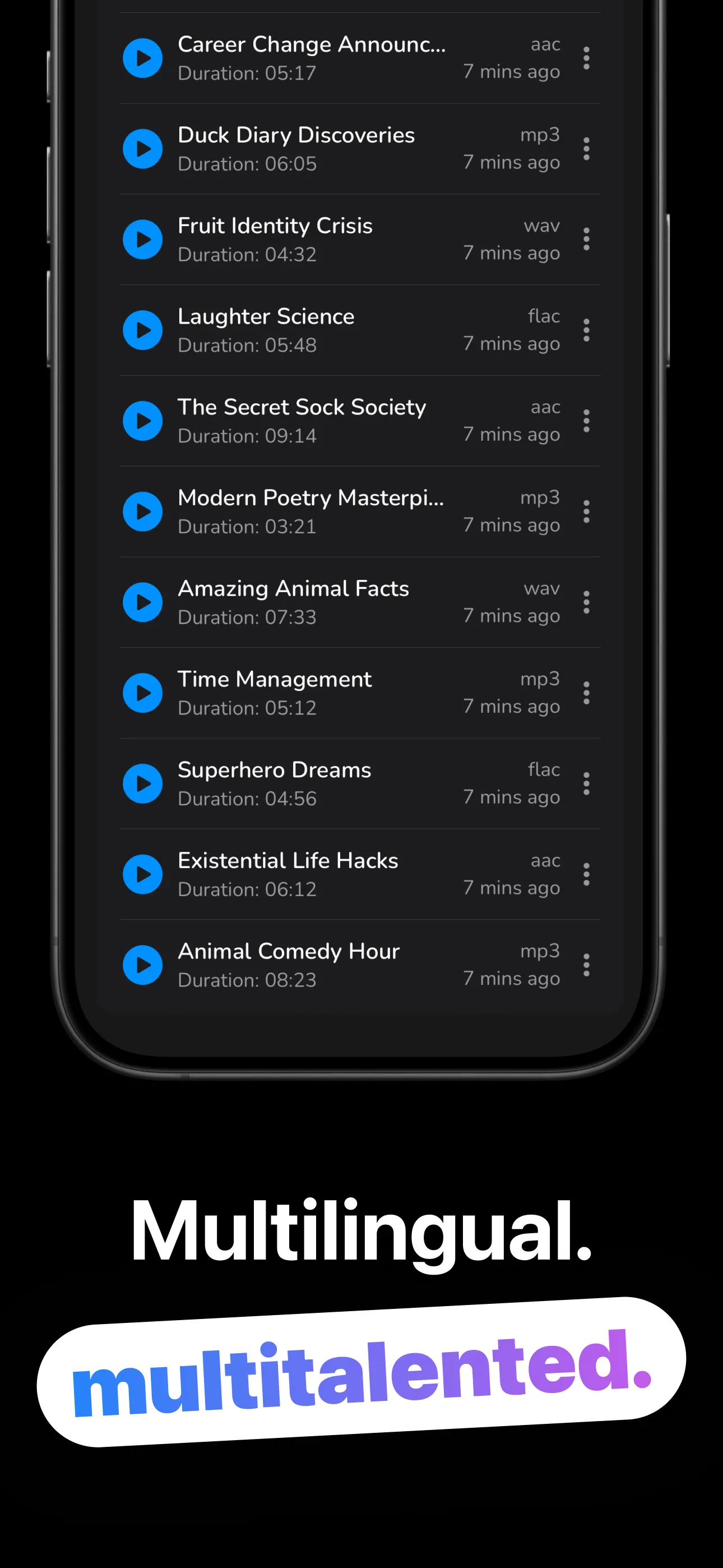
Every generation saved on-device with its voice, rate and format — search, favorite, rename, replay offline.
Download and start converting. Your audio library lives on your device, not in someone's cloud.
Recipes for voiceovers, listening instead of reading, and picking the right voice.
From typed text to a natural-sounding audio file in under a minute.
Read the guide → CreatorsScript to MP3 to CapCut — the workflow, plus the disclosure rules that keep you safe.
Read the guide → VoicesFable for stories, Onyx for gravitas, Nova for energy — matched to what you're making.
Read the guide → FormatsWhich export format to choose for editing, sharing, or archiving speech.
Read the guide → ProductivityCommutes, workouts, chores — reclaim reading time by converting text to speech.
Read the guide → WritersYour ears catch what your eyes skip — the editing technique pros swear by.
Read the guide →Quick answers about turning text into speech with Voiceify.
Type up to 4,000 characters, preview and pick one of 13 voices, set a speaking rate, and tap Convert to Speech. The audio plays in-app and saves to history. Learn more →
Yes — export MP3 or WAV and drop it into CapCut, iMovie or Premiere. Follow each platform's synthetic-audio disclosure rules. Learn more →
Preview them — each has personality tags. Fable suits stories, Onyx narration, Nova energy, Sage explainers; Marin and Cedar are the recommended all-rounders. Learn more →
MP3, AAC (as .m4a), FLAC and WAV — via the share sheet or Save to Files. Learn more →
No account. Generation needs a connection (the AI runs in the cloud); saved history plays back offline from your device.
Free to download and try. Voiceify Pro — weekly, monthly or lifetime — unlocks unlimited speech generation.
Download Voiceify and hear your first text spoken in seconds — free.
Download on the App Store