TrackIt turns your iPhone into a Bluetooth device finder. A signal-strength radar, live distance in feet, and a real-time map guide you straight to lost AirPods, earbuds, headphones, Apple Watch, Apple Pencil — any BLE device nearby.
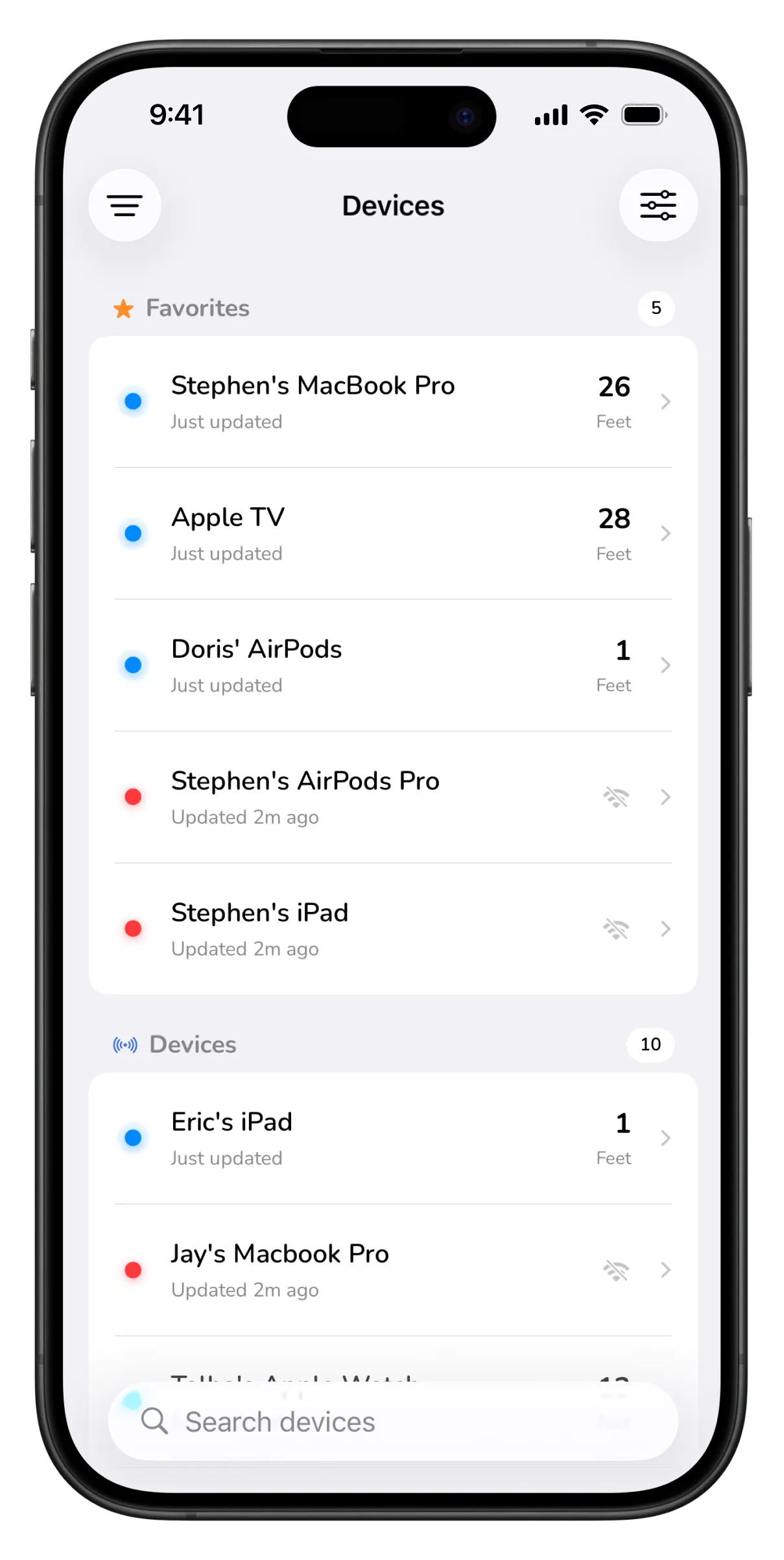
Scan, select, and follow the signal — TrackIt shows exactly how close you are.

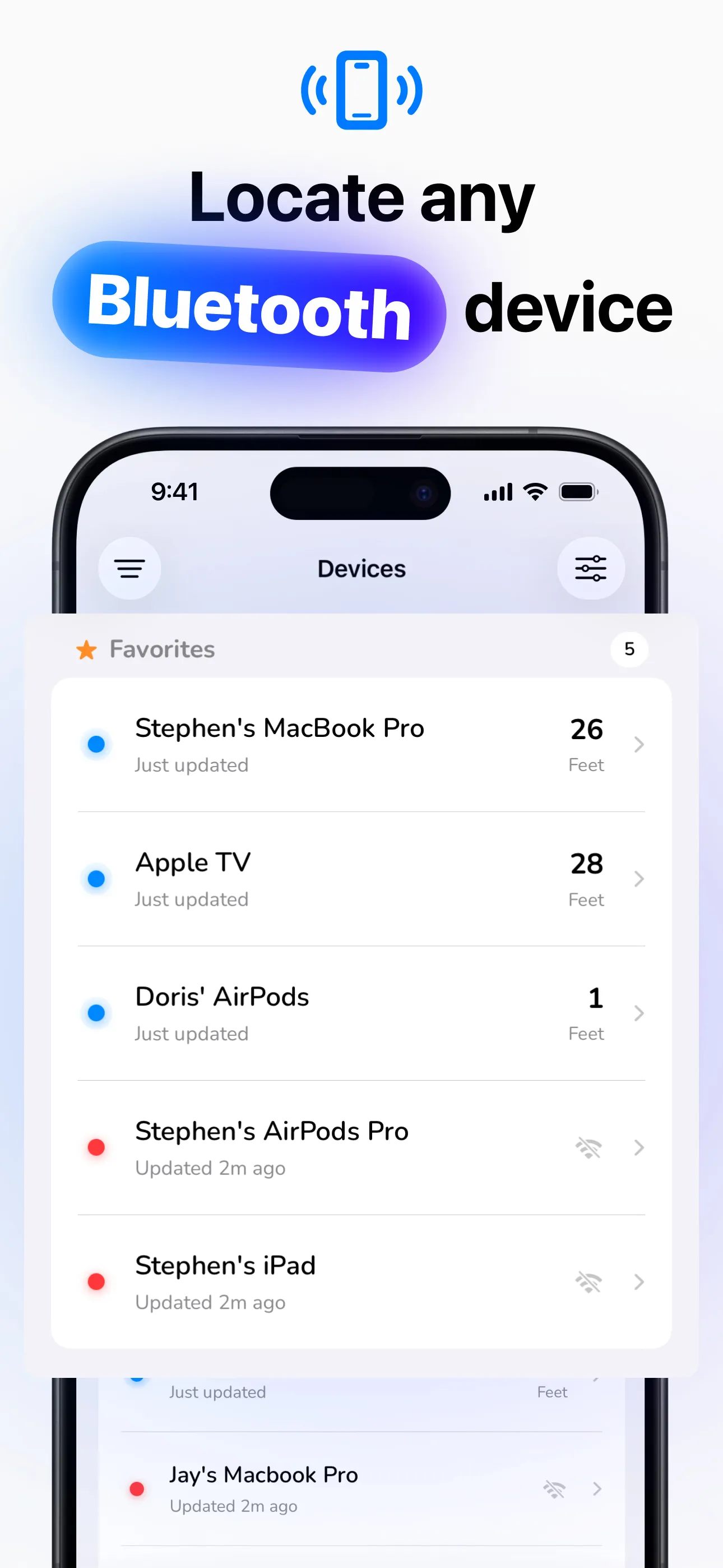
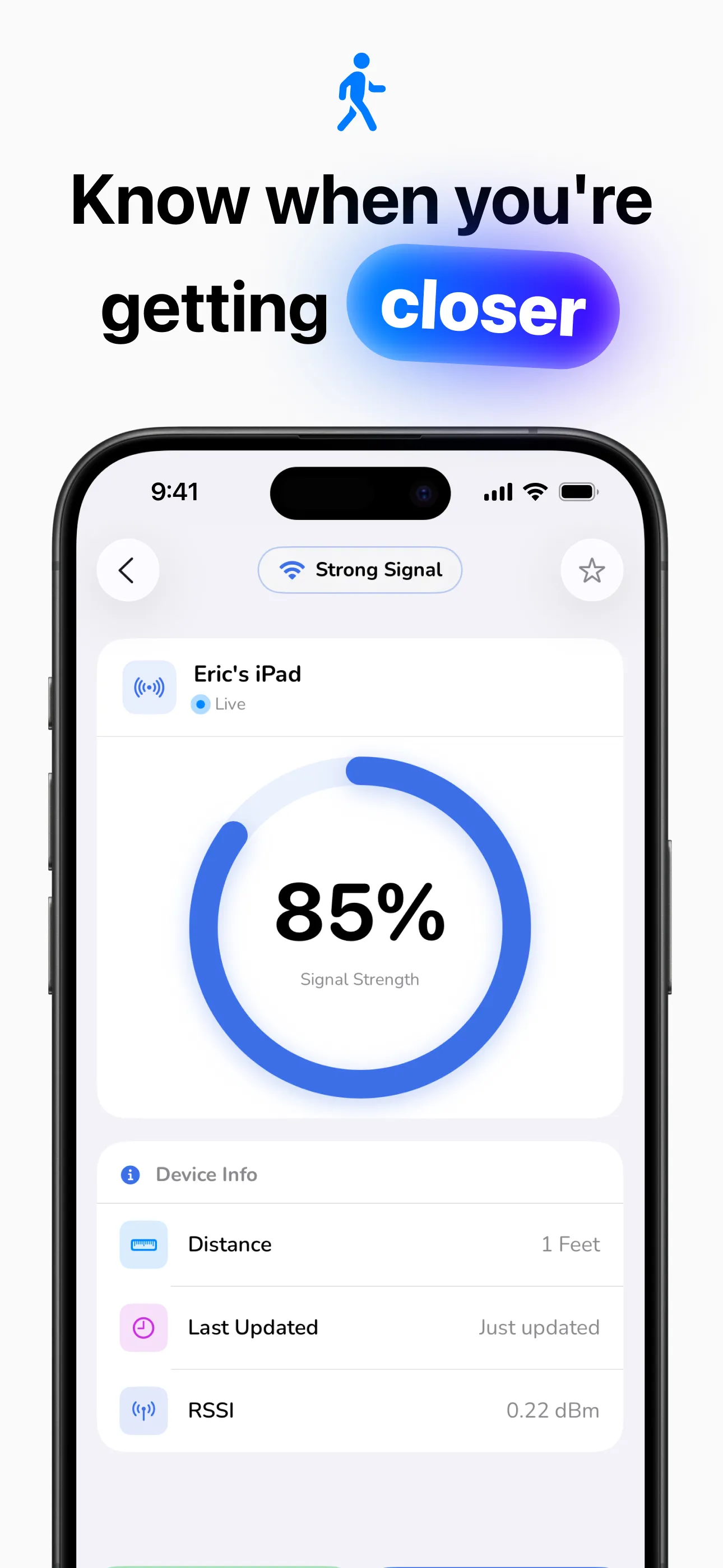
Four simple steps from “it’s gone” to “found it.”
Grant Bluetooth permission and TrackIt immediately scans for every BLE device around you.
Pick your lost device from the list — AirPods, headphones, watch, tablet, or anything broadcasting.
Walk around and watch the signal strength climb. The radar and distance update in real time.
When the signal peaks, you're within arm's reach. Check the map for the last known location anytime.
Built for the moment your AirPods slip between the couch cushions.
A visual radar turns Bluetooth signal (RSSI) into a simple percentage that rises as you close in.
See an estimated distance to every device, updated live as you move room to room.
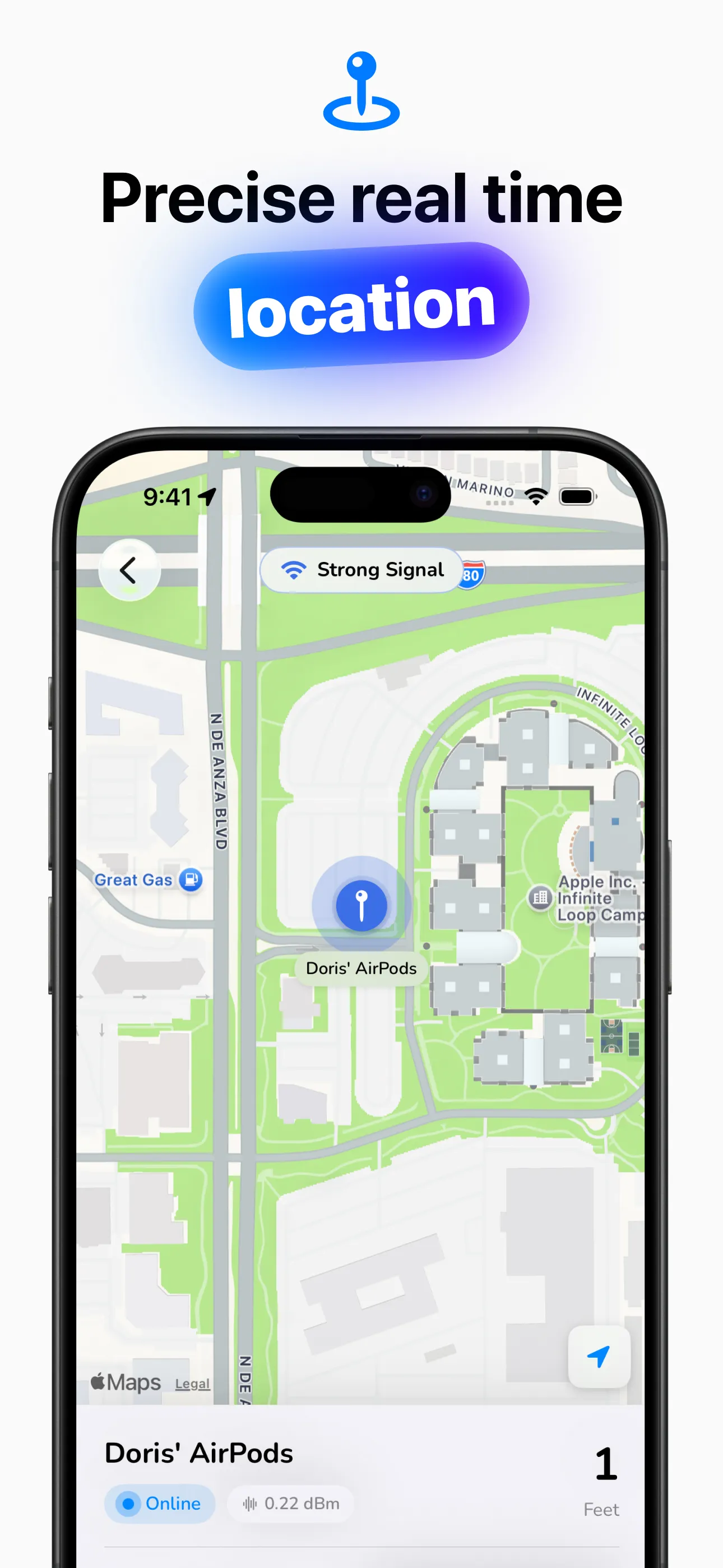
Every device gets a last-known-location pin with a timestamp, so you can retrace your steps.
Get turn-by-turn walking directions back to where your device was last detected.
Save the devices you care about so they're one tap away the next time something goes missing.
All scan data is stored securely on your device. No account, no cloud, no tracking of you.
Step-by-step help for the devices people lose most — including what to do when Find My can't help.
Find My, last known location, and how a Bluetooth scan finds AirPods that were never registered.
Read the guide → AirPods CaseWhy most cases are silent, and how to track one down by Bluetooth signal instead.
Read the guide → Apple PencilOnly the Pencil Pro supports Find My. Here's the practical way to find every other model.
Read the guide → HeadphonesBeats, Sony, Bose, JBL, Jabra — track down any brand with a signal-strength scan.
Read the guide → Apple WatchPing it from your iPhone, check Find My, or scan for its Bluetooth signal directly.
Read the guide → Any DeviceHow RSSI works, why walls matter, and the search pattern that finds devices fastest.
Read the guide →Quick answers about finding lost Bluetooth devices with TrackIt.
Check Find My for the last known location first. If the AirPods are out of the case and still have charge, TrackIt can detect their Bluetooth signal and guide you to them with the radar — even if they were never set up in Find My. Fully dead AirPods can't broadcast, so start your search from where they were last detected. Learn more →
Only AirPods Pro 2 and newer cases can play a sound. For every other case, Find My only shows where the AirPods were last connected. TrackIt can pick up the case's Bluetooth signal when the lid is open and it has charge, and lead you closer by signal strength. Learn more →
Find My only supports the Apple Pencil Pro. For all other Pencils, a Bluetooth scan is the practical answer: open TrackIt on the iPad your Pencil pairs with, select it, and walk around while the signal climbs. Learn more →
TrackIt scans for any powered-on Bluetooth headphones or earbuds — Beats, Sony, Bose, JBL, Jabra and more — and shows a live distance plus a signal-strength radar. No pairing or prior setup needed. Learn more →
Every powered-on Bluetooth device broadcasts a signal whose strength (RSSI) rises as you get closer. TrackIt converts it into a percentage, an estimated distance, and a radar view so you can move until the signal peaks. Learn more →
Yes — TrackIt supports most Bluetooth Low Energy (Bluetooth 4.0+) devices: third-party headphones, speakers, smartwatches and fitness trackers, plus Apple devices like AirPods, Apple Watch, iPad and MacBook. Learn more →
The essential finding features are free. TrackIt Gold — an optional subscription — adds support for all Bluetooth devices, device location on a map, pinpoint tracking, and removes ads.
Download TrackIt free and locate your lost Bluetooth devices in minutes.
Download on the App Store