Habit Tracking on Apple Watch
The best moment to log a habit is the moment it happens — hands still chalky from the gym, kettle still warm from the tea you swapped for the doomscroll. Your phone is in another room. Your watch isn't.
Why the wrist wins
Logging isn't the habit — but unlogged habits quietly kill trackers. The gap between doing and recording is where forgetting lives: you'll “log it when you're back at your phone,” then the phone visit becomes email, and at midnight you're staring at a gray square for a day you actually earned. A watch app closes that gap to zero. The habit happens; you raise your wrist; you tap; done.
How the Watch app works
- Your list, on your wrist: the Watch app shows your habits with each one's emoji and a progress ring.
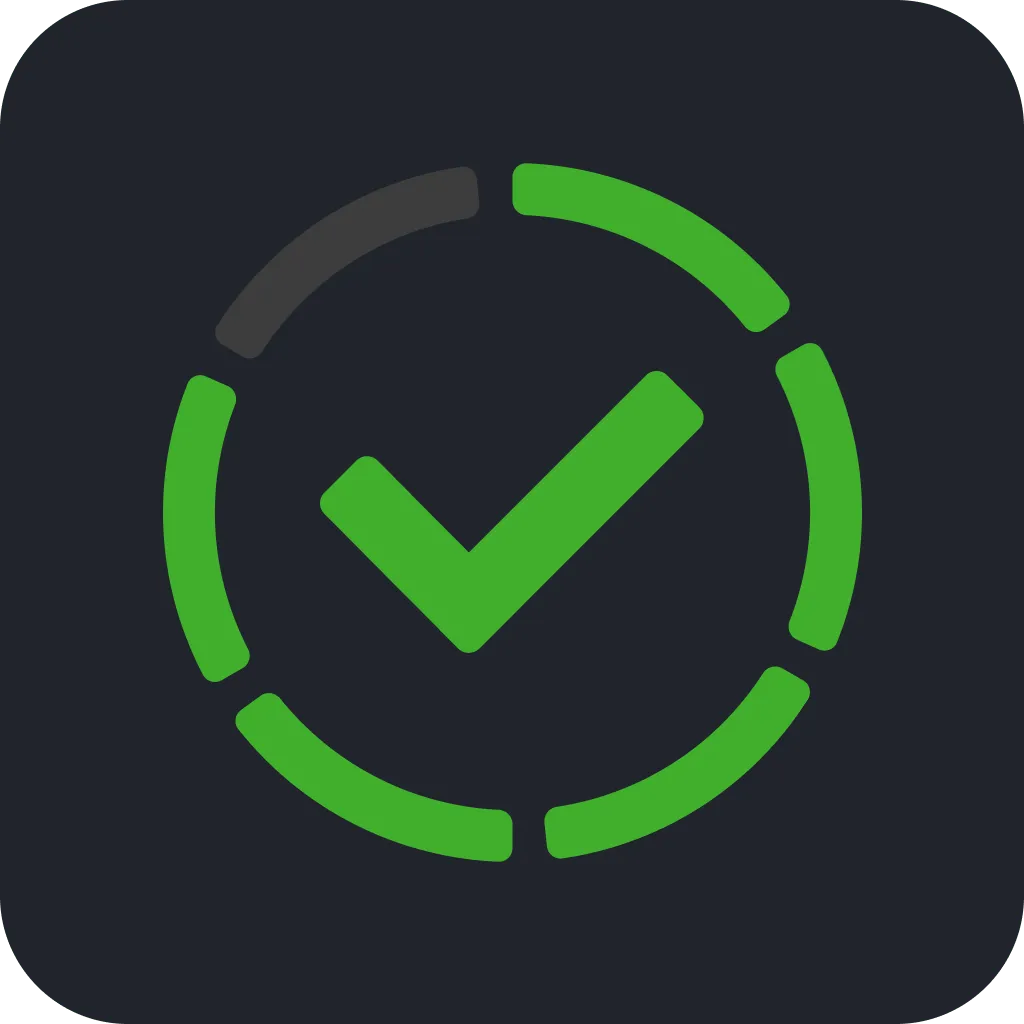
- Tap the ring to log: one tap records a completion. For multi-time habits the ring is segmented — 3-of-8 glasses of water reads at a glance, and each tap fills another segment.
- iCloud keeps the peace: completions logged on the watch appear in the iPhone app's heat-map and streaks, and vice versa — one habit record, every device.
Habits that belong on the watch
- Away-from-phone habits: workouts, runs, dog walks, morning stretches — anything you deliberately do without your phone nearby.
- High-frequency counters: hydration, posture breaks — habits logged many times a day punish app-opening the most and gain the most from a wrist tap.
- Bedtime habits: reading, flossing, journaling — logged from the nightstand without waking the phone (and the notifications waiting on it).
The pairing move: use the watch for the moment of logging and the home-screen widget for the visual reminder. The wrist captures; the grid motivates. Together they remove both reasons trackers die — forgetting to log and forgetting to look.
Log it where it happens
iPhone + Apple Watch, synced through iCloud. Free to download.
FAQ
Does Habit Tracker: Daily Goals have an Apple Watch app?
Yes — your habit list with tappable, segmented progress rings, right on the watch.
How do habits stay in sync between watch and iPhone?
Through your private iCloud account — both devices read and write the same record.
Can I log a multi-time habit from the watch?
Yes — each tap fills one segment of the ring until the day is complete.