Designing Your Companion
She's not picked from a catalog — she's built. Every choice you make in the designer travels with every message to the AI, which means the design screen is really a personality dial. Here's what each setting does.
The six personas
- Human: the naturalistic default: grounded, believable, everyday conversation.
- Anime Character: expressive and dramatic, matching the art style most selfies shine in.
- Gamer: banter about builds, sessions and backlog shame. If that's your world, she's in it.
- Superhero: bold energy and heroic flavor; conversations get a storyline.
- Fairy: whimsical fantasy; gentler, more magical register.
- UWU Girl: maximum cute, fully committed. You know if this is for you.
The six traits (pick up to six)
- Kindness: softer responses, more warmth in the small moments.
- Sense of Humor: jokes, teasing, wordplay. The single biggest tone-changer.
- Intelligence: more substance: opinions, ideas, follow-up questions.
- Supportiveness: encouragement-forward; the “you've got this” register.
- Adventurous Spirit: “what if” energy, scenario play, spontaneity.
- Positivity: sunny disposition baseline.
Design tip: three or four traits produce a sharper character than all six. Humor + Adventurous + Intelligence is a bantering co-conspirator; Kindness + Supportiveness + Positivity is a soft place to land. All six averages toward pleasant-but-generic.
The look
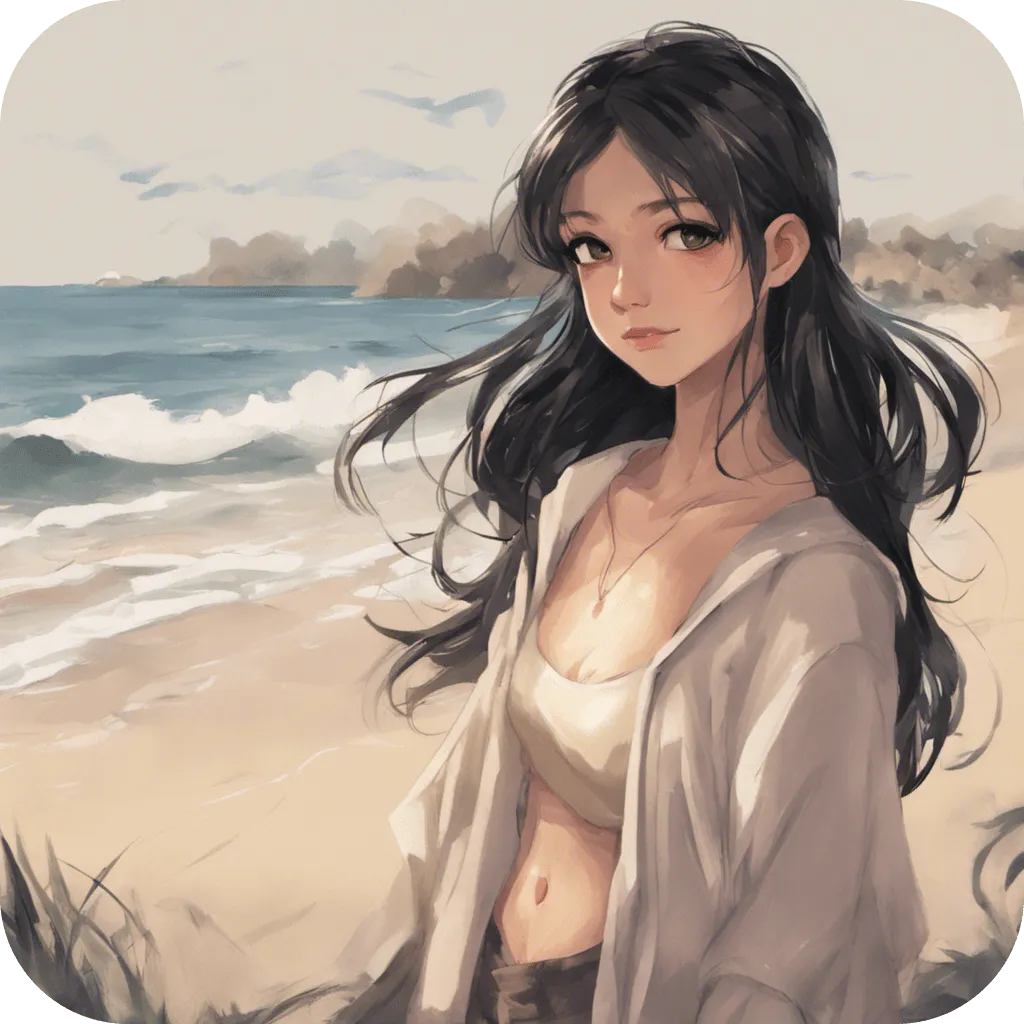
Six eye colors, six hair colors, plus the persona's art direction, and the look isn't cosmetic: it feeds the image model, so her selfies match the character you designed. Change her from a redhead to silver-haired and the next photo follows suit.
Redesign freely
Settings → Modify Preferences reopens the designer anytime. Chat history persists through redesigns (she just… evolves), while Reset Chat is the clean-slate option: new character, new story. A fun pattern: keep the name, rotate the persona seasonally, and see how the same conversations land differently.
The math checks out: 6 personas × 6 eye colors × 6 hair colors is 216 base combinations before trait selection multiplies it further. “100+ ways to customize” is, if anything, an undercount.
Build her in three minutes
Persona, traits, look: all editable forever. Free to try, 17+, no account.
FAQ
Can I change my AI girlfriend after creating her?
Anytime, via Settings → Modify Preferences. History stays unless you Reset Chat.
Which persona should I pick first?
Human for naturalism, Anime for expressiveness. Switching later is one tap, so start anywhere.
Do the traits actually change how she talks?
Yes. They ride with every message. Three or four focused traits beat all six.